Server Version#:PlexMediaServer-1.40.5.8897-e5987a19d-x86_64_DSM7
Player Version#: 4.133.0
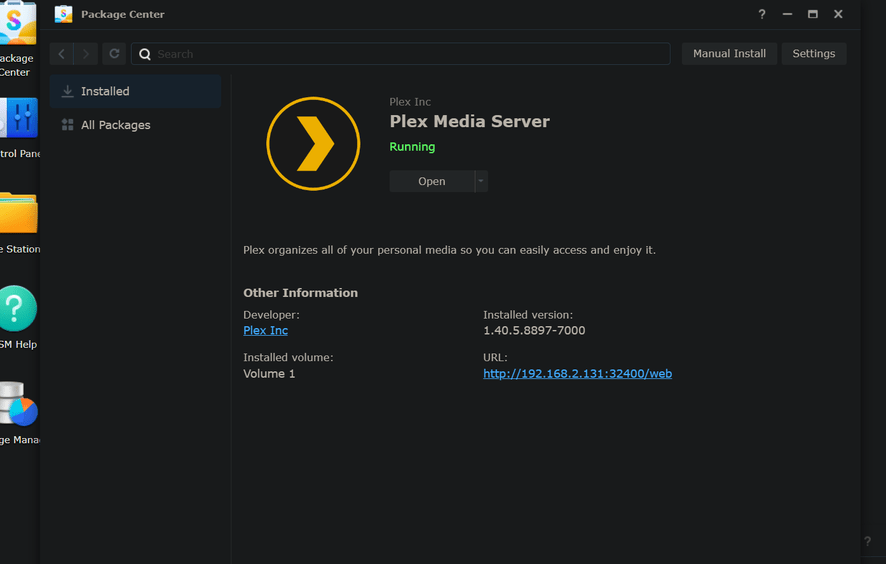
Hi all. I’m not sure what happened here. I have been using Plex on my Synology Diskstation DS1517+ for years. I’m running DSM 7.1.1. Tonight my server and media no longer appeared in Plex for me.
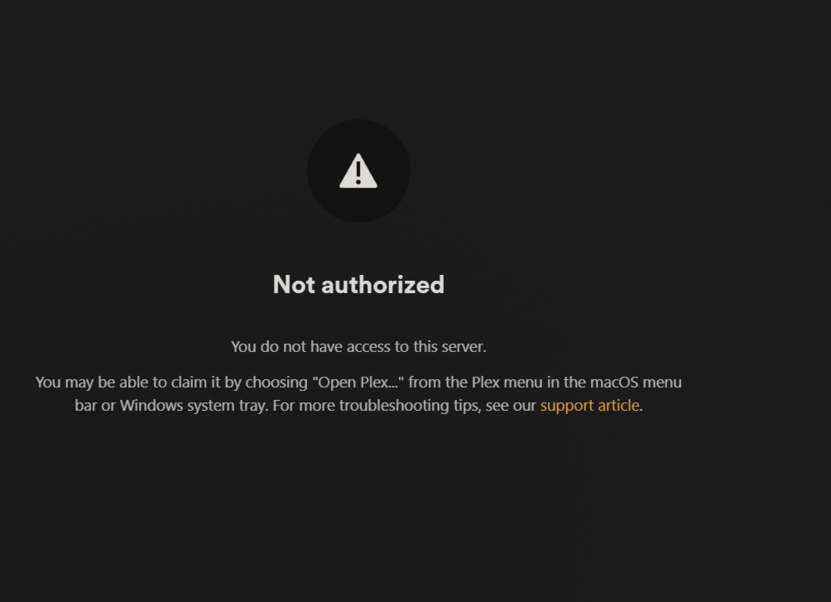
It’s running on the NAS, and when I log out/log in, I get the below strange message that I don’t know why I’m getting. As far as I know, the IP address of my server has not changed, but it appears that Plex thinks it has based on the message, and perhaps that is why none of my media shows up?
I’ve tried uninstalling/reinstalling, and also changing the service order of LAN cables (I have four in the NAS) to see if perhaps things got shuffled, but that hasn’t helped either.
Has anyone seen this before? Any suggestions? I’m really at a loss here!
Thank you so much for your time and help.
This message

occurs when your browser / player app doesn’t know the server ID & credentials.
It does this to ensure you know whose server it is. (
Since you know the IP address is yours, it’s 100% safe to accept the cookie.
It won’t happen again after you login.
Ah. Thank you for that reassurance! So I’m now logged in, and my media server is still nowhere to be found. I’ve enabled logging, and I see the Plex Web attempting and failing to connect to a friend’s server, which is fine (called truenas), but there doesn’t even appear to be an attempt at connecting to my own server, which doesn’t make sense to me.
My server is called “media”, and there is no mention of it in the logs attached below.
It’s almost like my server got disconnected from my account or something, but I’m not sure how that would happen.
Does anyone have a suggestion about what to look at next? I’m a bit stumped other than checking the logs!
Thanks so much.
logs.txt (52.5 KB)
Well hold the bus here. I think I’m on to something. It seems I got logged out of my account on the server. Basic stuff here. Lemme chase this for a bit, but I think I’m figuring this out.
Update. I see my media server in Plex Web now, but trying to “Claim the server” does nothing in the UI.
Full logs attached below.
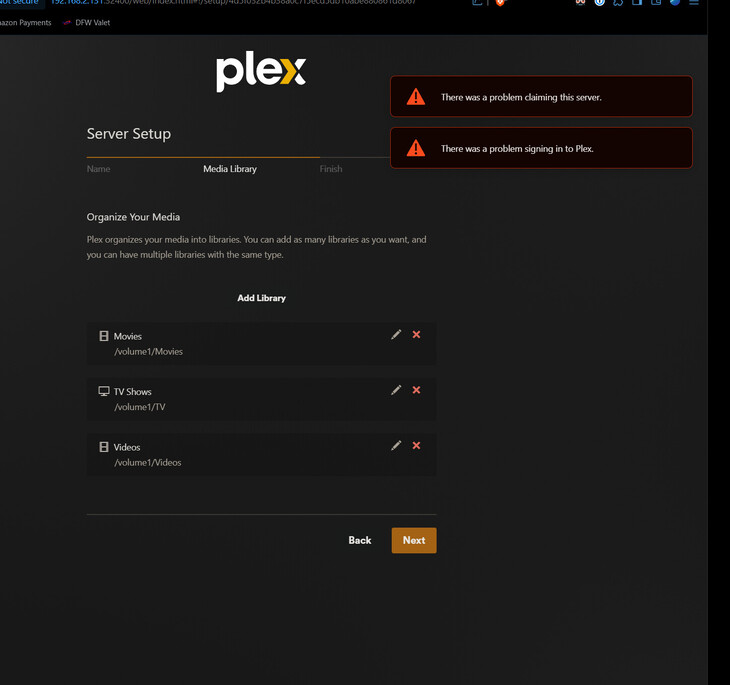
Also on initial login to the server, I got what appears to be a similar error from those steps (please see screen shot below).
Perhaps the “problem signing in” is to blame here? Even though I show as signed in (maybe that’s to Plex Web and not the server?), I’m told to “sign in” to make the content available online, which links me to the “claim server”, which doesn’t work. lol.
Making progress for sure, but I’m not unsure as to why I cannot reclaim my server.
Reaching out for help/ideas again 
logs.txt (68.3 KB)
Sorry for all the posts, just trying to keep the most recent information updated here 
So I found the Plex Media Server logs (as opposed to the Plex Web ones), but there are none dated earlier than 4 days ago, which was surprising, and the Plex Media Server.log file itself was dated from 2014. I could find no current log file for the server on my NAS anywhere. I was hoping to find an error to go on!
The below seemed exactly my issue, but the lack of log files is keeping me from investigating further atm.
https://support.plex.tv/articles/203841316-plex-media-server-can-t-sign-in-to-plex-account-or-be-claimed/
More info. Deleting all logs, restarting the server, the logs are dated as “1/4/2014”. That’s not good. That’s what I’m looking at now.
[Update]
Fixed the time problem which fixed many things in Plex too Now I can click the Claim Server button, but get the below error instead of nothing happening:
Checking that support article, and the new server logs…
Plex Media Server.log (256.8 KB)
This looks suspect, but thought it would be fixed with the correct time:
Aug 23, 2024 13:58:01.515 [140152766069560] WARN - [HttpClient/HCl#55] HTTP error requesting GET https://108-253-194-126.59d835ff0598469594270919df032298.plex.direct:16191/identity (35, SSL connect error) (OpenSSL SSL_connect: SSL_ERROR_SYSCALL in connection to 108-253-194-126.59d835ff0598469594270919df032298.plex.direct:16191 )
Ok, found the solution. The root cause was the time being reset due to multiple (5 or more) power outages from recently. This caused SSL handshake issues when trying to reclaim my server.
The fix:
- Put the NAS back on automatic time with an NTP server (pool.ntp.org for me)
- Restart the NAS
- Open Plex Server from the NAS
- Log in
- Everything is there and working.
Whew…