Server Version#:1.20.1.3252-a78fef9a9
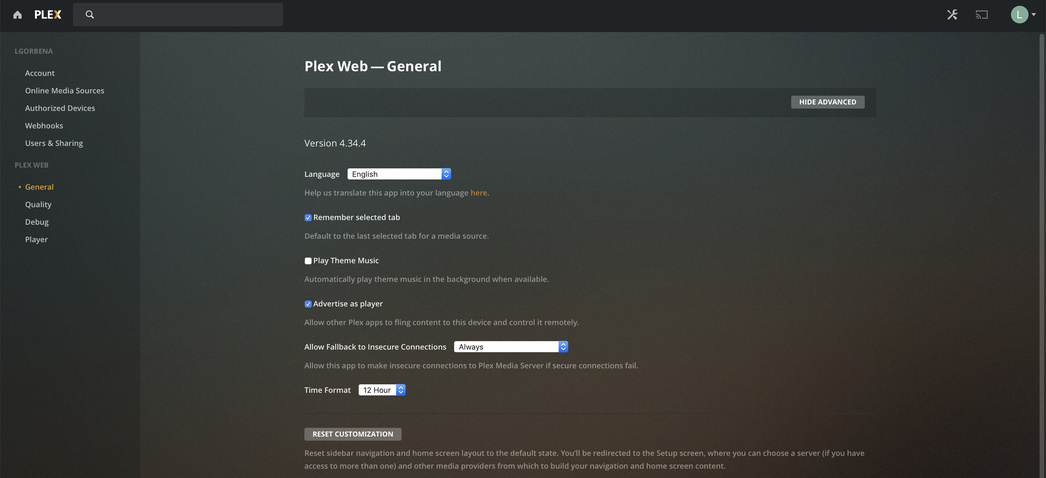
Player Version#:4.34.4
I have been using an ASUSTOR AS5304T to run my PMS for the last 5 or so months with minimal issues. I had a very unusual login to my account from Georgia (I live in Texas), so I changed my password and deleted some devices that I didn’t recognize from authorized devices. I am afraid that I deleted my NAS from authorized devices. Now whenever logging into PMS I get the dreaded NO SOUP FOR YOU error. Obviously, nothing and no one can access the server and I cannot reclaim it because the device that runs it isn’t authorized to run it (I think I have that right). What is worse, I don’t even have the ability to create a new server, which I find incredibly odd.
Not quite sure what my next steps should be… How do I get my NAS back onto authorized devices and reclaim my server? Logging in and out of PMS on the NAS doesn’t give me the option to reclaim the server like most solutions suggest it should. I have spent the last two days trying to look trough the forums trying to find assistance, but nothing I have found has helped so far. Any assistance would be appreciated. Plex Media Server-3.log (571.1 KB)
I don’t know where it would be on that NAS, but typically you can edit (or delete) the Preferences.xml, restart the Plex Server, and then can re-claim the server with your new credentials.
There’s a good chance it’s located here on your NAS based on other entries in your log:
/volume1/Plex/Library/Plex Media Server
Is that helpful? I can dig further for how to do that on your NAS type if needed.
Thank you for the suggestion! I did completely uninstall PMS and make sure that all PMS folders where gone, which included the preferences.xml file. Even when reinstalled the issue persisted and that would do what you are suggesting, right?
I even completely uninstalled PMS on the NAS and then tried to install it in a container with Portainer and STILL had the issue.
I think at this point, I am going to have to factory reset the NAS. I had no problem setting up a server on my Mac or PC, so it seems it isn’t account or network related, but purely due to something with my NAS. Unless I get another idea.
I don’t get the “No Soup For You Error,” obviously because the other server is gone. But I am still not presented with the option to setup a server. Which I find incredibly strange!
Alright, guys, sorry this took so long. It took me a while to figure out how to do this on ASUSTOR since there isn’t an app for text editing in their store like Synology. (at least that I could find). So after deleting all of the files and reinstalling, using SSH I was able to see that the xml file was empty. So those lines didn’t exist.
Thinking about it, This wouldn’t be the same issue for why I couldn’t set up a new server either right? Especially when I created a new PMS in Portainer on docker, right?
So I tried what you asked, I have completely reset the NAS… I STILL have the same problem. Even starting the NAS from scratch, I log into PMS and get No Soup For You and there is STILL no option for setting up a different server!
What does Plex use to track devices? Mac address? Hostname? UID? I think it’s strange that it is just this one device. Even after a complete reset of the NAS. @ChuckPa
@ChuckPa Forget docker and containers… I am not using them anymore, this is happening on the app outside of docker. I wiped the NAS docker isn’t even installed right now.
I tried created a free account, this account had the same problem, being unable to create a server. At this point I do not care about getting my server back, I have problem setting up a new one, but I can’t even do that.