Setting up a DVR on a Plex server (nothing else on it…my main server runs elsewhere). Bought a HDHomeRun and an antenna. No problems setting it up.
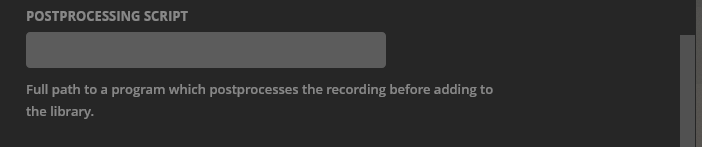
First issue I encountered is that the recorded files are way too big and require transcoding to watch. Result is constant buffering. Did some research and settled on using MCEBuddy running on that computer. Had to do some experimenting on that. (Figured out that commercial removal was not a good idea).
Finally got it all running and recorded a half hour test program. came in at 3.5 gig (yikes). Left it for MCEBuddy to do its thing (don’t really care…since I am not going to be watching recorded stuff for at least a couple days anyway). Checked later and the file was 1/10th that size, the original was gone, and the program showed up as new on the various media player apps. Ran perfectly with no buffering. Quality was acceptable.
Went to delete it from within the Plex app and got an error deleting the item. Had to manually do it and reset the library. I am guessing that this has something to do with the fact that Plex insists on the tuner storing the file in a monitored library directory? This then populates in the app as an available (albeit unwatchable) file. Later, after MCEBuddy has created a new file and removed the old one, is when the app gets confused as to what it is/was pointing at?
Ideally, it would be nice if the ‘raw’ files (before processing) could be stored somewhere so that the Plex would not be tempted to add them and MCEBuddy could then store the new file somewhere where Plex would add the file, while quietly deleting the raw file.
That does not seem doable at the moment, so what is the best way to set this up? Should the tuner and MCEbuddy be storing in the same directory? (That is what I did)