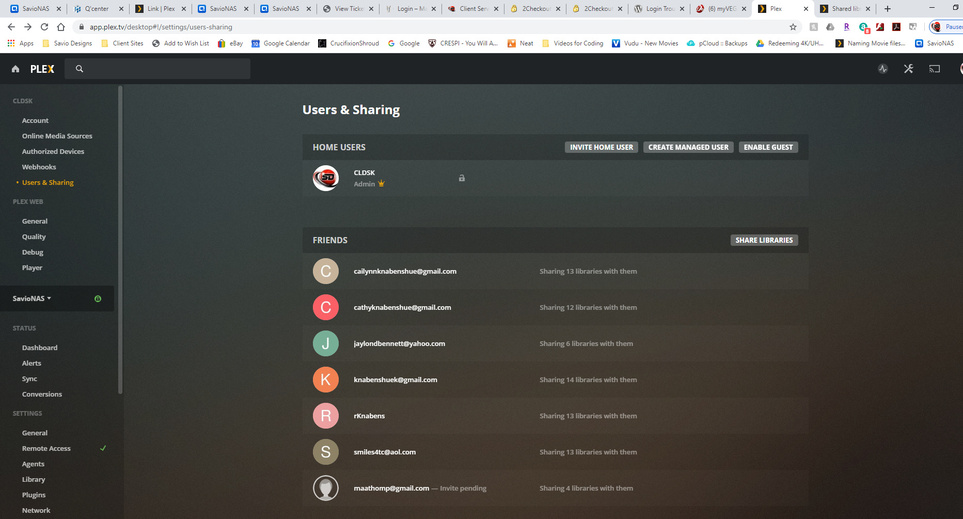
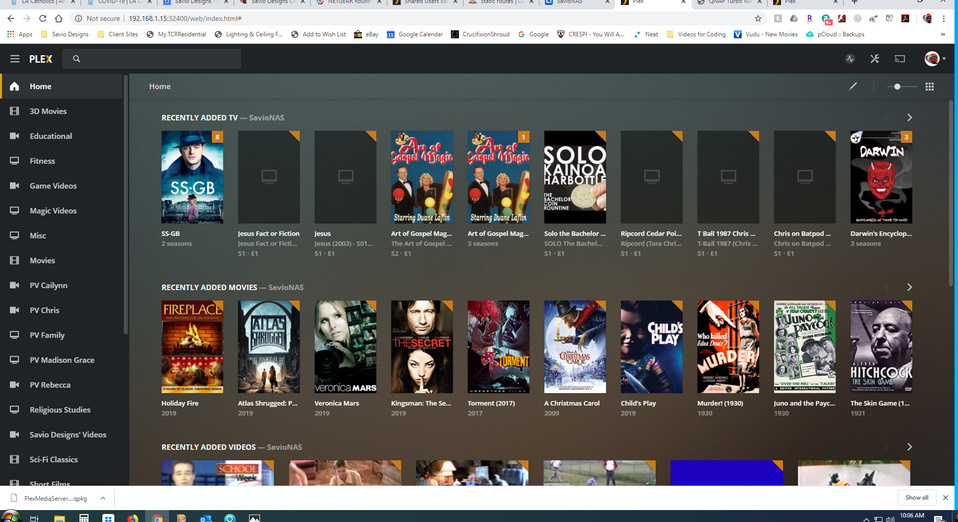
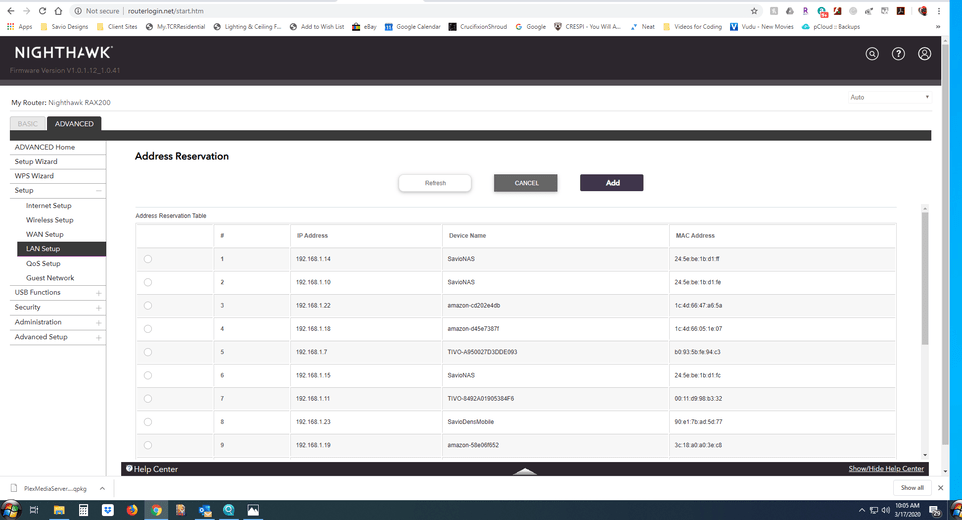
hello, I moved and have a new router/modem, so I had to reconfigure them for Plex. I thought I had everything correct - I am getting the Green Check arrow from the Remote Access. However, when my family tries to access their account, they have no access to the shared libraries. Oddly enough, if they access my account, even though they are in another state, everything comes up. Any idea why this is the case?
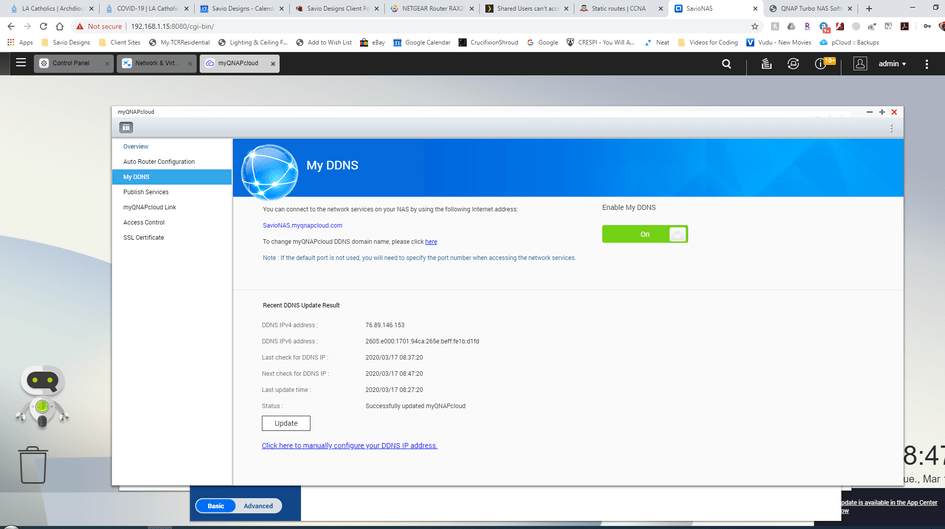
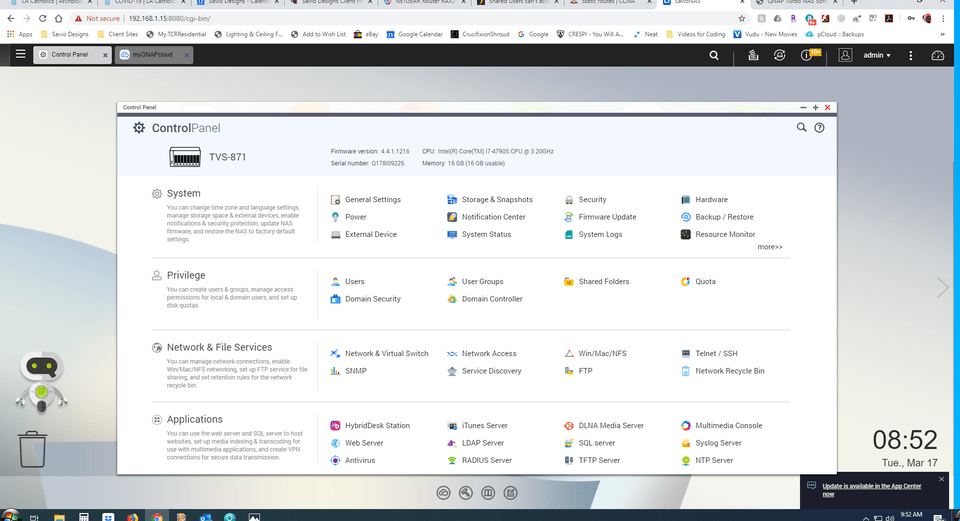
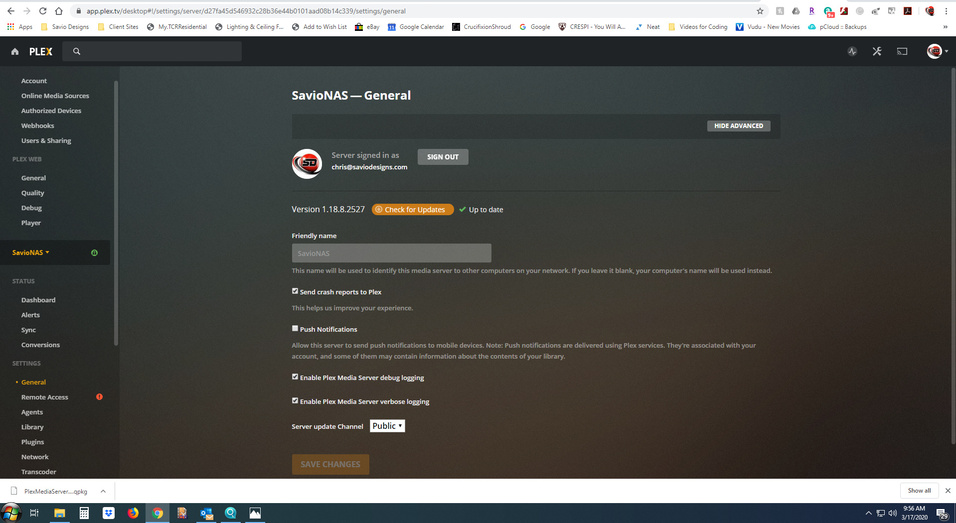
I am including screenshots of my set up to hopefully be of help.
Thank you for any help!
Just like port forwarding, your server’s IP should be listed there, if not then the IP can change and your port forwarding will fail. You’d have to change the port forward to the new IP each time it changes. By setting a static address, the IP for your server won’t change and the port forward won’t fail.
@MovieFan.Plex: No, that’s not what you think it is. That deals with routing to remote networks.
If this was an IP issue @CLDSK should look at the local LAN/DHCP setup section of the router to set up a DHCP reservation for the Plex server, or just set a static IP (one that’s outside the DHCP pool) on the network adapter of the computer Plex is running on (if it’s running on the host OS, he didn’t say what platform this was).
Remote access sounds like it’s working fine as they can access his server remotely using his Plex account, it’s only when they try to access it via the shared libraries on their own Plex accounts there are issues.
Thank you so much for the replies and help - networking is not my specialty and it is odd that the library seems to work find if they are logged into my account, but doesn’t work when they are logged into theirs.
I did take a few more screenshots. I do not have a static route set up, but it doesn’t sound like I am suppose to?
UPDATE: I just updated the Plex Media Server version, and now my Remote Access is showing the Red Unable to connect - the only thing I changed was updating the Plex Media Server Software.
Something’s not right. Your PMS page shows the IP for your server to be 192.168.1.10 but your NAS config page shows you accessing it at 192.168.1.15. I think it’s becasue you are accessing your PMS settings using the hosted Web App, so it is using an older IP address that was detected. Try using the local Plex Web on your server.
I don’t have a static IP, nor did I set one in my router.
The public IP rolls around as much as it wants to.
The local IP never changes.
I forwarded the port - a non-standard port - and it’s been working for 7 years.
Why is that?
Rhetorical - 'cause it probably wouldn’t help me knowing why.
All I really need to know is that it’s working fine.
Do you have a commercial grade router? These are better at reusing the same IP than some home grade ones. It’s not required that a static IP be used, but it helps prevent the router from assigning a different IP address. If your router doesn’t have this issue, then it’s not needed.
An ASUS RT-AC68 - bog standard AFAIK - a solid router - a bit old now.
I poured through the settings just now and found I did set an IP for the local machine and that hasn’t changed in a lifetime, but no static public IP has ever been set.
I’m always wondering about that though.
No further discussion is necessary - unless it helps @CLDSK.
You can’t set a static public IP, that’s controlled by your ISP, not you. Sorry of I wasn’t clear. Setting a static IP/reserve IP is for devices on your local network.
If you are using the DVR feature, this is also useful for the tuner so PMS can find it at the correct IP each time.
No prob - my apologies, as I am a bit confused from the side conversation - was there any advice to this situation on what I should do? I appreciate the help!
That remains to be seen.
I guess you would look to see if your server machine has an IP attached to it that won’t change. Apparently mine does - and it works.