Server Version#: 1.32.5.7349
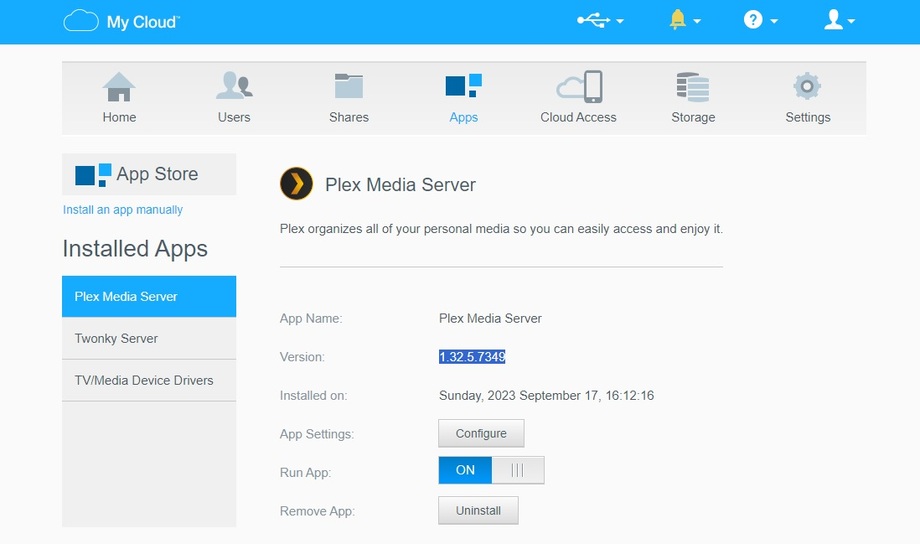
When I click on configure, I get:
Hmmm… can’t reach this page
192.168.0.30 refused to connect.
Try:
- Search the web for [192 168 0 30]
- Checking the connection
- Checking the proxy and the firewall
ERR_CONNECTION_REFUSED
I’m at a loss. I’ve been using Plex Media Swerver on my PR4100 foro over 3 years now and updated the firmware many times without issues. I have tried multiplpe Windows PC’s on my internal network. All of them can access the PR4100 admin page and I can access the directories where all the media content is stored.
I have also tried accessing Plex using Nvida Shield as player, Android phone as player and a PC using Plex for Windows 1.78.2.3975-c5bd0cbb. Oh and a Samsung TV. All of them show the PR4100 offline since the update.
