If I disable the Plex remote access and re-enable it, that row disappears and re-appears.
My router has everything on default. When I check the Security > Firewall tab I see it’s set to “low” (which is the lowest option - “off” is not available) and it says:
Low: Allow legal WAN side access and Ping from WAN side.
I have some other security tabs in my Router page, including: IP Filter, MAC Filter, URL Filter, Service Control
But none of these are enabled or have anything set.
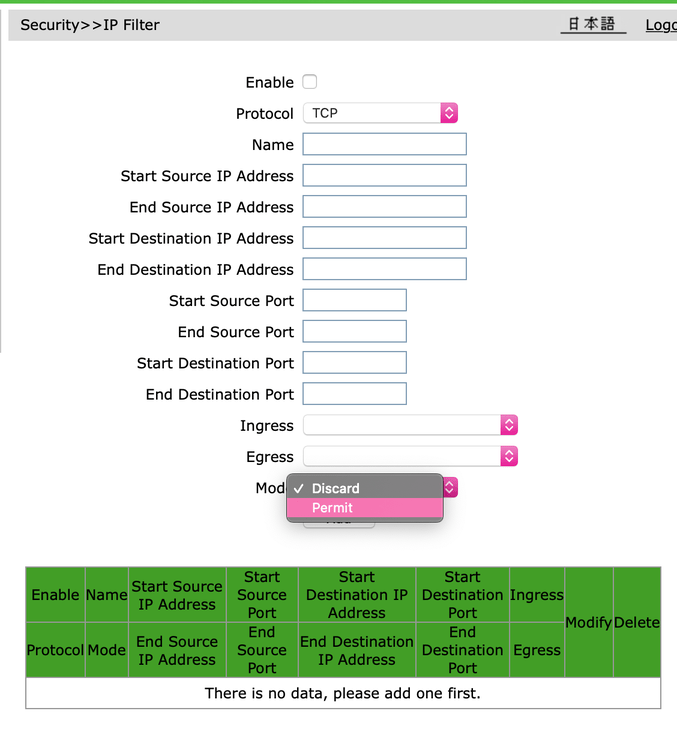
Should I try to add “mode: permit” kind of records to the IP Filter like so?
There’s a disconnect somewhere. Your remote access configuration shows you having configured a manual port; however, your router shows a UPnP port map having been automatically created. Did you save changes on the remote access settings page? It may also help to click Retry. Also, if you specify a manual port in Plex, you’ll need to manually create a port forwarding rule on your router.
If it is actually using the automatically mapped port, you can try specifying that at canyouseeme.org to see if it’s open. If it’s still the same as in your screenshot, it will be 29967. However, it may change if you disable/re-enable remote access or click retry.
You have to pick one or the other though. If you manually specify the remote access port in Plex, you must manually create a matching port forwarding rule on your router. If you want to let Plex use UPnP to automatically map the port on the router, you must uncheck the “Manually specify public port” box in the remote access settings. Make sure you click Save whenever you change the settings. You may also want to disable and re-enable remote access after changing settings as well.
@pshanew
Thank you so much. Indeed it seems like the issue was some disconnect in the settings!
I was able to fix the issue by as per your advice disable the manual port and remote connection & UPnP, and re-enable everything, but without manual port.
It showed up the same on my UPnP list now and the “external IP” 29967 is accessible! (now I understand I was also trying the internal one.)
I also double checked on my phone on 4G and I was able to access it.