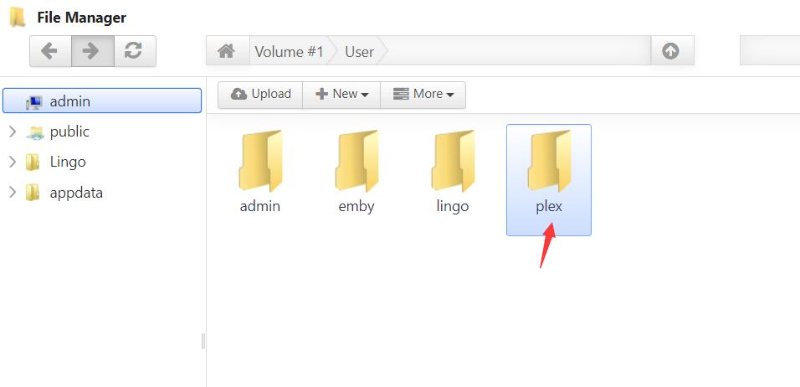
Server Version#: 1.21.1.3842
Player Version#: 4.47.3
I’ve updated my Plex Server recently on my TerraMaster F2-221 NAS and since the update the home screen as well as the recommended screens of every media library I have on my server no longer shows content (and no amount of switching between manual or automatic management changes this).
The strangest part is if I go into the Library sections of my Media Libraries where my media is listed alphabetically, I can see and watch the media there.
It does this on my web player, on the windows player, the android player, and the roku player.
My NAS has up to date software and the permissions have not changed, since the plex update so I’m fairly sure it’s not that.
I did upgrade recently to a new router, but my NAS remains connected via an ethernet jack.
Any help would be appreciated