Hi all. At last I have a decent power NAS, set up, empty and a full Plex account … but still struggling a bit and hoping you could help please.
The NAS is a QNAP 453D full of memory, a 10Gbe card, 31TB of decent grade WD HDD & a WD M2 SSD. NAS is new, cleanly built on Raid 5 (with the excellent support of QNAP as it goes) and is empty save for some migrated photos, and movies.
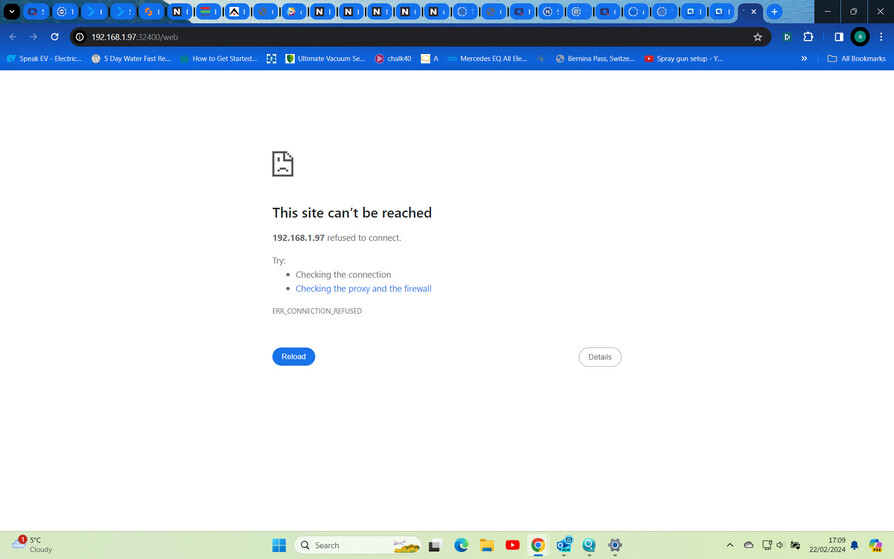
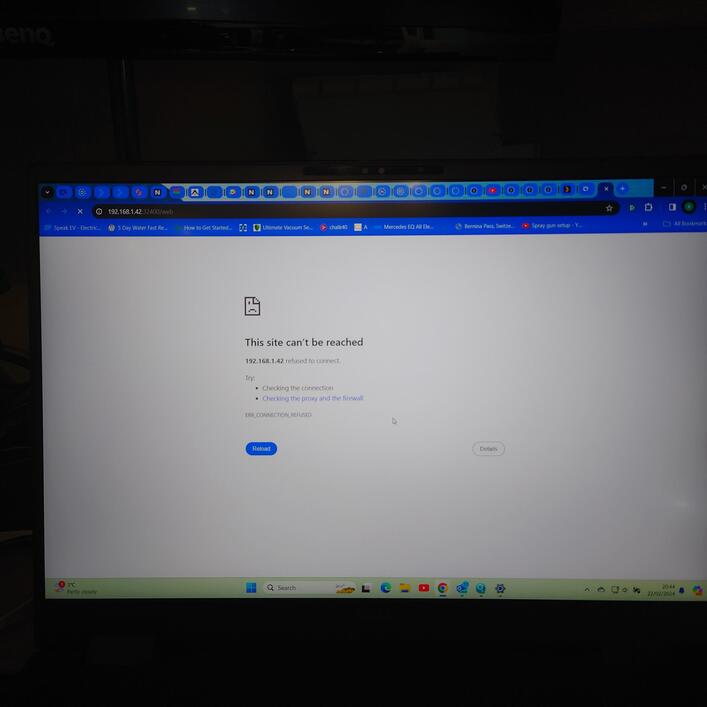
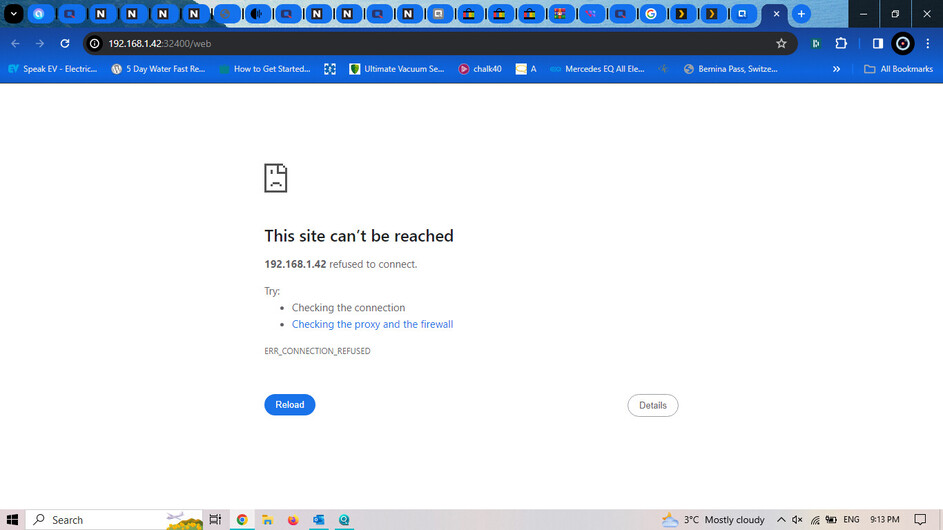
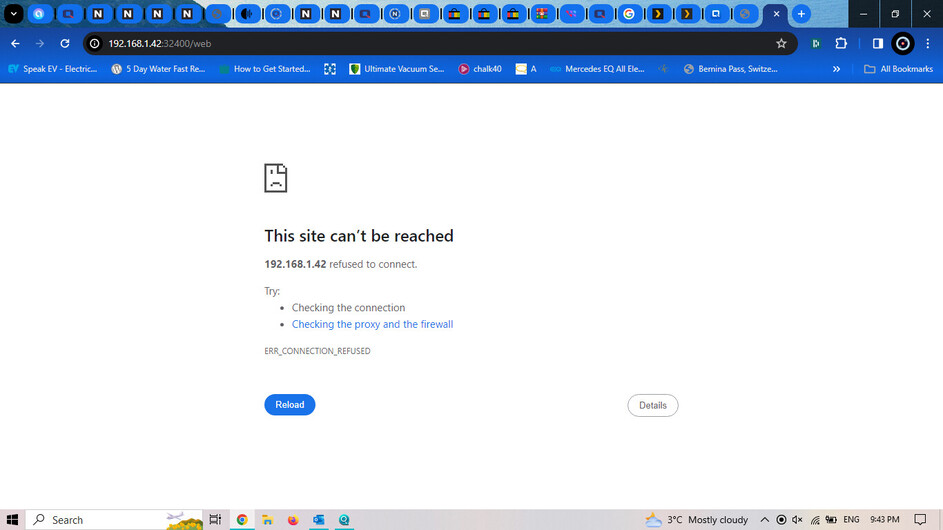
Plex is installed via the QNAP app center. But if I try run it, I get this
In fairness QNAP who have been otherwise say that this app isn’t there’s to support. I’m a bit stuck how to progress past this off putting screen. Have watched lots of videos and read plenty but have sort of fell at the first fence.
Hoping you might be able to get me back in the saddle. Many thanks in advance
Thanks for taking the time Chuck … I’m not quite sure the answer to that. I see it as an installed app in the QNAP QTS main page and indeed I’ve taken it off and reinstalled it a little earlier. It installs just fine.
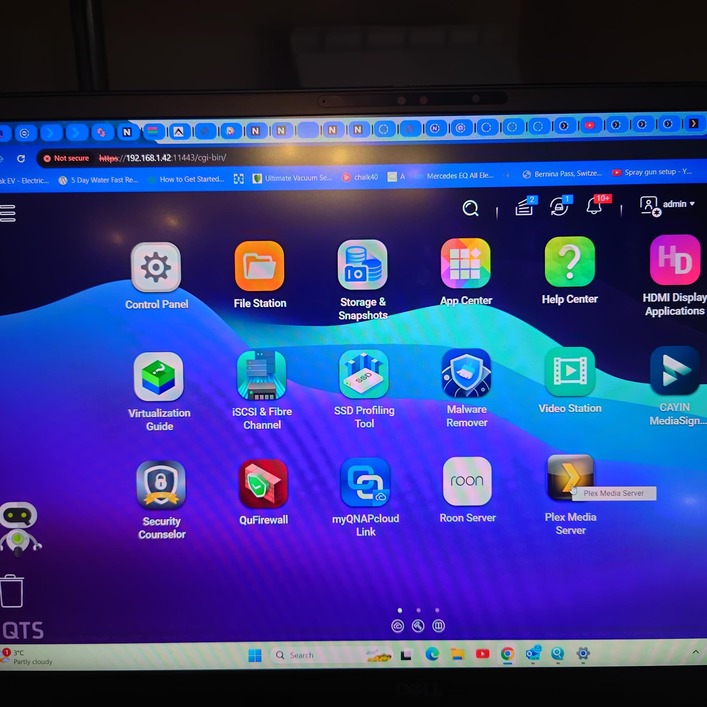
Then when I try to fire it up … this is what shows on screen before the web page with the failed connection …
Blimey will need have a more detailed read of that Chuck … in fairness yes, I’ve just spent a week with the QNAP support folks and used SSH/Putty etc to make CMD line changes.
So yes, I’d definitely take you up on that. The removal of the Plex tool was only today in fact. It was installed only a few days back and has not actually been used or indeed opened until today after the NAS build. It’s that precious moment when I have a new clean, perfectly build peice of hardware with just the minimum of apps (so far unused) on it. So I don’t have any legacy of Plex … just an install of the app, left it sitting and then at last fired it up today. I guess I sort of expected it to just burst into life
But for sure I’d like to try what you suggest thee Chuck. I won’t get change to try that until a little later tomorrow but would be good to try. I noticed on the screenshot that the https address was in red and struck out. Can’t say as I understand that area so much.
Honestly speaking I’m not sure Chuck. I think it might have been a security measure that QNAP said was sensible. It could be that it’s impacting on the Plex standard set up.
I’ve just asked them the question. And indeed will go back with the data you kindly sent.
And indeed just looking again, I think this is exactly the problem. So in terms on the Plex app icon on the QNAP QTS main screen, I guess i need to amend that setting somehow?
Interesting. Thanks Chuck, although I don’t quite see how to amend it, I think you are fully correct that this is the key to the solution. Going have a look at the app setting (if I can find it) and try that right now. Many thanks again … getting there.
What happens if you don’t use the https address to get to QNAP web… just local http (not “secure”) - which might be set to use 11443 as port (instead of 443 which is default) with force secure which might be working a little unexpectedly?
Thanks for the explanation. If I understood right, you mean paste the Plex standard address just into the web browser bar? Just tried this and similar…
Thanks for the suggestion about the Plex app directly. Actually even the QNAP folks suggested it’s better take it from Plex. I’d sort of avoided at this point so as not to compound any issues I might have created.
But for sure I’m going to try that as well. I think even if it’s not the core issue itself then it’s great practice.
Will come back to you and Chuck on your great suggestions and explain results. Thanks for taking the time
Sorry - I meant the QNAP web address and to check your QNAP settings for security settings that the QNAP support might have had you change up from defaults.
Instead of httpS://192.168.1.42:11443/ try http:192.168.1.42:8080/ … and then check those General Settings on your QNAP in the Control Panel I took a screenshot of and see if that explains the 11443 port number Chuck was asking about and if you have “force secure” you might try turning that off.
If you can’t get to it via http address at all (vs https) then you’ll have to go back to it via https address first and turn off the force secure that way (though usually it just re-routes you but that depends on your settings there). Once you can change that setting try launching Plex without the Force Secure enabled and using that direct Plex address again (http://192.168.1.42:32400/).
Sorry if this stuff sounds complicated or if it sounds like I’m talking down to you at all, just keeping things simple because it just sounds like QNAP had you make some changes you might not have been fully aware of the impact around. Their support is pretty good but assumes a certain level of skill and familiarity of those using their servers and you might be new to managing these things or new to QNAP’s way of doing things (took me a bit to adjust from Synology to QNAP for example).
Do NOT install Plex via the QNAP app center. It does NOT work. You have do download it manually from the Plex website and install it via AppCenter. You will also have to update the app the same way.
The latest Plex app version is 1.40.0.
If you have any more problems, just reach out. As I’ve said, I’ve been running Plex on QNAP for years without a problem.
Not talking down at all Insomnia … it makes a lot of sense and indeed you articulate precisely what I have a feeling about but not the skills to explain it.
Indeed I think the QNAP guys have forced up the security (with good intention) … I see the same on Dashlane password manager … the IP address seems to change each time I try to log into QTS or the NAS. For sure it’s done for good reason but is having potentially frustrating knock on effects indeed with Dashlane and Plex.
Apologies to you and indeed Chuck and other contributors, we had a main water leak last night which carries on this morning untiln the emergency plumber arrives at about 10 … so I’m switching between emergency and improvement modes … not particularly well right now Soon as I got this mess here sorted I’ll be taking a more detailed read and follow up. Many thanks for the detailed info and support.
That’s reassuring stuff rstebih. And if you don’t mind I’ll take you up on that kind offer.
I feel as though the NAS spec I have is good enough, that Plex is the right tool, that DLNA is all working (from the NAS) on all tested devices and that the majority of the NAS config is solid.
So you mention to take the Plex SW for QNAP direct from Plex site. No problem to do that although I need read up on how to install … I’ve only ever took stuff direct from QNAP.
But you mention to update the Plex app as well. Do you mean on devices like mobile or laptop?
Got a few domestic issues here … drilled through main hot water feed!!! Just sorting a repair. Soon as I have that under control, I’ll re-read through everything fully and come back with some more detail and Q&A. But many thanks for the kind support.
And just a note to all … a huge thanks for the active and helpful support. I’ve only made three posts but got super support from a first class community.
Is really appreciated. I think me and Plex are going to get on well once I’ve worked through these bumps in the road. Thanks to all and will be back with updates hopefully this evening
If your server is not yet claimed, it does not respond to https, but only http
Clicking on the icon in the AppCenter is https only, so it’ll not work until server is claimed!
To see if your server is claimed, browse to http://192.168.1.42:32400/identity
It should show claimed=0 meaning not claimed
And if so, you need to browse to http://192.168.1.42:32400/web and I suggest using incognito browser mode. Above should kick off the claiming, and after that, you can use the icon in the AppCenter if needed, but I suggest after claiming, that you use https://app.plex.tv/
I’d say for now, if you could turn off “force secure” in the QNAP general settings - if it’s on - that’d help remove some possible extra security settings that aren’t really a big deal for an internal server setup.
You mentioned some changing IPs so you might want to check your network settings on your QNAP and your router if you haven’t set that up already or if QNAP support might have adjusted some settings there unintentionally.
You’ll want the QNAP to always get the same IP address on your home network and you can do that by setting a static IP address. That can be done a few ways either at the QNAP network settings or at the router or both. Personally, I leave the QNAP network settings for “automatic” and then set my router to always assign the same IP address to the QNAP; how that’s done will depend on the router but typically you log into your router configuration settings, find the device listed there, and tell it to make it’s IP permanently assigned and either use what’s already assigned or manually enter a specific IP address (personal preference). That makes sure the QNAP gets the same IP address regularly but still lets the QNAP get a different IP if something odd happens with the router\network (like upgrading or replacing the router).
You can also get to your QNAP via domain name address by using http://servername.local or http://servername.lan - this depends a bit on your router but those are both “default” options common for home networks; can sometimes help if your getting oddities with accessing via the IP address (or just easier to remember).
Lots of suggestions in this thread so far so might take you a bit to get through them all.
Apologies for the slow reply to those offering advice. I spent all day today ready and putting that advise to good work … and learnt a lot.
All the advise had great value and is appreciated. It did indeed turn out that the Plex version on QNAP web site was duff. I followed the link provided by Insomic1 and recommended by rstebih to use the latest version directly from Plex … and it worked a treat straight off. But very much appreciate the help offered up by all … I learnt a lot.
So I’m just about to set my folders up in the recommended way, do a NAS update of some loose films to add in then do a scan.
Baby steps but in my first week … I’m out the blocks … many thanks to you all