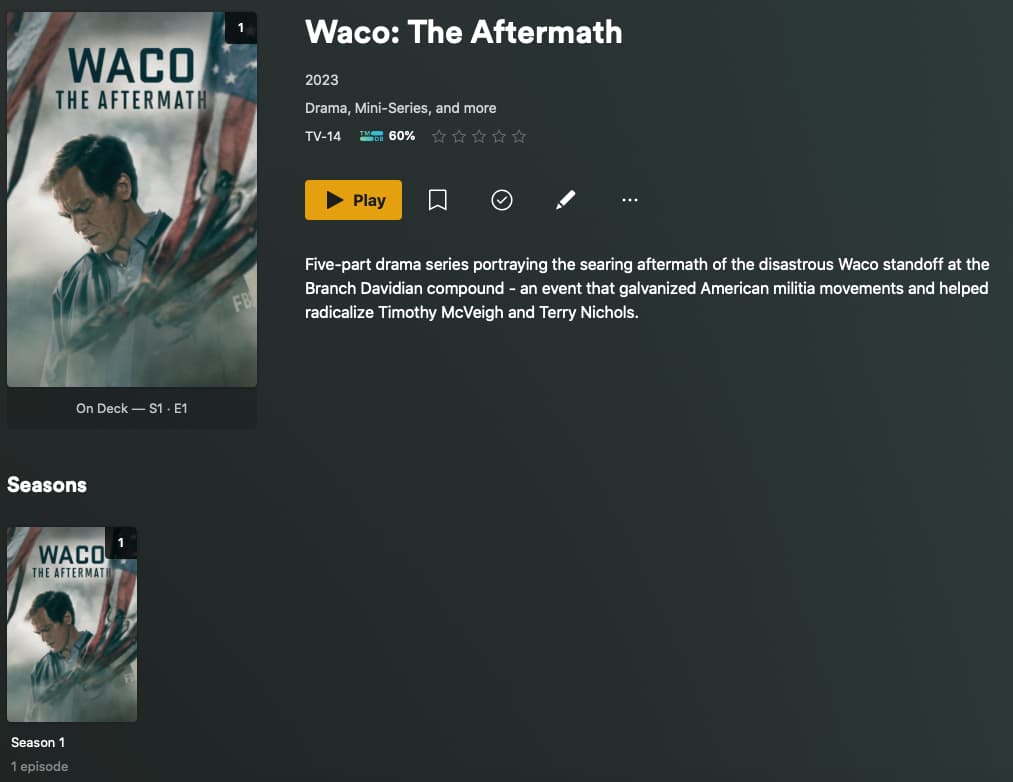
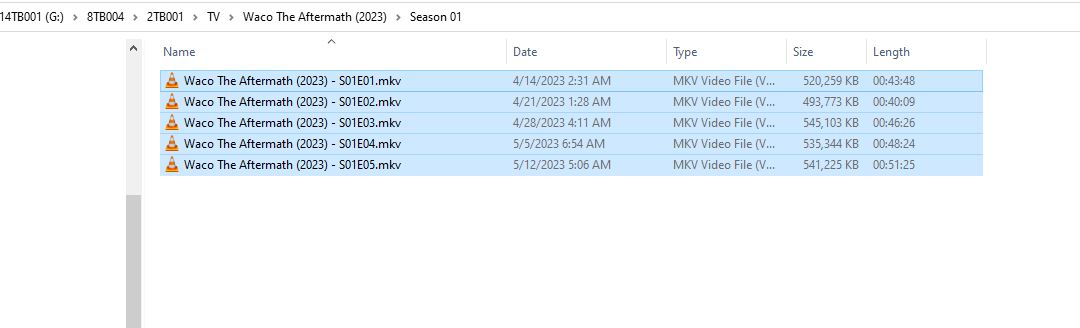
Any suggestions. I am having other problems with other series with colons?
FYI, I have searched older topics in the support forum and have used an underscore and a dash (‘_’, ‘-’) to replace the colon with no luck in the tvdb match.
Very close, but not quite. Per the naming guidelines, you should include the series’ release year in parentheses after the show name; also, the SxxEyy information should be separated from the rest of the filename by spaces and dashes on both sides (if you include the episode name). Also, the episodes should be placed in an appropriate “Season XX” sub-folder of the show name’s folder. Characters which are incompatible with your file system should just be omitted and not replaced with other characters (looks like this is correct in your example). The final name should look something like this:
test_tv/   <--- The library should point to this folder, the name is not important
└── Waco The Aftermath (2023)
    └── Season 01
        └── Waco The Aftermath (2023) - S01E01 - Episode Name.mkv <--- "Episode Name" is optional
Finally, you can choose to include the show’s TVDB or TMDB id in curly braces at the end of its show name folder and episode files; this is discussed in the docs linked above. Some folks consider this a best-practice but in my experience it is rarely necessary (though sometimes it is).
Note: Some of this information is specific to the newer (and default) Plex TV Series scanner/agent combo used for TV series.
From a test library, using the above naming (I don’t actually have this in my library, this was done with random files renamed to .mkv):
Great advice. Most likely, missing the year in parenthesis is what is causing the mis-match. The majority of people coming to these forums with matching issues fail to include the release year, and IIRC all the issues are fixed by that. Getting in the habit of including the show’s id (TVDB, TMDB, or IMDB) according to the naming scheme might be a good thing to get used to doing. I ought to do that myself one of these days.
I just wanted to chime in to mention some departures from the “official” Plex naming advice that have not caused me any matching issues.
DISCLAIMER:I am including these in case you would like to depart from the official naming scheme in some areas but still wish matching to work. I have a rather large library and never have any issues matching by doing the above. However, if you do depart from the official steps and encounter a problem, you should immediately follow the official naming scheme first before coming to the forums to ask for help. Just because one thing works multiple times does not guarantee that it will continue to work. I make these library choices on my own, and know that any issues I run into are my own fault. So far, I have been successful, but I am prepared to make changes if anything breaks.
I have never included the show name in the filenames. I found that the folder containing the show having the full complete name (including release year) has always been sufficient to match the show. (This can be helpful to avoid filepath character limits for SUPER LONG show names, which happen most often in anime). However, without the show name in the file, the subtitle downloader tool in a Plex client WILL fail, since it does a search of the filename. This does not concern me, as I never need subs on TV Shows, but if this is important, then include the show name in your filenames.
On single-season shows, I do not include a “Season 01” folder. A single folder within a folder looks strange to me. So far, Plex hasn’t had any issues with this.
I replace colons in show names with a “space-dash” (so the result is a space-dash-space between the two segments) all the time, and I don’t recall having any issues with this. This one is the scariest of my departures, but it seems ok so far.
It may be worthwhile for you to perform the Plex Dance on this series now, after the renaming. Also, ensure that your library is pointing to the “TV” directory in that hierarchy.
For completeness’ sake, here’s the same example as above but including the TVDB series ID.
test_tv/   <--- Library folder path points here; name not important
└── Waco The Aftermath (2023) {tvdb-418489}
    └── Season 01
        └── Waco The Aftermath (2023) {tvdb-418489} - S01E01 - Episode Name.mkv   <--- "Episode Name" is optional