Server Version 1.19.3.2852 PLEX PERMISSION SETTINGS
Player Version#: 4.30.2
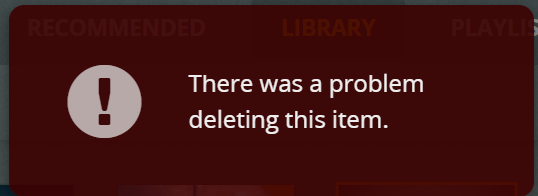
I have been having problems getting Plex to delete video files. I just upgraded to the current server version and I am still having the issue. I read the article at Plex Media Server security changes for Synology users and set my permisions as listed.
I went to my shared folders, clicked the Video folder>Edit>Permissions and these are the settings:

I then restarted Plex - still didn’t work, so I also restarted the Synology NAS - still having the same issue. This must be a permission issue, but there are too many places to set permissions in the Synology NAS, so what settings do I need to change to get Plex to delete files?
Thank you