Server Version#: 1.14.1.5488
Player Version#: latest
Two questions really…
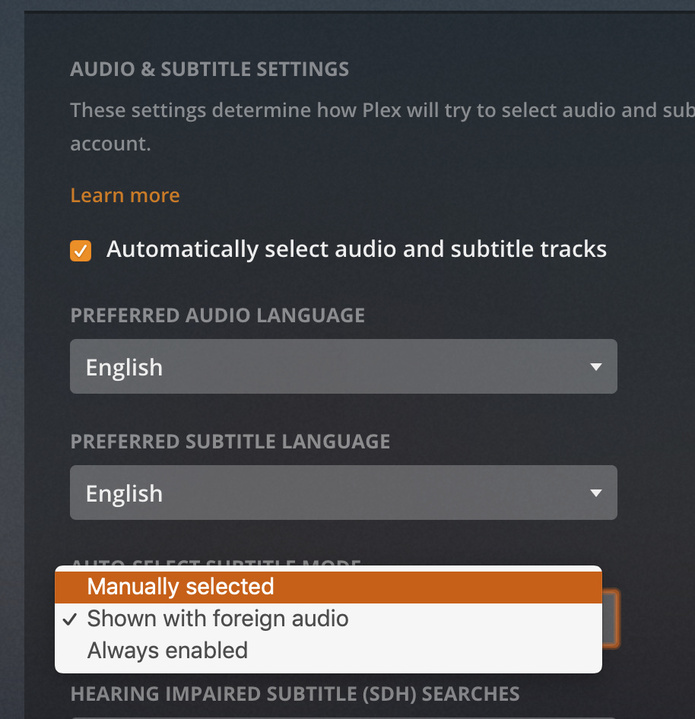
Is there a way to add movies and have subtitles be turned off, as a default? As of now, any movie I add, plays subtitles on any Player that the movie is watched on (i.e. TV, iPad, etc.). I have to start watching and manually turn them off.
I downloaded a couple of movies to my Android phone, and the second I start watching, I see subtitles that don’t even match what’s on the screen. I try to turn them off, but it says “None” under movie settings.
if by “downloaded” you mean syncing, the subtitles would have been enabled before the sync so the sync transcode burned them into the image. and since they are not really a subtitle file anymore but part of the video you see “None”