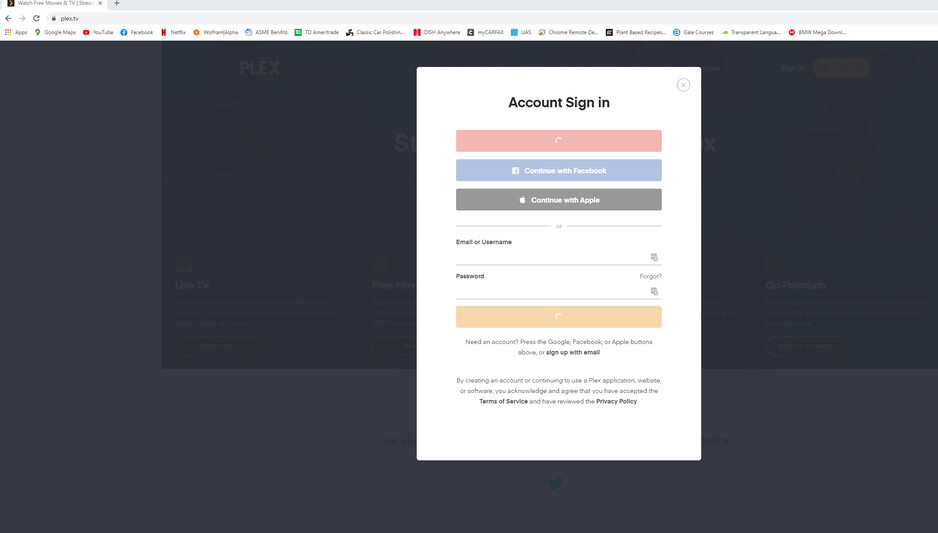
Recently I have not been able to log into my plex account on my desktop that hosts my server. I do not know what sparked this, one day I just noticed that I could not access my plex media on my firestick (which I can log into plex with). I did have to replace the hard drive that I kept all my media on, but everything was working after the change. Once I noticed that I could not access my files I tried to log in on my desktop and I got a “Plex is no reachable” error, so I was not able to log into my account. I even turned off all of the extensions and did a fresh install of chrome. However, I am able to log into my account on my tor browser and that I how I am able to post this.
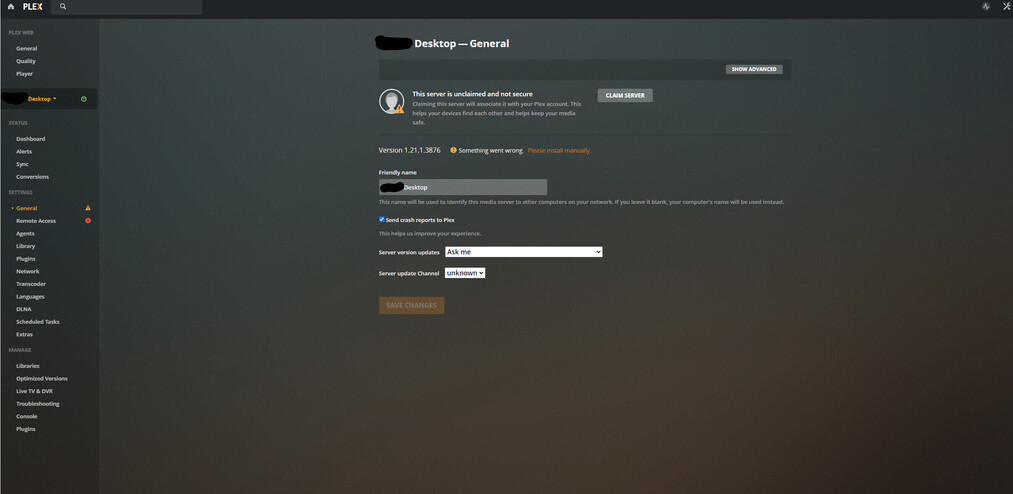
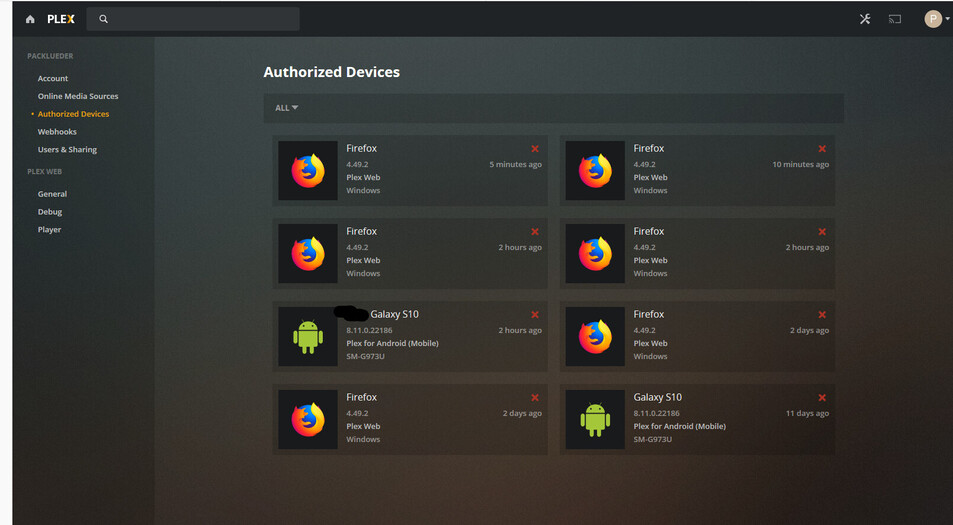
Since this error I have completely uninstalled Plex including the localdata files and the registry and reinstalled. Once I did this I was able to get to the main plex webpage on chrome but I was not able to claim my account. Nothing happens when I click the button. When I look on the authorized devices chrome does not even show up as accessing plex. I did remove all authorized devices except for my android and firestick devices at one point but the tor browser keeps coming back and chrome does not. Here is a link to my log file if that helps. Also when I try to log into app.plex.tv on chrome I just get a non-stop spinning wheel. I am not sure what is going on.