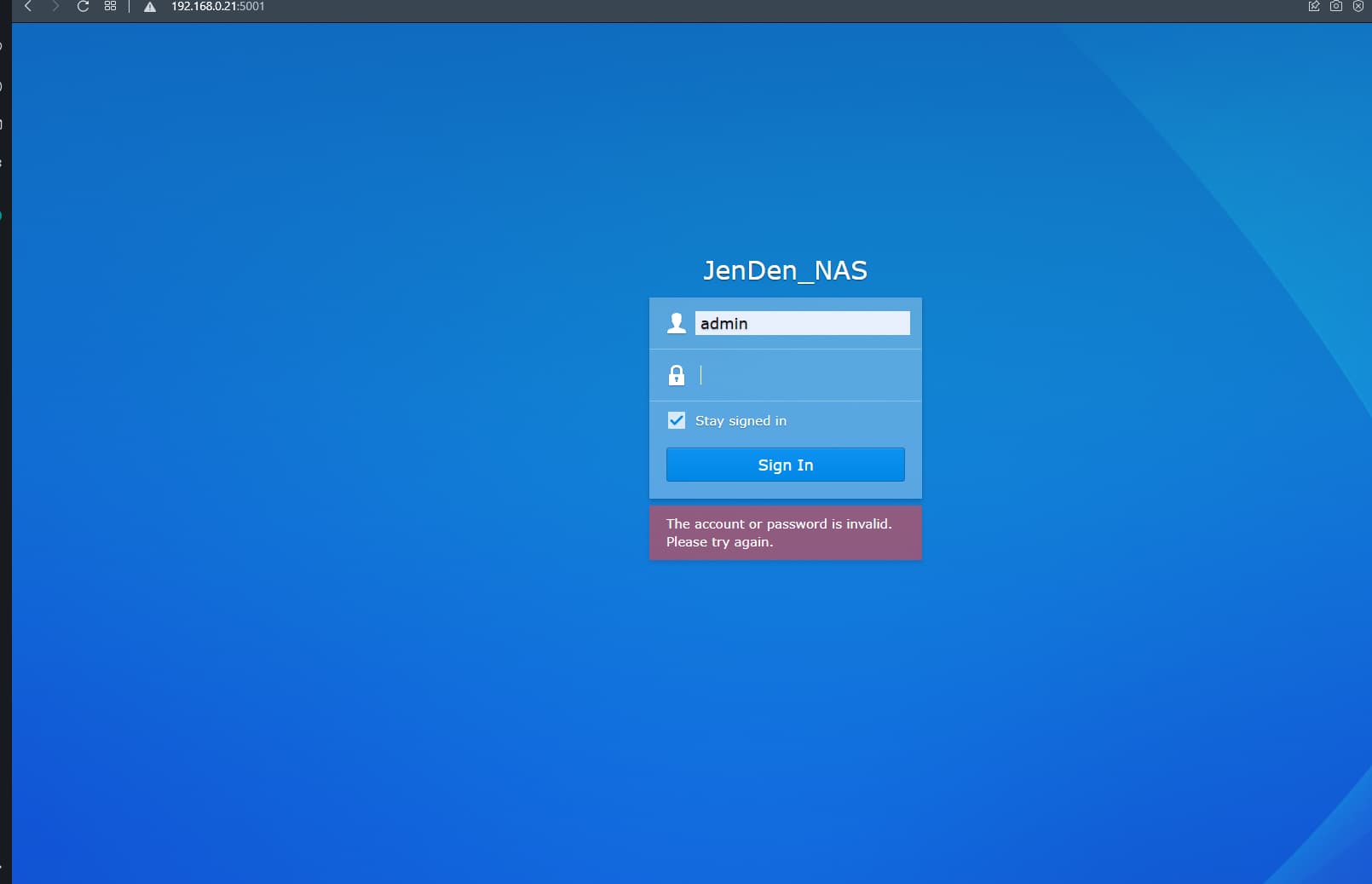
You must ensure that System Internal User PlexMediaServer (which now runs as a service) minimally has Read access to the shared folder containing the media and is also “Apply to this folder, sub-folders files” as set in File Station.
It would be further prudent to ensure any third party apps create directories with 755 permission and files with 644 permission
tom80H
I have 2 folders: one for movies (z:\mov) and one for shows (z:\mov_series). I just moved Blue.Planet.II.2017.S01.HDRip and Our.Planet.2019.S01.1080p folders to the shows directory but Plex still doesnt see it after multple rescans
Plex will be quite demanding to follow its naming schema for tv-shows (folder structures and file names).
Example:
TV Shows   <- the folder linked to your tv-show library
  Blue Planet II (2017)
    Season 01
      Blue Planet II (2017) - s01e01.ext
      Blue Planet II (2017) - s01e02 - The Deep.ext   <- episode titles can be added optionally and will be ignored by Plex
      Blue Planet II (2017) - s01e03.ext
      ...

  Breaking Bad
    Season 01
      Breaking Bad - s01e01.ext
      ...
    Season 02
      Breaking Bad - s02e01.ext
      ...
    ...
    Season 05
      Breaking Bad - s05e01.ext
Where .ext is the respective file extension.
For TV shows it’s important not to drop folder levels or add extra levels.
Handling of extras will depend on what they are… special episodes should go to a Specials folder (or Season 00). Local extras like behind the scenes, interview, trailers, deleted scenes… can be added as such on the show, season and episode tiers (though not all client apps do support extras on all those tiers.
With tv shows… stay as close to the official naming schema as possible. You can get some lucky shots deviating from it but in the end there’s always problems
Preferably you should fix them all.
Plex’ naming schema for tv-shows is quite static:
Tier
Remark
Example
Library
The folder linked to your tv-show library
video/mov/_Private, video/mov/bbc
Show
The official name of the show; if available you can include the year the show was released in brackets
Blue Planet II (2017)
Season
This part is static and should be Season XX where XX is the 2 or more digit season number; for specials you can use Specials or Season 00
Season 01
Episodes
Individual episode files named as <show name -> as per "Show" folder> - sXXeYY - <optional information / episode title...>.ext
Blue Planet II (2017) - s01e01 - One Ocean.avi
There’s a few optional additions to the naming.
if you’re having issues matching a show you can include a reference ID in the show tier folder name such as its IMDb, TVDb or TMDb ID. Example:Blue Planet II (2017) {tvdb-ID330942}
if you want to keep technical details in the file names, best put them in square brackets – Plex will ignore that information. This can be helpful if those technical details can cause Plex to mix-up what part is the show name, release year season/episode information. Example:Blue Planet II (2017) - s01e01 [HDRip Kaztorrents 1080p...].avi
since earlier this year, Plex supports “local extras” to be stored alongside the regular files such as interviews, behind the scenes, deleted scenes, trailers or even music videos. This can be helpful to de-clutter the show’s specials (which many used to thrown in all kinds of other related content that’s not actually special episodes).
Going with Breaking Bad, the most plain naming could be like this:
_Private    <- assuming this folder is linked to your tv-show library
  Breaking Bad (2008)
    Season 01
      Breaking Bad (2008) - s01e01.ext
      Breaking Bad (2008) - s01e02.ext
      ...
      Breaking Bad (2008) - s01e07.ext
    Season 02
      Breaking Bad (2008) - s02e01.ext
      Breaking Bad (2008) - s02e02.ext
      ...
      Breaking Bad (2008) - s02e13.ext
    ...
Where .ext is the file extension of your episodes.