I have Plex pass and have the media loaded on my computer, but Plex cannot “initialize the Plex media server”. I have media server installed does not open unless I go to Local Disk>Users>username>AppData>Local>Plex Media Server and click setup plex.
After this, I am stuck on the initializing plex media server page with an endless spinning circle.
Server Version#: 1.40.4.8679-424562606
Player Version#: 4.135.2
<If providing server logs please do NOT turn on verbose logging, only debug logging should be enabled>
I’m wondering… iirc the path you’re mentioning is just a plain HTML file. It might open in your browser but that doesn’t mean your server is running or working.
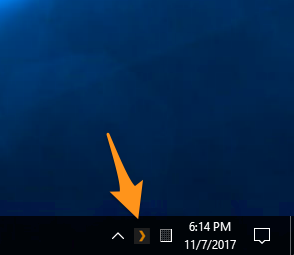
Can you confirm the Plex Media Server itself is actually running (Plex icon in the server host’s System Tray)?
If it’s running… can you browse/open/access your server by navigating to http://127.0.0.1:32400/web (if you’re on the same machine that’s running your server)?
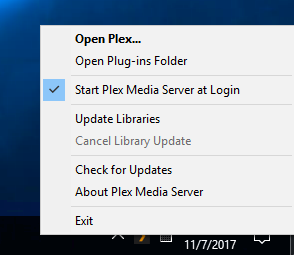
Alternatively… can you access the server by clicking Open Plex Media Server from the PMS icon’s context menu?
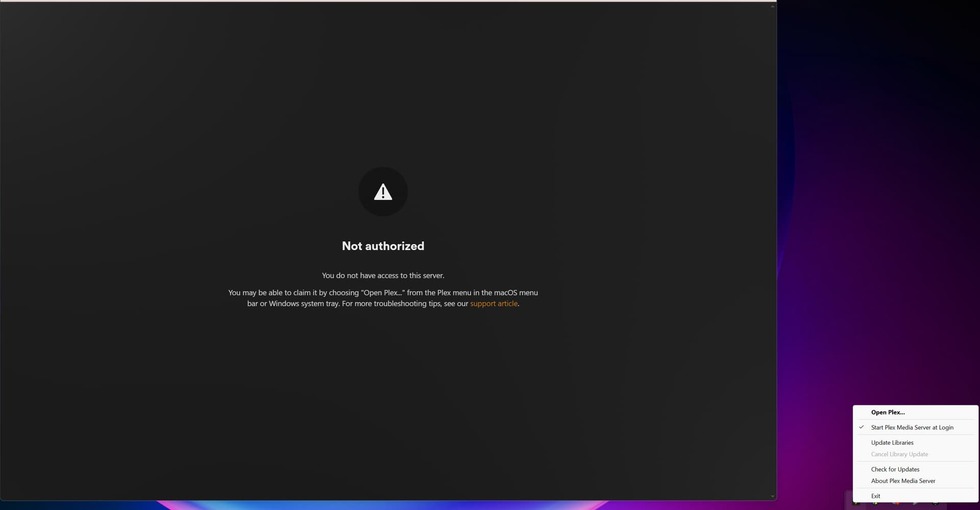
When I click Open Plex, it takes me to a Not authorized screen despite being the owner of the account. I get that response by clicking on Check for Updates as well.
I was hoping to get around this by adding a new library but I no longer have that option either.