Server Version#: PlexMediaServer-1.23.4.4712-1f0ed4aea
Player Version#:
I have lost access to my server even in a fresh install. I have wiped the entire machine and re-installed, but when I go to localhost:32400/web I get an error that says “You do not have access to this server”
This is after a full fresh install on Ubuntu 20.04. I fully delete the /var/lib/plexmediaserver folder and then do a fresh install. When it comes up and I try to connect for the first time from serverIP:32400/web I get the error that I do not have access.
When I connect from plex.tv I can see servers shared with me, but not my server. I have no idea what else to do as I have followed all the plex articles I can find on this. Logs are attached.
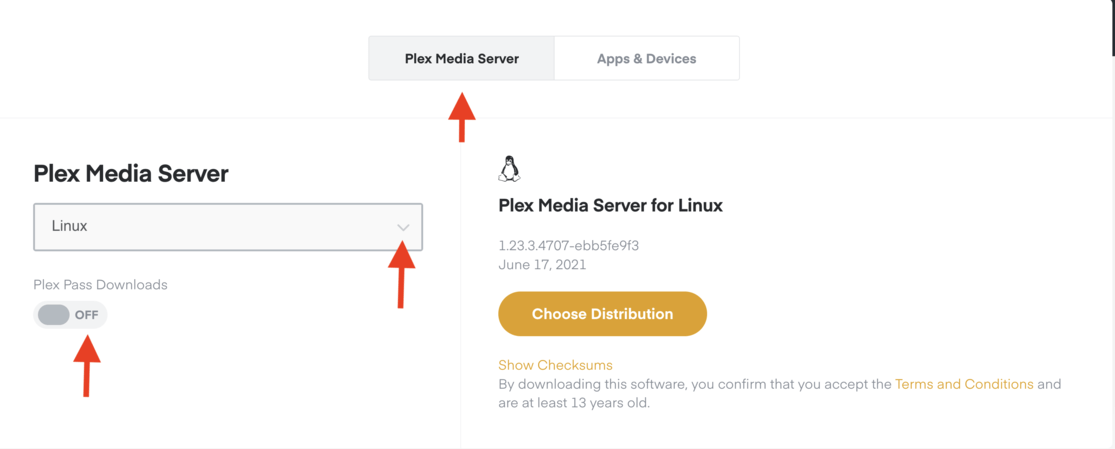
I redid the install with PlexMediaServer-1.23.3.4707-ebb5fe9f3 but the same error. I guess this is the latest public one since I unchecked plex pass release. Same issue.
All users can access the server, but I (the owner) can not. Even remote users can access it. so this is really confusing. I do not see it as a server at all when I go into settings.
Looks like it may be a firewall issue. I have bypassed my router and gone directly to my provider router and it is working. Odd that I could not access it even locally. Nothing changed on the firewall, so I guess I need to do some debugging there. Thanks for the help.