Server Version#: 1.40.3.8555
Player Version#: Plex Web 4.129.1
Tuner Make/Model: HDHR Flex Duo
Guide/Lineup name: Unknown
Using XMLTV?: Unknown
Channel number/Name: All stack.txt (7.9 KB)
Whenever I try to set a recording, or even record live (I’ve tried both by starting live playback and hitting the record button, as well as just pressing record from the channel schedule) it just fails with a vague error. The UI claims “There was a problem saving your changes. Please try again.” and there’s a very long stack trace in the console (attached above).
Plex is still taking recordings of shows that I’ve previously scheduled, I’m just unable to add any new recordings to the schedule. I am, however, able to remove a recording from the schedule. I have tried to set recordings both in the web client and the Android client
Screenshot of the network activity that occurs after pressing the “Record” button on the pop-up modal “Record Options” screen when attempting to set a new recording
Have you tried to use the hosted web app?
Did you verify that the target library and target folder are still usable for recordings? (i.e. they exist and have sufficient access permissions for Plerx to write into)
I just tested on the hosted Web app, no dice, same issue. And Plex definitely has valid permissions because it’s been able to save recordings of shows I’ve already scheduled. The latest show it saved was only about an hour before I tried scheduling a new show yesterday
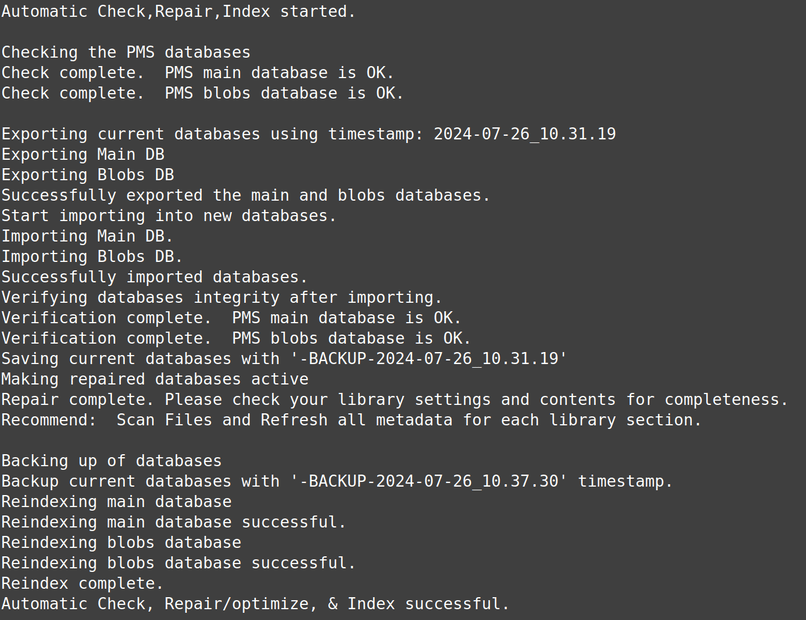
Thanks for the suggestion! I stopped PMS, ran the automatic check/repair/optimize, restarted PMS, then re-scanned all libraries as recommended. Unfortunately, this did not resolve the issue and I am still unable to set new recordings