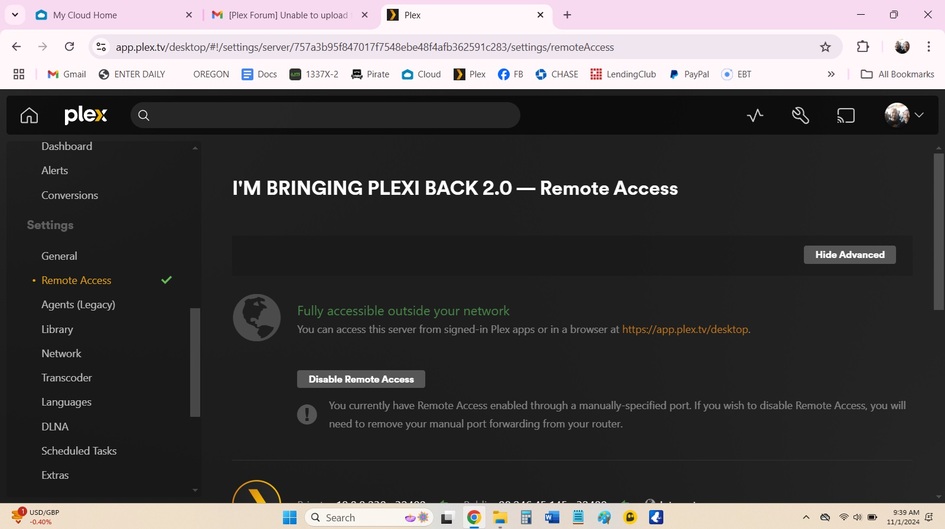
Step 1 should be to click the orange Enable Remote Access button (from the page on your screenshot).
For many users, this will „just work“ with no extra steps. If it doesn’t, there’s a number of troubleshooting steps. Please keep in mind those can be a bit tricky, as there’s many different parties/elements involved when it comes to remote access (your Plex configuration, the NAS, your sisters router / home network setup and configuration, her Internet Service Provider…).
Hello again! Thanks for your help getting that all sorted.
Unfortunately I am not able to access my server from outside of the home.
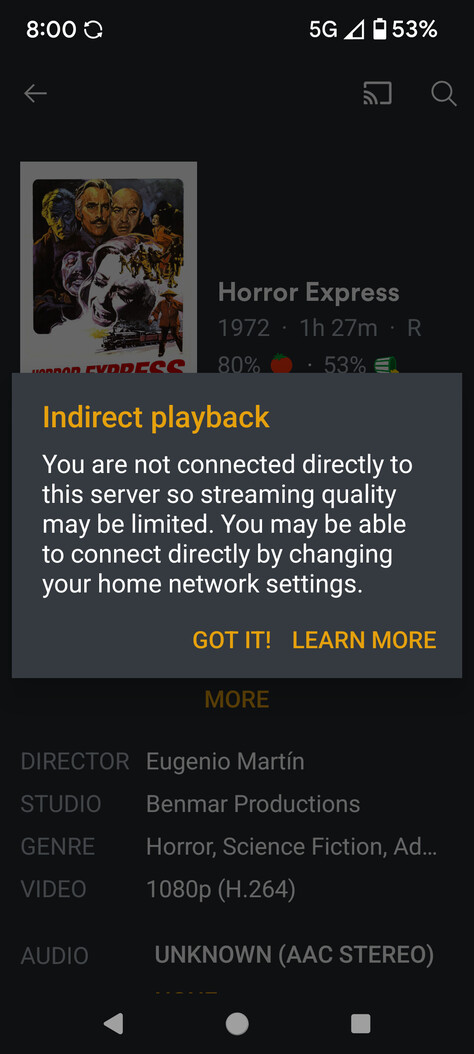
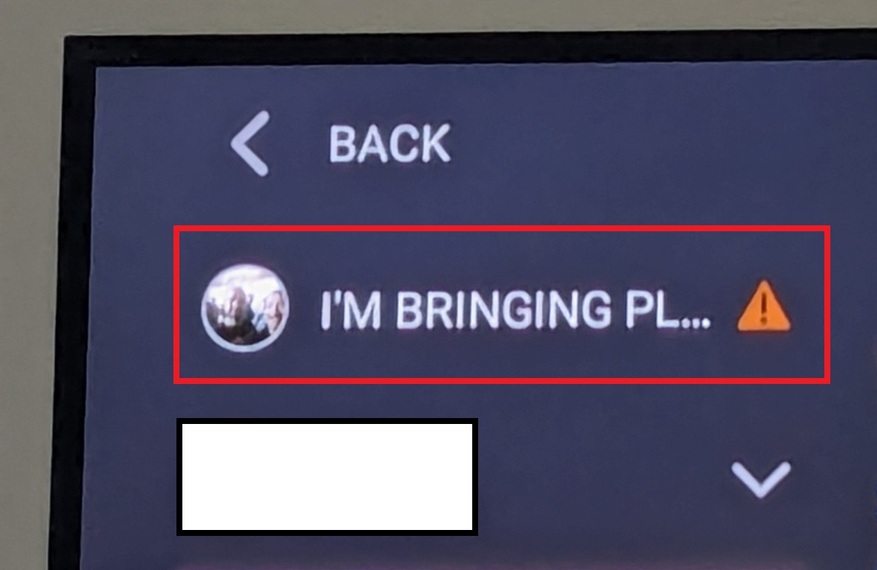
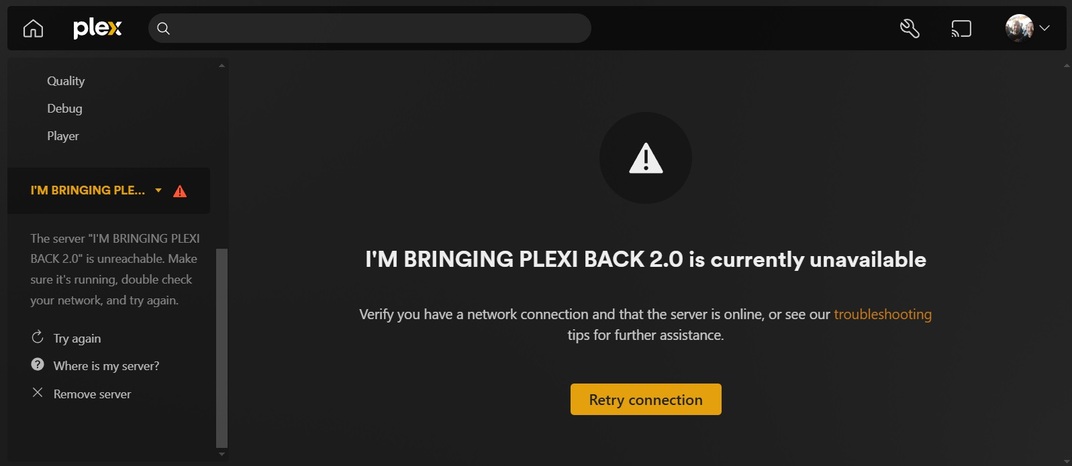
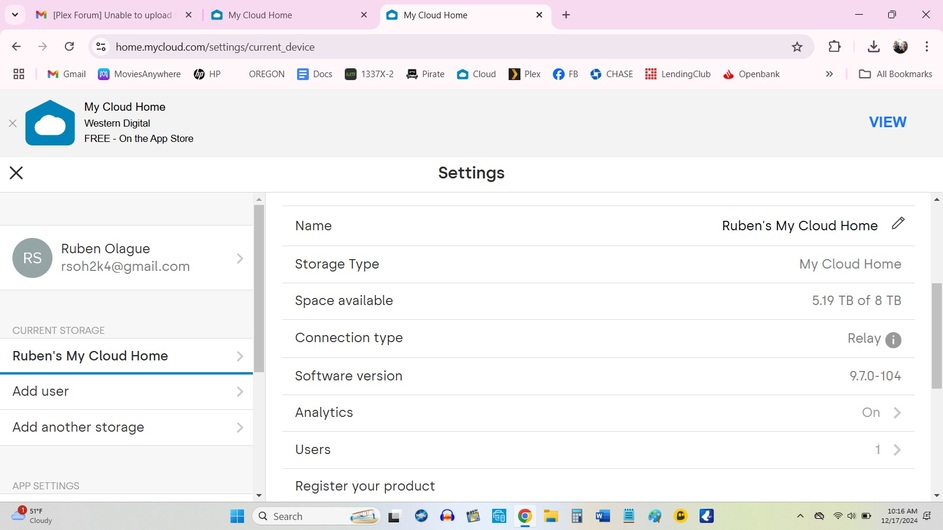
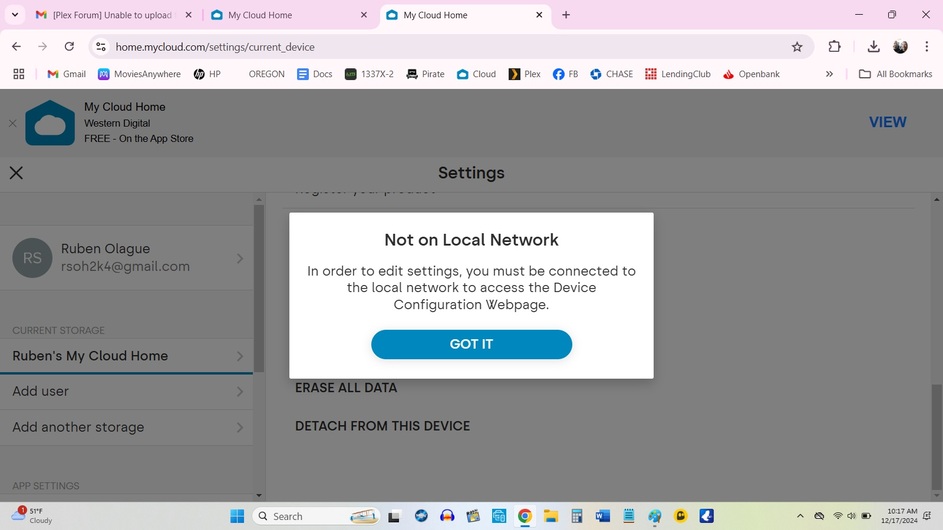
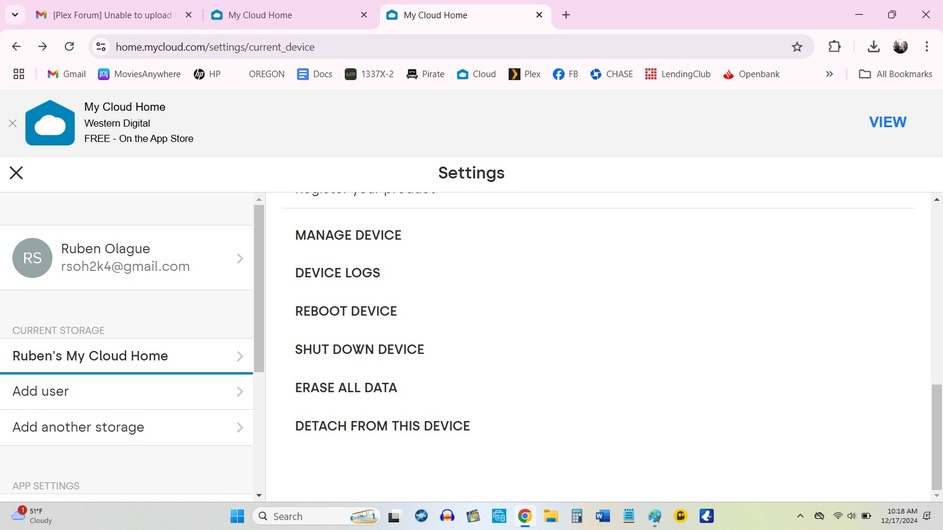
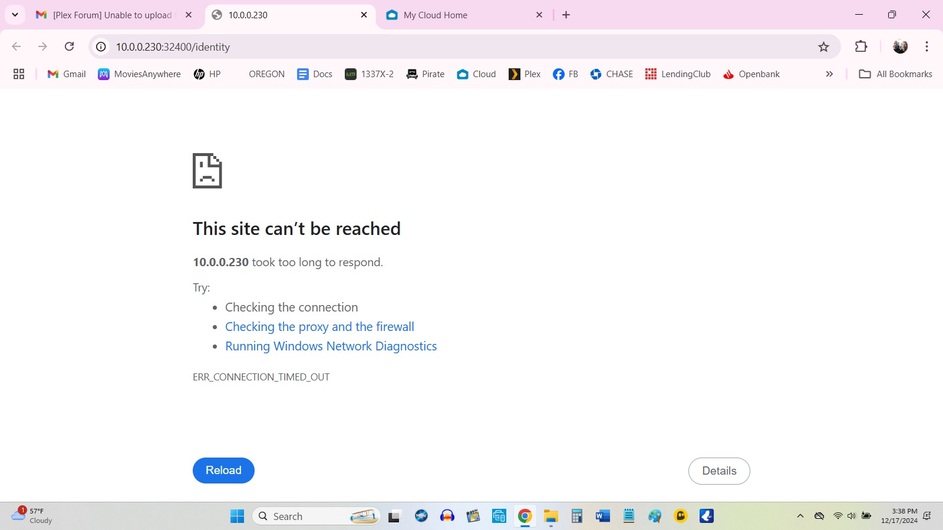
Basically, my WD drive is connected to my sisters router, where it is set-up, however, I no longer live there and because I am elsewhere it won’t let me see my server from my new home. I get an error message (see attached screenshots)
Can you please help me with this as well? Thank you! Thank you!
I can only get PLEX working in my own home, my sister and friends are no longer able to access it remotely.
So I thought I might be able to correct it by disabling then enabling remote access, however now I am unable to reach my server at all, even though my laptop is on the same network as my NAS WD drive.
Please help to enable my remote access again. Thanks heaps!
Hi! Unfortunately I cannot connect directly to the server as my new laptop doesn’t have an ethernet port and it looks like I can’t get an attachment until after Christmas if I order one.
Is there any other way I can enable remote access again?
Thanks again.
However, I cannot get my server back online, that’s what I need help with. I’m not extremely internet savvy, but I know more than, let’s say my Mom. But PLEASE speak to me like I don’t know what I’m doing here to make sure I get this enabled and back up and running.
Is Plex Media Server running? The WD NAS should show you which installed applications are running. I do not have a WD, so cannot tell you exactly where to look.
Are you on the same network as the NAS (in the same location as the NAS)?
As far as I know the Plex Media Server IS running, through my WD NAS, because I am able to upload files to it right now. But I can’t figure out how to enable my server back, like how it was 24 hours ago.
You need someone with WD NAS knowledge, and that is not me.
Best guess is that either (a) Plex Media Server is not running or (b) the IP address of the NAS has changed. However, I do not know where to look for that information in the WD NAS software. You might try rebooting the NAS. Maybe PMS starts when the NAS boots.
Hopefully someone with WD NAS knowledge can chime in and assist.