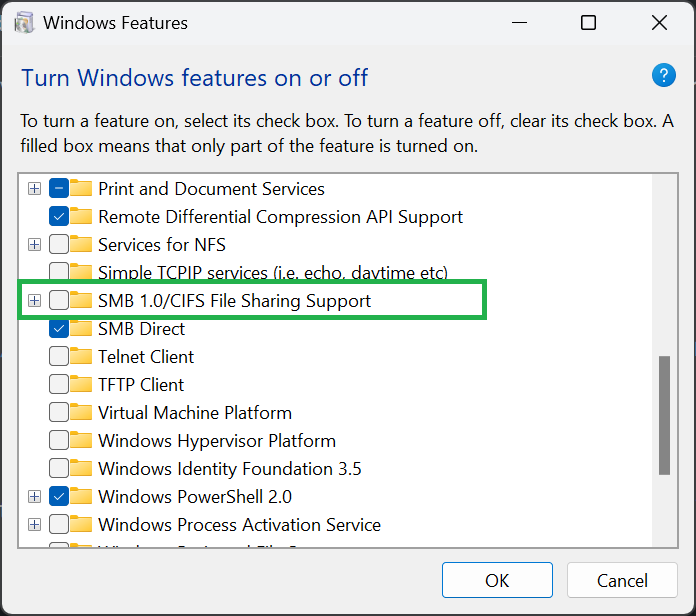
Can those of you affected by this check to see if SMB 1 is enabled for Windows? If so, turn it off and restart your computer. This will force Windows to use SMB 2 or 3 to connect to your network drives if supported. If Windows can not connect after doing this, that means your network drive only supports SMB 1. Check if you can change this. We are looking to see if there is a fix we can apply on our end, but for now not using SMB 1 would be the better option.