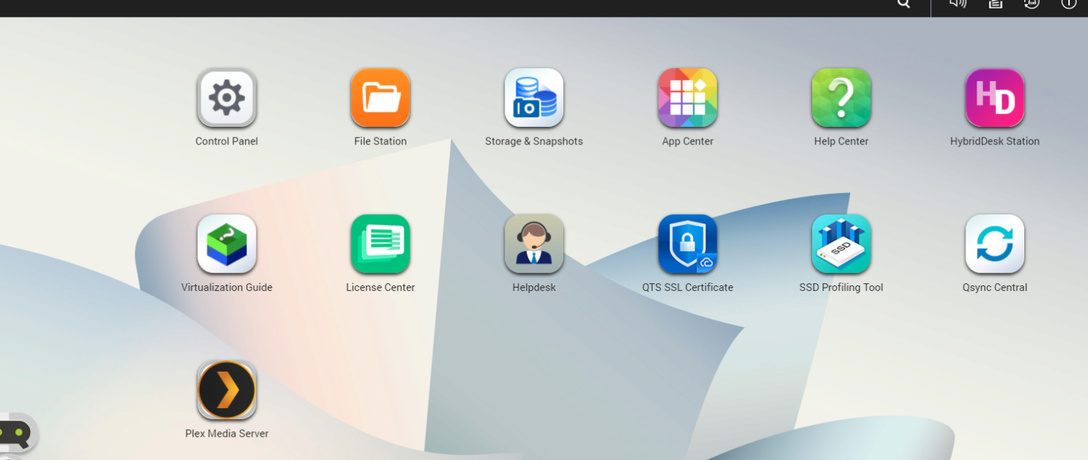
There is no Web Hook Options on the QNAS App, but when I log into Plex Pass via Chrome it shows up. But this won’t help because I need it to show up in the instance from my NAS App.
I have a QNAP NAS system, that has the PLEX APP on it.
When I access PLEX via this app, the option for entering Web Hooks is not available.
When I log into PLEX via Chrome from my local computer, the Web Hooks options appears.
Unfortunately because all my media files resides on the NAS and not the local computer, I need the web hooks option for my NAS.
The initial post included my NAS Model and Version, along with the PLEX Version because people are notorious for responding back asking for this information.
And if so, accessing it from QNAP QTS, is simply a browser based session as well, so shouldn’t be any different than starting a regular browser, and browse to http://<IP_OF_QNAP:32400/web