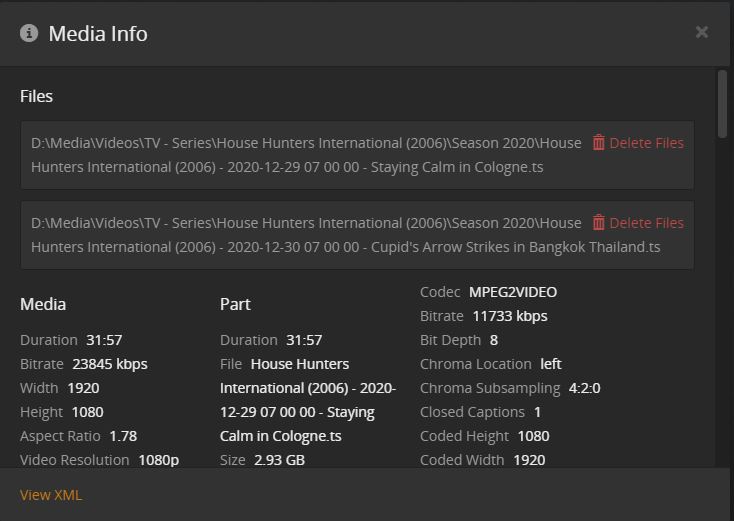
Quick rant! Plex the greatest to the WTH are you doing software. They not only completely screwed the pooch with the Nvidia Shield player update, they choose to allow Windows updates to basically stop most functionality from their lack of comprehension of holding programming resources. AKA They allow their software to break until a windows update reboot. Thus loosing recordings and their Nvidia client is so broken, I’m debating to take a piece of junk hardware out of the throw away box to fix the best media player on the market so I can watch TV again without major problems! They now have a banner on their DVR saying that I have to redo all my DVR recordings by Jan 2nd because their updating the guide software. Well, that’s fine, but it only works with the programs you want to record that are actually airing in the next 2 weeks. So basically, if you record something like Young Sheldon each week when airing, you can only delete and recreate it if it is actually in the guide in the next two weeks. So, all your other years of DVR ques gets deleted until it happens to air and you notice it and make a change. The new norm, we don’t care about our customers, it’s about making money! I bought the Nvidia Shield Pro and replaced a Fire TV and it was night and day on the response, I was so happy. I updated your client and boom, now I get audio and video sync problems that can be fixed most of the times by backing up 10 seconds. But, when thumbing through a football game of commercials, it tends to get very troublesome. I also get memory leaks now and have to reboot the Nvidia Shield about every 3-4 days with use. If I replace the device with the old Fire TV on same network cable, All the problems disappear, just a slower response from the device itself. I also only use the Nvidia Shield Pro for Plex. I don’t even have another app loaded on it… A friend suggested to change the settings back to the old player and that seems to fix most of the problems with playing recorded TV. But, then becomes another problem when watching movies and other content. So, I now switch it back and forth when I feel like it, or deal with the POS update! When watching football, the audio doesn’t have to align with the video per say, you normally couldn’t tell until someone was talking or they are talking about something that hasn’t happened or way late. But, in all instances of the audio to video being off, it is like a studder step, AKA it plays for 3-5 seconds, then studders, then plays for a few more seconds, then studders, over and over until you back it up 10 seconds, or get lucky forwarding 30 seconds. And I don’t even want to get started on the recently added TV on the home screen that seems to update but leaves older content from another folder first for some reason. Also, if you have recorded TV like say BAL Ravens vs Dallas, it’ll show the info. But then go into that folder and delete the old games and re-scan! Now your BAL vs DAL game says episode 3… And all other items in that fold says Ep 4 and 5 and 6… I mean your software made the naming convention in the first place right!