Server Version#: Version 4.82.0
Player Version#: web browser
So, I was going to invite someone to view my Plex, but Im not seeing the whole list of users anymore. I can only see the HOME users, plus the 1 person I just invited.
Server Version#: Version 4.82.0
Player Version#: web browser
So, I was going to invite someone to view my Plex, but Im not seeing the whole list of users anymore. I can only see the HOME users, plus the 1 person I just invited.
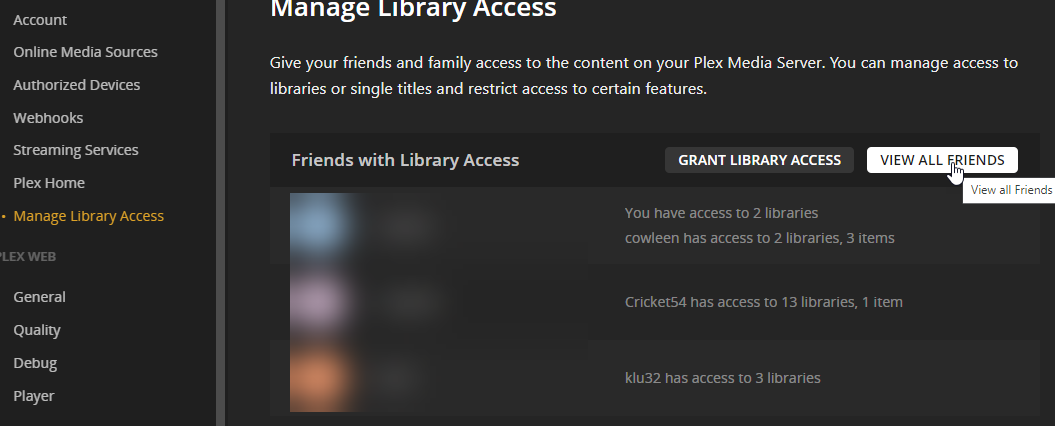
In Plex Web Settings, the Home users and non-Home users have been split between these two sections (the names chosen for these sections are not very intuitive):

You can still see the complete list (excluding Managed Users) at once by either of the following:
click on your avatar from the top right menu, then click the larger avatar:

click “View all friends” from the “Manage Library Access” page.
AHH, thank you. I shouldve clicked on it.
This topic was automatically closed 90 days after the last reply. New replies are no longer allowed.