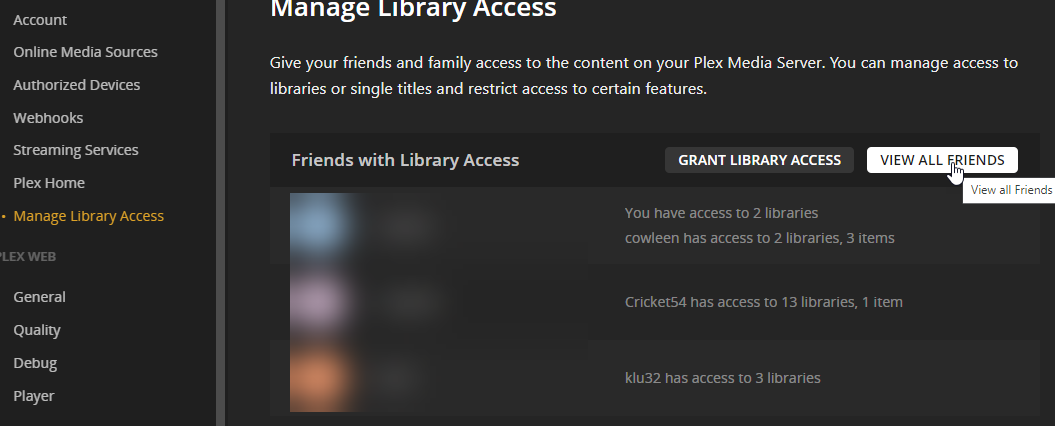
In Plex Web Settings, the Home users and non-Home users have been split between these two sections (the names chosen for these sections are not very intuitive):

You can still see the complete list (excluding Managed Users) at once by either of the following:
-
click on your avatar from the top right menu, then click the larger avatar:

-
click “View all friends” from the “Manage Library Access” page.