I updated latest windows 10 version 64 bit only…1.6.3.1009-57cf57c8, January 30,2020 but I am facing issue like (Your Media) (Get Plex Media Server), i uninstalled, reinstalled but not succeed,
Please resolve this issue…
I would be thank full…
go here the local IP ipofservercomputer:32400/web like https://192.168.5.135:32400/web/index.html (I’m just using my server computers local ip as an example) after you go there open settings and tell me what you see. take a screenshot
Your top screenshot is the Plex player app which you should close for now as it has nothing to do with this and won’t help.
Your other two screen shots are the IPaddress examples I gave. You need to put in your own local IP address. The screen shot I removed is your public IP address which you should not be showing to the world and not what I asked.
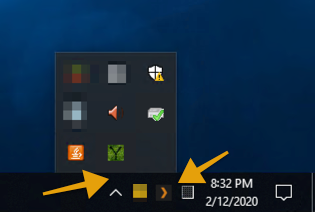
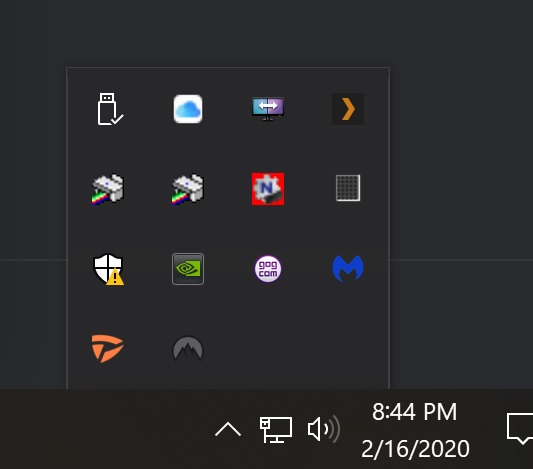
Do you know what your servers computers local IP address is? Does Plex Media Server show as running in the system tray on the right side. (click the up arrow next to the battery icon)
I see you changed the screen shot. but you didn’t answer my second question. is the server running? The Plex logo at the bottom of your screenshot is not the Plex Media Server it’s the player app.
If I right click on it and select “Update libraries”, again, literally nothing happens. If I right click on it and select “Open Plex”, it takes me to this URL:
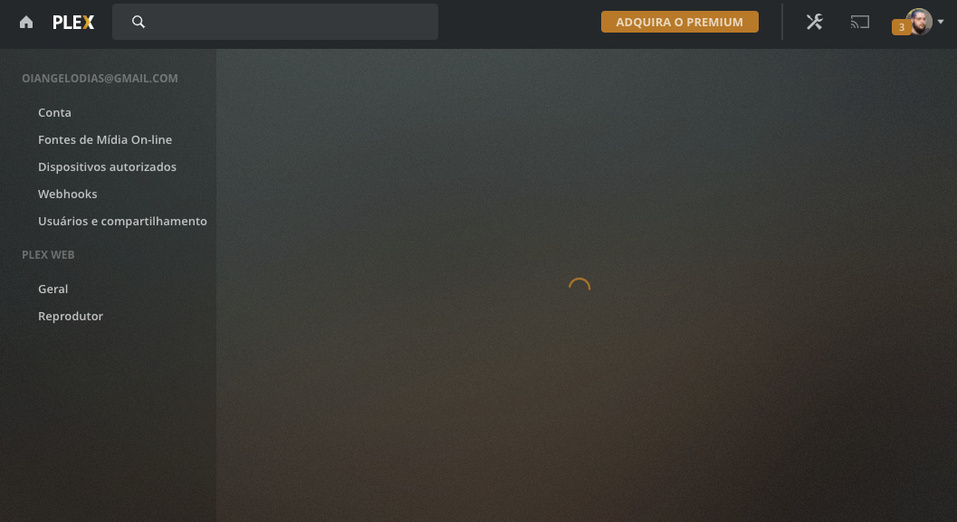
which just sits on a perpetual loading cycle ie nothing happens. Just a blank white screen.
I am using Windows 10 with the latest version of Chrome. I am running the latest version of plex directly from the plex website. If I launch plex from the website by going to plex.tv, logging in, and then clicking “Launch”, it brings me to this screen telling me to install the media server which I’ve already done:
As you can see, my desktop is showing as an authorized device, but I can’t add my library from the web or from the desktop app.
I have tried uninstalling and reinstalling both the media server and the media player. Any assistance in resolving this issue would be crazily appreciated!
I stuck in the same loop.
Icon is in task bar - I can click and select “About Plex Media server” which shows version 1.18.6.2368-97add474d
But when I open Plex and click to + YourMedia, I can see only screen with Get Plex media server.
Server has been reinstalled several times with no change.
People have been experiencing this issue for as far as i can tell, three years.
Everyone trying to help has been maddeningly unhelpful from what i can tell too.
Someone getting frustrated after purchasing premium and using caps lock to emphasis key words is something you shouldn’t be moaning about in the face of this fact.
It is extremely frustrating because what is happening, has been clearly explained time and again, and no one is paying attention. That is ignorance.
Let me explain. The setupwizard is >>>skipping<<< the setup stages involving your server. When you click on the link provided, if just brings up either a blank page or an unable to connect page.
Something is preventing that from happening.
Secondly, the only reason i’m encountering this issue in 2020 june, 4 years after the first sign of this issue on just basic google search top results. Is because of another issue preventing me from using plex on my own computer, resulting in crashes that are impossible to troubleshoot.
So people need to stop focusing so much on " just do this " with no real answer, and actually explain real potential solutions.
Something was merely mentioned here but i thought it was on to something. Its not registering or something?
Explain? Elaborate? Do something? Don’t just say “do it” without explaining how or what.
There is a problem with the setup wizard caused potentially by something externally. The troubleshooting page on the subject just covers extremely basic stuff that doesn’t help.
This worked for me. Just deleted every value in registry under current user>software>plex and then when I restarted the plex server it went to the proper setup wizard and all sorted