Server Version#: 1.25.3.5409
Player Version#: 4.73.3
I have some bandwidth issues outside my LAN. In WiFi, I have no problem, I can play any content I want, 4K, Dolby Vision etc.
But my friends outside my home have buffering issues. After some tests, I figured out that content with more than 2.5 Mbps (as Plex says by filtering content) don’t work flawlessly from outside.
However, my connection is pretty fast (3 ms ping, 250 Mbps down, 260 Mbps up), so I can’t figure out why Plex is limited.
Some precisions: PMS is running on a Raspberry Pi 3b+ connected via Ethernet, nothing else is using the connection while I’m testing, and I only use Direct Streaming as the Rasp isn’t powerful enough for transcoding.
I checked, they use direct stream too and have a pretty good connection too (100 Mbps+ up/down).
However, the buffering is forcing my server to transcode…
Above the tracks and how they’re handled you should see some information on the current avg. bitrate as well as information about the nature of the stream. This is usually on of the following values:
Local → direct connection between your server and their client inside your home network (therefore not applying to your case)
Remote → direct connection between your server and their client outside your home network
Indirect → connection through Plex relay servers as the client couldn’t establish a direct connection to your server
As for transcoding…
Direct play → file is transferred as-is
Direct stream → the tracks are transferred as-is but Plex is adjusting the container format (rather light on the CPU)
Transcoding → one or more tracks of the file are being re-encoded in a different format
So „direct stream“ and your server going to its knees due to transcoding don’t go together so well
And except for the dashboard graph not showing the used bandwidth properly… what about that stream isn’t working? Edit: you had mentioned Plex is transcoding everything above 2.5 Mbps which will be too much for your server?!
My friend tells me that the playback is buffering…
I say that value because we’ve tested with several contents: below 2.0/2.5 Mbps, it’s fine, the playback is working well, but as soon as he starts reading some media whose bitrate is above 2.5/3.0 Mbps, it’s buffering and becomes unreadable, thus PMS starts transcoding to try to provide a reliable stream.
Not sure… those puzzle pieces don’t necessarily fit together nicely.
Are you seeing the same limitations when streaming from outside your home network (e.g. using a mobile client)?
Hello, I have exactly the same issue, and I discover that :
My friend run plex on a MI BOX 4, with the user acount i made for him.
I log on his MI BOX 4 with my administrator account, and the problem disappeared…
The problem exist only with managed users…
I investigate more …
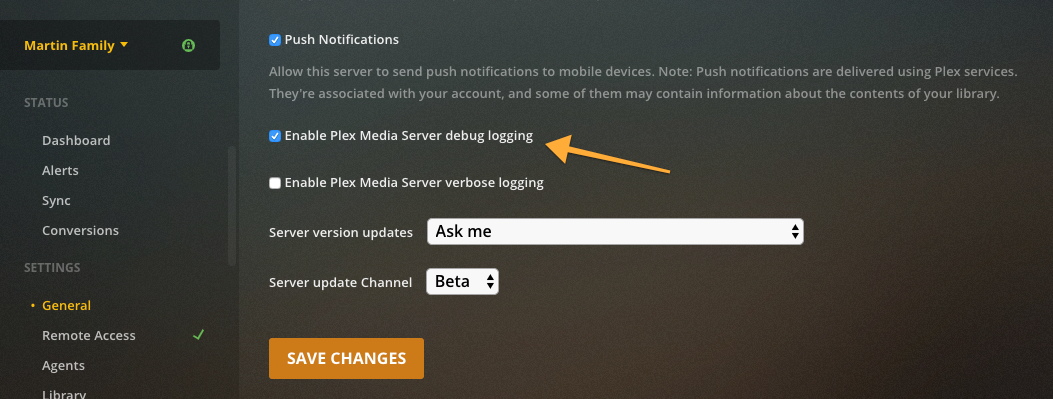
Here is the zip file you asked for: Plex Media Server Logs_2022-01-30_21-37-31.zip (4,2 Mo)
It comes from another friend that played another film for a bit more than 2 min, as you told me. It was a direct playback from the Android app, casted to a TV. The test spent 2 min but only 0:03 min were played during that time, the rest was buffering. Me, my friend and this friend have all 3 200+ Mbps connection, upanddown.
I didn’t check the value here as @OttoKerner mentioned in their last reply, unfortunately.
have you tried logging into your friend’s MI BOX with your admin account? I am convinced after several tests that managed user accounts are restricted by PLEX. I tried a concurrent software, I don’t encounter any problem…