Server Version#: 1.25.9.5721
Player Version#: 8.1.1 (iOS)
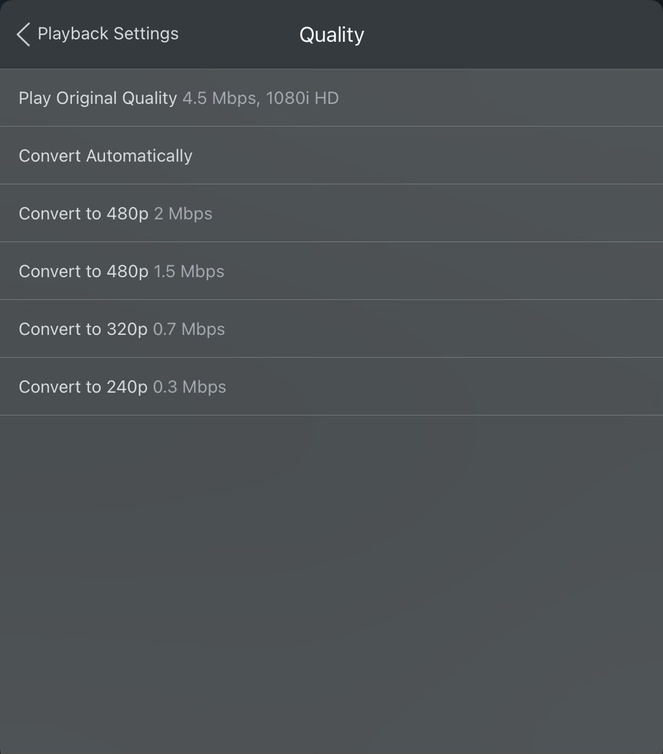
Hi, my iOS app on iPhone 13 Pro is unable to play media higher than 480p. The options available are either Original (Direct Play) or up to 2Mbps (480p) with no options in between. Below is a screenshot of the “Quality” option from the video player.
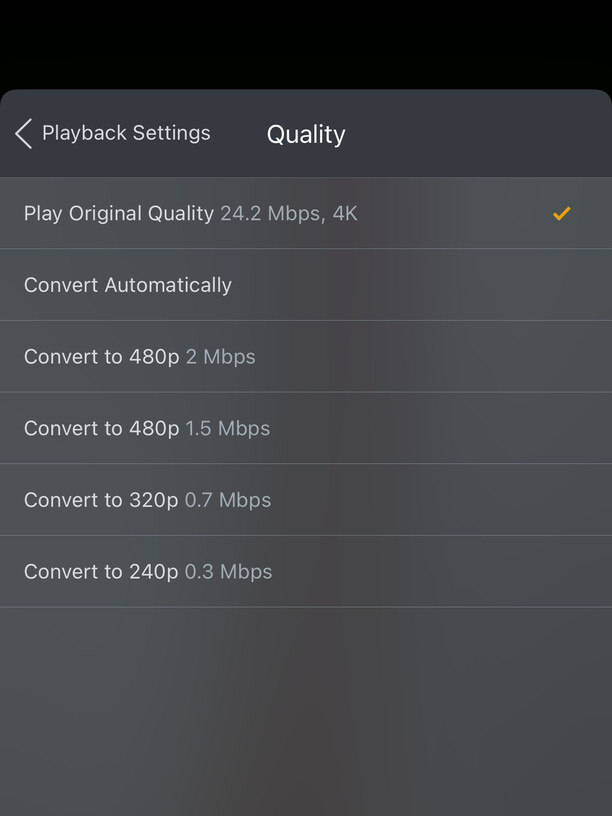
Below are the settings applied on the app:

I have done the following:
- Set up and tested port forwarding to the Plex Media Server
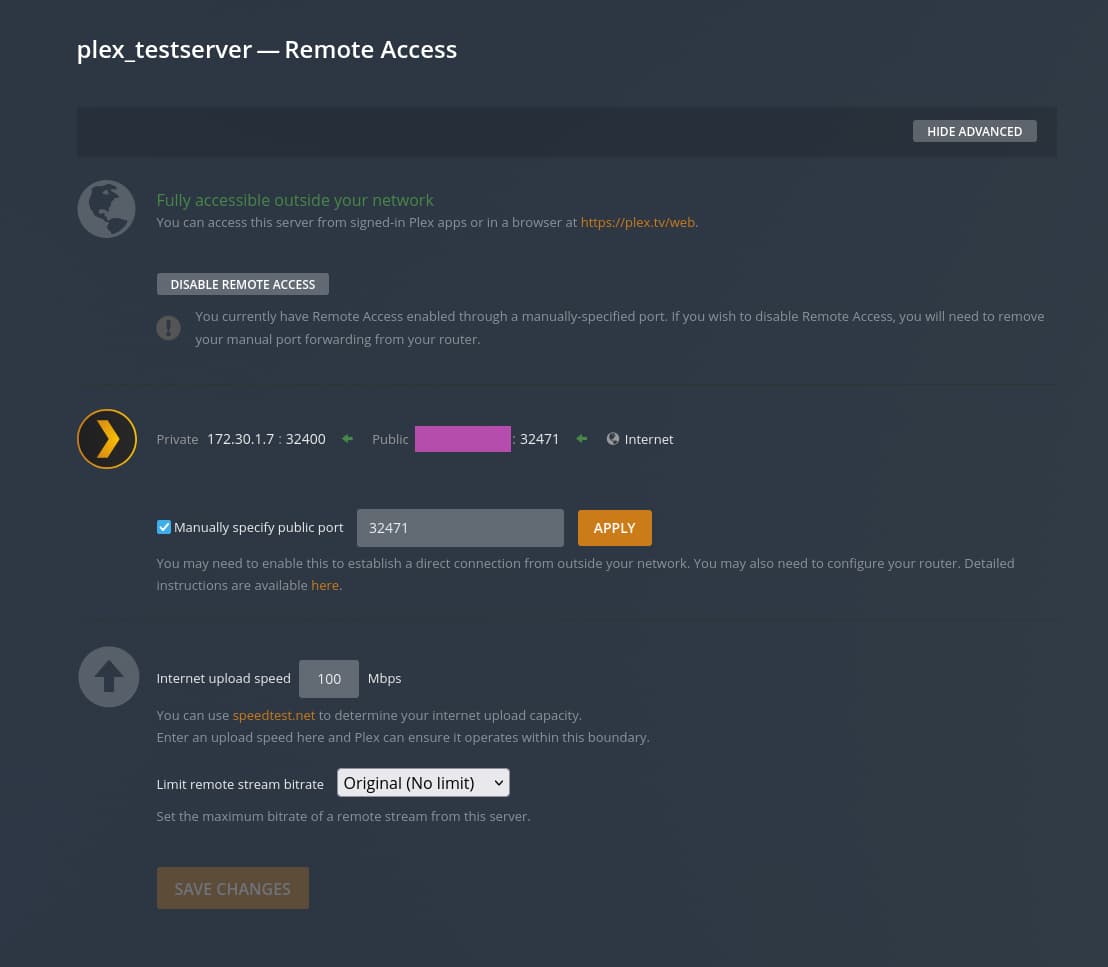
- Disabled Relay from Plex Media Server settings
- Verified there is no problem with Double NAT using traceroute command
- Verified the connection to PMS is direct from PMS Dashboard (No bottleneck in bandwidth)
- Verified hardware transcoding is working from PMS Dashboard (No bottleneck in transcode)

- Reset the cache on iOS app
- Uninstalled and reinstalled Plex iOS app
- Purchased Plex Pass to ensure I am not limited by the free membership
None of the above has changed the options available. Is there anything I can do? My current suspicion is that the mobile app’s “Limit Cellular Data” toggle is broken and it’s always on, thus not allowing 720p and above when on mobile data. (The option was enabled to show the options being limited to 2Mbps / 480p). Would appreciate an input on this issue. Thank you.

EDIT - When I connect my iPad to my phone’s hotspot connection (thereby being on WiFi but remaining a remote connection), all the options appear correctly. Additional reasons to suspect a bug in the iOS app.