We may need to see your android logs to try to figure out how it is trying to connect.
Thank you all for your assistance. Trying to send android logs, I guess the only thing I need is an email address to send it
…CLEARLY I have no idea what I’m doing 
You can click my username on here where you will see a message button to send it directly to me.
Thanks. Just send the zip of what I extracted off my phone?
yes please
So… as indicated, I’m very clearly over my head… but… I can’t believe I’d have to tweak individual device android settings just to access my library from my HOME WI-FI when as I said earlier everything was working fine just a few weeks ago…
I don’t unfortunately see any obvious reason is logs yet. Your logs say you are running 9.21.1.1169 version of the app on your phone. There have been a number of updates since then. Can you please update and see if still having issues.
I update from the play store daily. There are no new updates offered.
Is there a better way to update the app on my android devices?
The play store should have it but you can manually download from our release thread and install it that way. Plex for Android - #480 by PlexAndroidReleaser
Can also go here https://play.google.com/store/apps/details?id=com.plexapp.android on play store on a computer click green install button and select your phone to “push” any updates to your phone
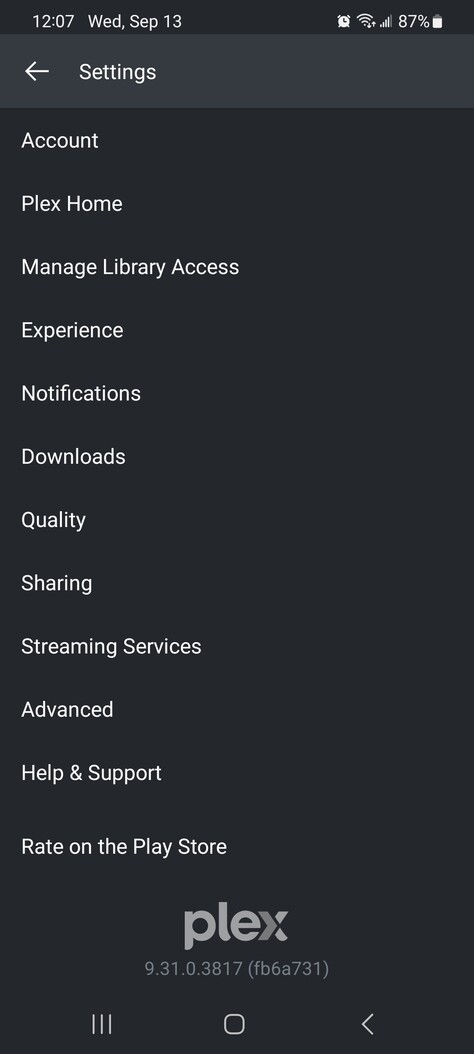
Since my logs from my android device didn’t offer any clues, are there any other things you can think of?
I’m asking some other folks to take a look. outside of some off firewall rule I cannot think of anything offhand. Could always try rebooting routers and such but I don’t know if that would do anything,
As I said before, I appreciate the effort and willing to try most anything you come up with. I agree that rebooting router likely won’t accomplish anything. One thing that I DON’T want to do is change one odd setting that’ll disrupt some other connection with something else.
Have a user here with similar-ish issue where a firewall rule was blocking remote access. This was specific to remote access but there may be things blocked you were not expecting. I understand not wanting to change toggles randomly but worth having a look to see if anything looks totally off.
I followed the instructions to get to Windows Security, but there’s nothing on this menu that points to an active network. Is this a Windows 10 instruction? Also, my issue isn’t remote access. That seems to be a whole different can of worms that I don’t necessarily need to address right now. Right now, I’m trying to access my media from home, with devices on the same network that my server is on.
I’ve changed no settings on my pc. I’ve been running the same internet security and VPN for YEARS while being able to access my media via Plex on my mobile devices. Disabling either does nothing. To troubleshoot, I wouldn’t even begin to know where to start.
hey. is it possible for you to get the android logs again but also get the server logs coving the same time
Good morning. Absolutely possible. We’ll try from a different android device, my tablet, which is the device I’d most likely try to access my Plex media from. I’ll send you the zip file the same that I did yesterday. Please, however, walk me through how to extract my server logs.
I have been working with @BigWheel looking at your logs that you provided.
From what I am seeing none of the requests from the android device SM-G981U1 are getting to the server -
Can you find out the local IP address of the device when it is on the local wifi network - same network the server is on - you can find the IP Address on the Samsung phone by going to Settings / Connections / Wi-Fi / opening that connection and the IP Address will be displayed.
You can check if this IP Address is on the same subnet as the server - IP Address needs to be 192.168.0.xxx
And you can then check on the windows PC where Plex Media Server is running if you can ping the device ok - in windows command line,
ping 192.168.0.xxx
replace xxx with actual octet
There are also apps for Android available that allow you to test ping from the phone - so you can test if ping to the server on 192.168.0.172 works ok
The log on the android app are showing timeouts with both the local IP route to the server and also the remote WAN IP - so something is blocking these requests
Example of a request not going through to the server
09-13 10:54:38.381  i: Fetching [method:GET] http://192.168.0.172:32400/media/providers?includePreferences=1&X-Plex-Token=...xxxx&X-Plex-Language=en-us
09-13 10:54:53.395  i: Time out fetching http://192.168.0.172:32400/media/providers?includePreferences=1&X-Plex-Token=...xxxxx
I presume you were on the local Wifi network at that time ? and the local wifi network is the same network as the network the server is connected to through ethernet?
Are you using Network extenders ?
I also noticed timeouts using the remote access route to the server - wondering if there is a firewall block - you can test your remote connection through your public port - by going to http://canyouseeme.org and entering the port number that is in use for your remote access - you can see that port number in server settings / remote access where it will show 192.168.0.172:32400 connected to the outside through your public IP and public port number
