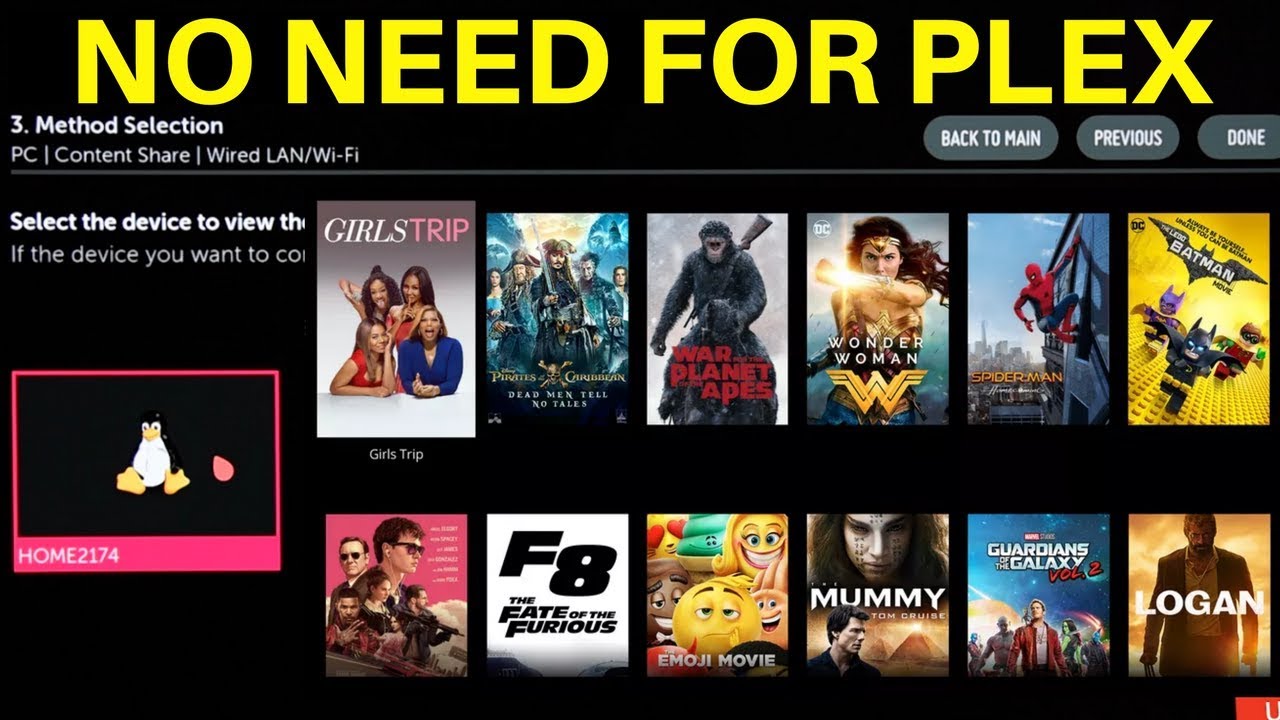
So… my setup is an LG OLED C8 connected with wire to a TPLINK router.
Connected to the TPlink router’s USB is a hard-drive on which I have the media I want to play on TV.
TPLINK IP address is 192.168.1.1
TV IP address is 192.168.1.100
how to configure PLEX (that is installed on TV) to be able to approach the hard-drive ?
Or shall I also define something in the router’s settings ?
You seem to be confusing the PLEX player app (that is on your TV) and a PLEX server which is what broadcasts the media that your player puts on your TV. The Player app has no ability to read media. The server does that. You can put a sever on most anything. Windows, Mac, LINUX, whatev. But the server is the one that needs access to the media, not the player. The player logs into the server and plays what it streams.
From your post I gather you have a USB drive connected to your Router. That is were your going wrong to use all the lovely UI of Plex. Follow the following instructions to set up your server. Connect your USB drive to your Computer that you have installed Plex Media server.
Prerequisites:
Computer with Server must be on the same Network as your Smart TV.
In your LG app settings/ Manual server/ ( Must point to your server’s LAN IP and Port 32400)
Your storage device/USB Drive to be connected to your Server
Plex Media Server and TV Connected to Internet not using IPv6 in there settings.
As your TV can not Direct Play DTS, it needs to be disabled in the app settings/ Audio/ DTS, DCA
It’s advised to use a Public DNS on your TV, like 1.1.1.1 or 8.8.8.8 instead of your default ISP’s DNS, Manually configure your TV network settings
Thanks for the comprehensive explanation.
the problem is that i don’t a pc … only a laptop … and as a laptop it is connected to the network by wifi…
this is why I’m looking for a constant place to connect the external hard-drive.
To be more precise: I am downloading the media content by wifi from my laptop .
I want this content to be available wired to the network so I want to download it directly to it.
From the other side , I want the TV to be able to play the content from this drive.
This is why I connected it directly to the router , hoping the TV could find it in the network .
is PLEX the solution for me ?
otherwise ? do you know if there is another solution ?
I would say PLEX isn’t the solution for you as PLEX needs a server and you don’t want to have one. Not sure what you can use. There used to bea nifty little box from Western Digital called a WD TV Live and it was a box you could hang a hard drive off of and then connect that box to a tv via HDMI. The box would read ANY media file format and stream it to the TV. I used to own several of them until I moved ot PLEX. Sold them both on ebay where I’m sure you can find them to this day.