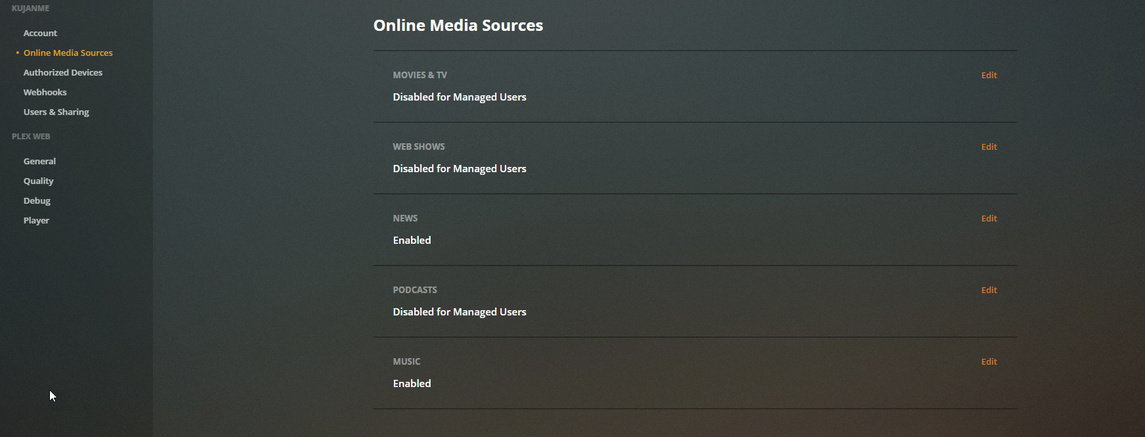
Well don’t I feel like a TOTAL noob! 

Removed the auto-setup CD and done.
Well don’t I feel like a TOTAL noob!
Removed the auto-setup CD and done.
NICE  cent works!
Where does one do this? When you say settings/network? Is that on the CENT side or the Plex side or the client side?
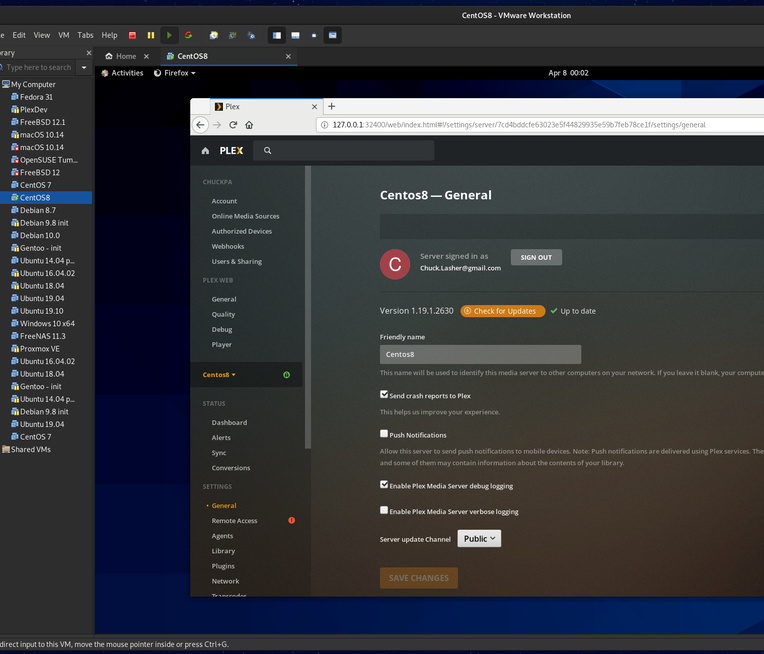
Not sure this will work I cannot sign in to a local browser the reason why is this is a NO GUI install. Ill take a look at those other links but might be easier for me to just try putting in a 172.16.1.x range and see if that works.
ssh -L 8888:127.0.0.1:32400  ip.addr.of.Centos8
sign in
let sit idle
http://127.0.0.1:8888/web
(route the web browser request through the tunnel. Let the local machine’s graphics head do the display work. Remember, PMS has a web server as its front end)
Understood! however getting connection refused on the terminal … likely b/c of some policy. Let me find another machine- windows appears to have a different ssh password than the password used to login and on the main account.
Get PUTTY for windows.
It will also let you ssh tunnel through it.
You don’t need the Centos admin account.
Also, remember you can change the login user (the -l option)
[chuck@lizum ~/Downloads.269]$ ssh -l admin -L 8888:127.0.0.1:32400 192.168.0.21
admin@192.168.0.21's password:
Going to try and get the putty to work brb …
Think I got it with putty here is the settings

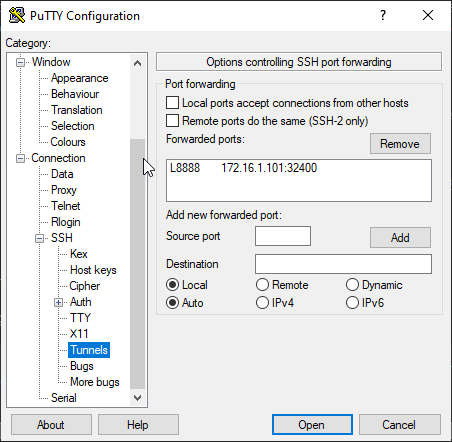
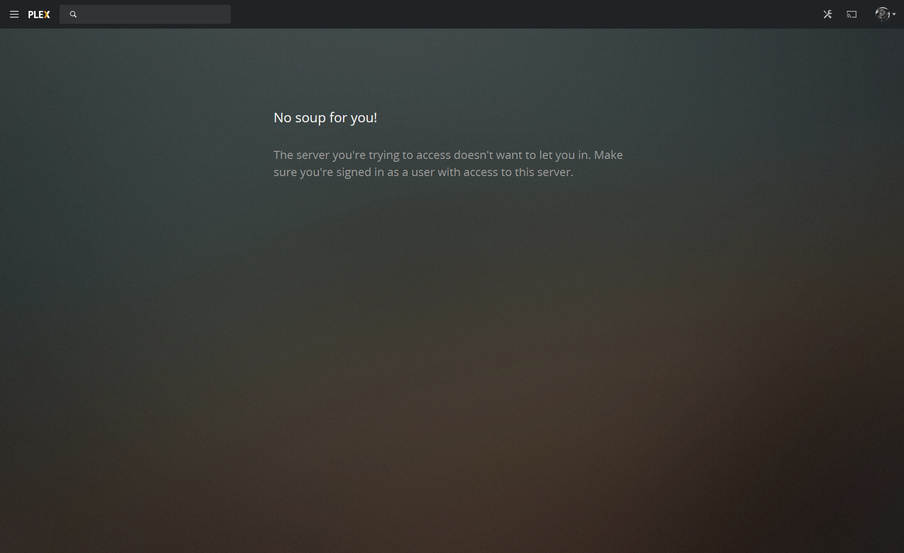
HOWEVER I still get the same result no libraries etc.
Is something wrong with my config on putty side ?
Here’s the document I share.
Also:
HA I used the same article ! Ill try the incognito window now …
I half expected it at this point but hoped we might be spared.
Operations had some issues today.
You’re still logged in. Did you log out?
It looks like it’s going to app.plex.tv and not the host IP directly, which it will do if you’re signed in.
OH no it prompted me and I logged in was I not supposed to ?