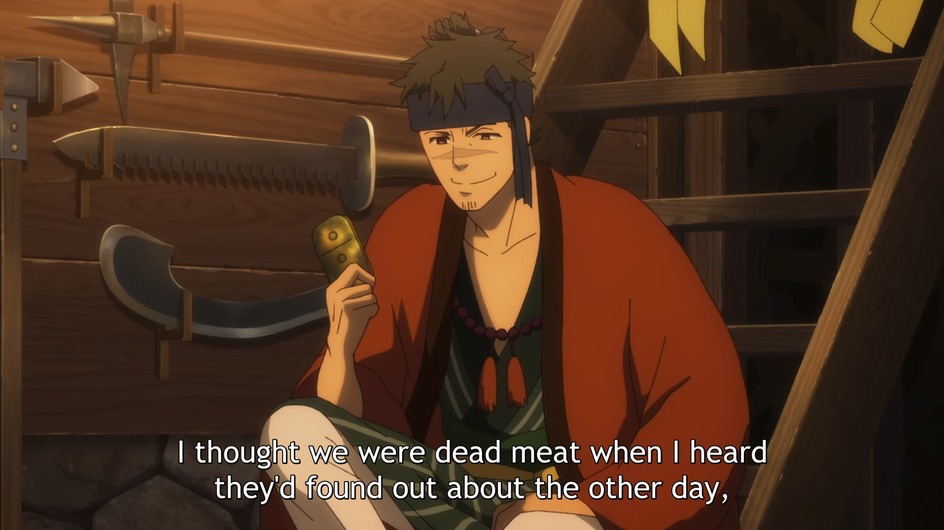
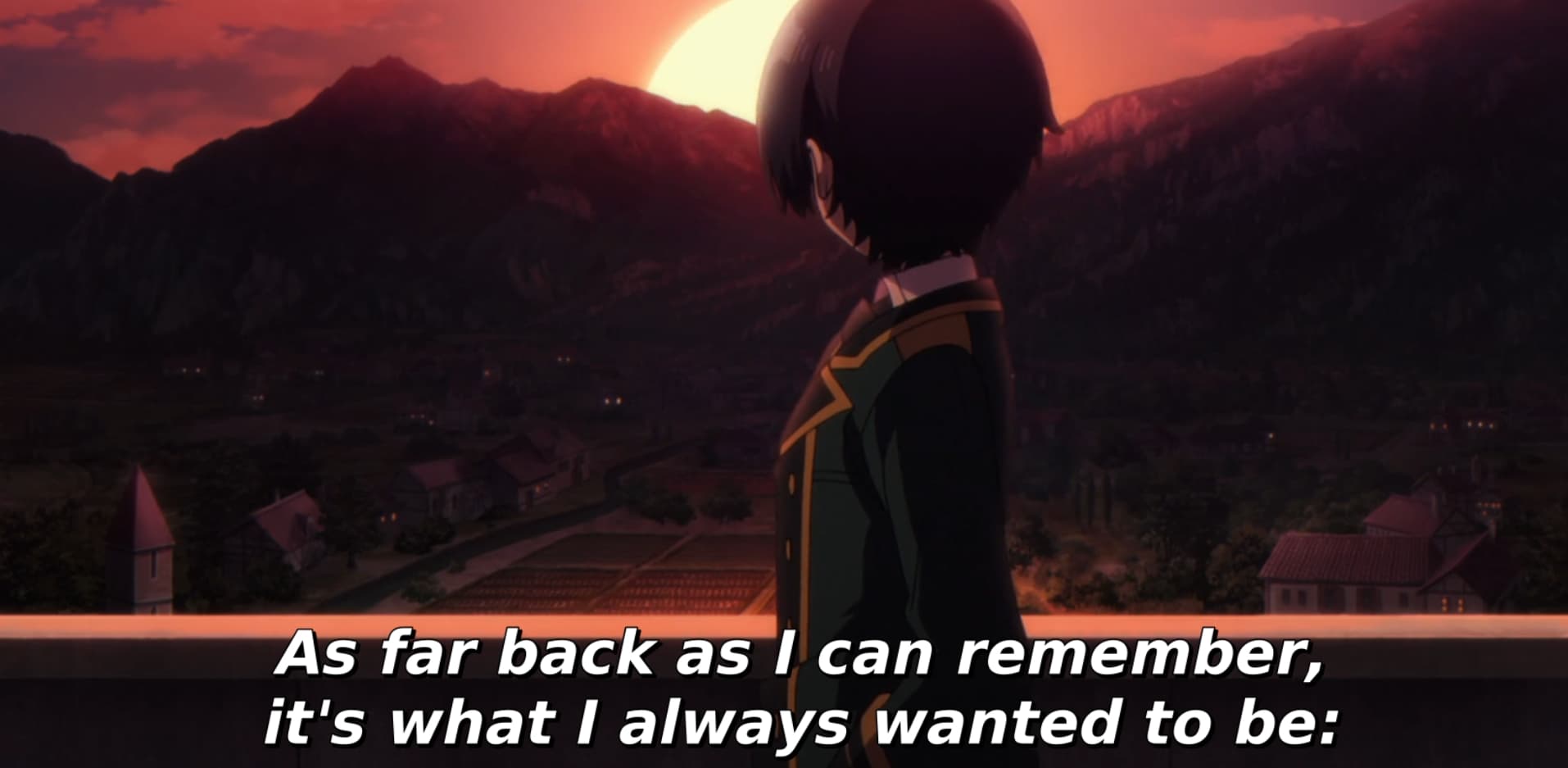
Incorrect subtitle rendering

This solved the problem for me. I’m using docker and I’m adding the fonts into the running container. If you are just running Ubuntu 20.04 or 22.04 without docker, you can probably skip the docker steps and run the rest of them as root.

  • Connect to PLEX container in docker (replace ‘plex’ with the name of your container)
    • docker exec -it plex bash
  • Update local APT cache
    • apt update
  • Upgrade any packages that are outdated
    • apt upgrade
  • Install MS fonts, will ask for confirmation on licensing
    • apt install ttf-mscorefonts-installer
  • Restart PLEX container
    • docker restart plex
1 Like

Same issue. Tried mselick’s solution, but no dice.

Docker hub image : plexinc/pms-docker
Plex version : 1.32.1.6999
OS : Debian GNU/Linux 10 (buster) - OpenMediaVault 5.6.26-1
Plex client : Plex Web 4.106.1

Hey guys, Could we please get some samples (https://support.plex.tv/articles/201035968-generating-sample-files-from-media/) of the media that exhibits this issue? Then we can investigate and hopefully find a resolution.

Ideally a sample + screenshot + Server logs showing a repro would be best

See attached. This includes a 60 second clip, and a subtitle file. This is reproducable with any similar video and ass file on the web client. Android client works fine. Screenshot from web vs. Android client attached. Also attached recent plex media server and transcoder logs.

Sample produced via: ./usr/lib/plexmediaserver/Plex\ Transcoder -i /path/to/source -t 60 -map 0 -c copy /path/to/sample.m4v

Android client [works as expected - subtitles readable]:

Web Client [subtitles blend together - and punctuation/numbers small]:

Logs.zip (53.8 KB)

sample.m4v.zip (4.3 MB)

Same issue here, Plex Version 1.32.1.6999 running in docker on Unraid OS using hardware nvenc transcoding. Android clients (Samsung S20+, Samsung Tab 8+, nvidia shield pro) work just fine. The Windows store app has the same issue as well. After setting my browser to only burn image subtitles only, it does render correctly, though this is no more than a workaround that won’t apply in all my use cases. Setting the Windows app to do the same breaks subtitle playback entirely…

First grab is from the Plex Windows store app, 2nd from VLC in this case. Sample created with MKVsplitter


sample.zip (1.6 MB)

Plex Media Server Logs_2023-05-15_22-22-42.zip (4.0 MB)

confirmed happening here as well on web browser.

Plex Web Version 4.100.1
Plex Server 1.32.1.6999 (Docker) - Ubuntu Server 22.04.2 LTS w/ nvenc transcoding

I’ve noticed the exact same output in some files with ASS subtitles. No spaces and extremely small punctution marks. The styles in my subs are using an even more basic font, Arial. Are we saying Plex doesn’t support Arial now???

ReadyNAS: 6.10.8
Debian: 8.11
PlexMediaServer: 1.32.2.7100-248a2daf0
Already installed ttf-mscorefonts-installer

Styles sample:

[V4+ Styles]
Format: Name, Fontname, Fontsize, PrimaryColour, SecondaryColour, OutlineColour, BackColour, Bold, Italic, Underline, StrikeOut, ScaleX, ScaleY, Spacing, Angle, BorderStyle, Outline, Shadow, Alignment, MarginL, MarginR, MarginV, Encoding
Style: Default,Arial,20,&H00FFFFFF,&H000000FF,&H00000000,&H00000000,0,0,0,0,100,100,0,0,1,2,2,2,10,10,10,1
Style: white,Arial,45,&H00FFFFFF,&H000000FF,&H00000000,&H00000000,0,0,0,0,100,100,0,0,1,1,1,2,10,10,10,1
Style: white small,Arial,40,&H00FFFFFF,&H000000FF,&H00000000,&H00000000,0,0,0,0,100,100,0,0,1,1,1,2,10,10,10,1
Style: yellow,Arial,45,&H0000CCFF,&H000000FF,&H00000000,&H00000000,0,0,0,0,100,100,0,0,1,1,1,2,10,10,10,1
Style: black small,Arial,30,&H00000000,&H000000FF,&H00000000,&H00000000,0,0,0,0,100,100,0,0,1,0,1,2,10,10,10,1

I don’t watch too much subtitled content, so only recently noticed this. I’ve only found it to be when there are .ass subtitles and the file has NO attched fonts. Likely because they are so generic attaching them should be un-necessary.

As a test, I tried remuxing the files and just attaching Arial. This seemed to work. The spaces are no longer removed, and most things are watchable. But it’s clearly still not displaying fully correct to what it should be. And it seems pretty absurd for the need to remux all files and attach Arial (or another very prevalent font). Better than nothing…but clearly a bug, as we can also identify the older version to revert to.

I could provide small mkv file as well, but I think this has been covered already.
I would like to try this. Can someone tell me how to remove the font definition? Is that embedded in the MKV container? How would I open and edit that? Thanks.

Try this software: Subtitle Edit

Thanks, I do have Subtitle Edit. I used it to open an MKV file, but I didn’t see anywhere that the font was being set (like in your example where it shows ‘Trebuchet MS’ as the packaged font. I’ll dig a little deeper and see if there’s a way to remove that. So, if I’m understanding your original instruction to “remove the font definition,” you’re saying that if I’m able to do that, then Plex, in the absence of a specified font, will use it’s own default font and, most likely, display it properly. Correct? Thanks, again.

That’s the idea, yes.
But as established above, this issue appears to be connected to a damaged or missing font file in the server for Linux/Docker/Synology.
So erasing the font definition in the subtitles won’t change anything.

OK, thanks.

In addition to the font issues, I’m also seeing an issue on the Roku Plex client. It doesn’t seem to render the position instructions. I think this used to work, but hasn’t recently. For example, {\an8} is supposed to position the subtitles at the top, to avoid interfering with the credits, but on the Roku, it positions them at the bottom of the screen and the codes appear as part of the text instead. I’ve included a screen-shot example on my Roku Ultra Plex client and another one that renders fine on my Windows 11 Roku client. Sorry for the slight difference in timing between them, but the text is the same in both shots.

Setting “Burn Subtitles” to Automatic or Only Image Formats causes this problem to manifest. Choosing Always makes them render in the correct positions on my Roku.


Also experiencing this issue

e: turning off burn-in fixed it on my web client, but would love some way of knowing which font was the issue

It seems like whenever burn in / a transcode is forced, whatever font file plex uses is completely messed up. Seems like at least in my testing the font embedded in the file does not matter.

Plex Version: 1.32.1.6999
Platform: Ubuntu 22.04.2 LTS x86_64

Screenshot reproducing incorrect subtitles:

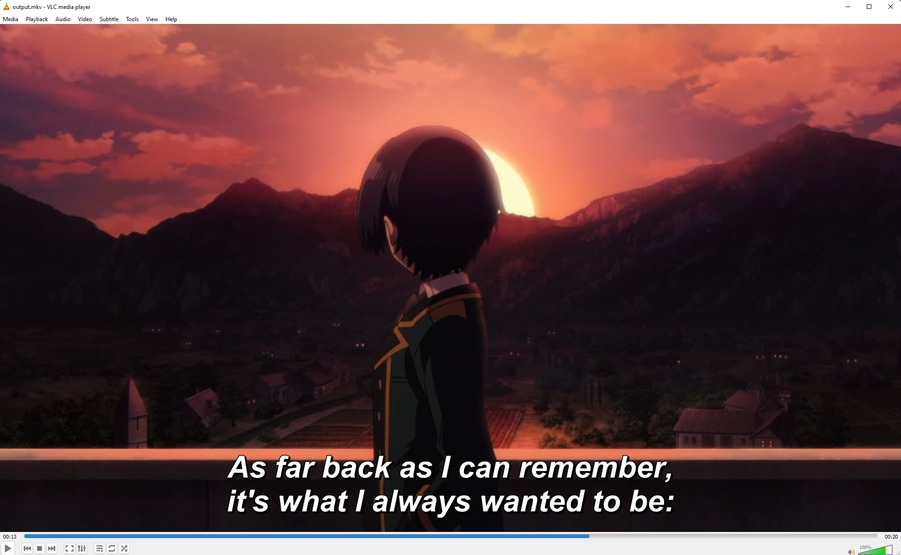
VLC Screenshot (correct subtitle display):

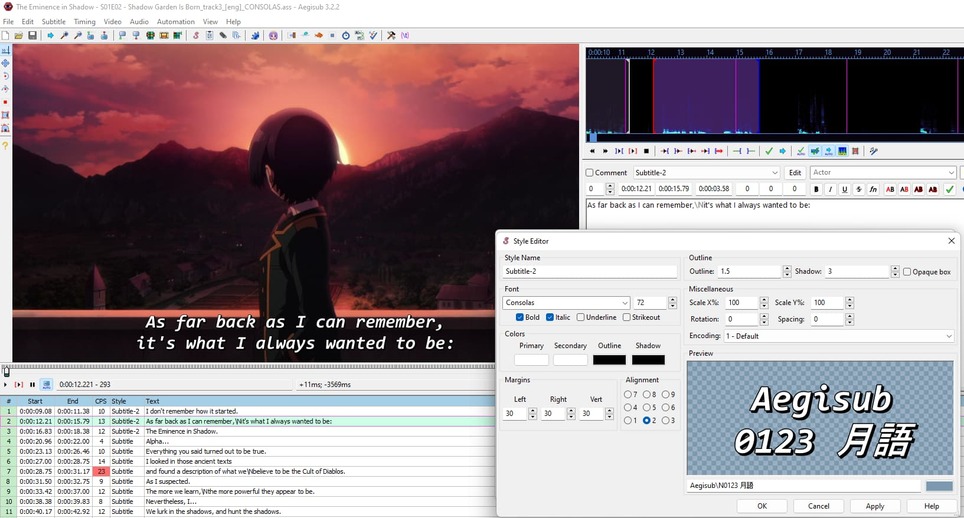
Subtitle Style in Aegisub

Even re-exporting the subtitles with another font produces the same result ex:

(switching font to Consolas:)

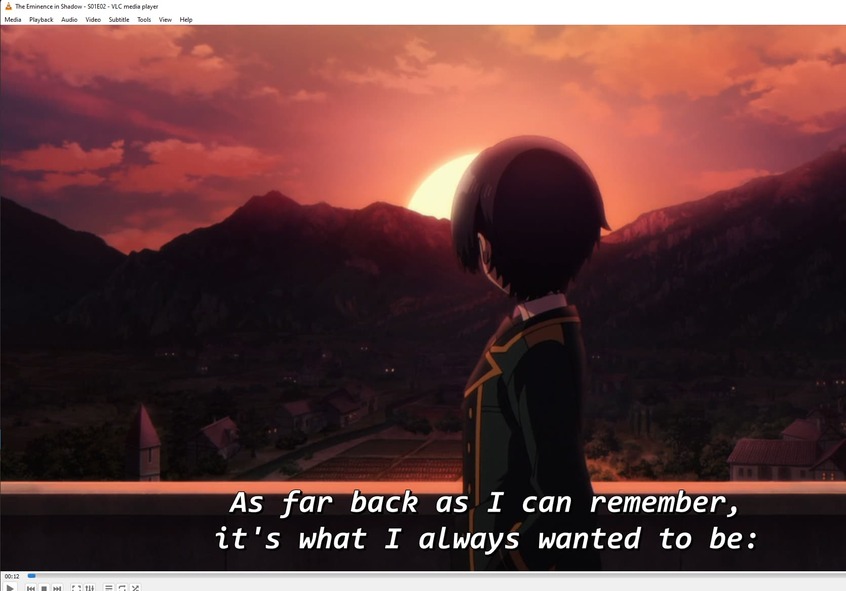
Playback with new font is fine in VLC:

But still messed up when transcoded through the web player:

Sample Attached:

sample.zip (3.5 MB)

So then what is the native font within Plex that will display properly? Subtitle Edit will allow us to change the font, so what’s the best font to use?

Subtitle Edit won’t be able to help with this issue.
It is something to do with the server installation package on the affected platforms.

Meanwhile, a user has found some kind of workaround: Plex ignores locally installed fonts on Linux when burning in subtitles

Can confirm that that workaround seems to work at least for the test case I have been using earlier:
Font Config Update:

Result:

Obviously I would imagine this is not a permanent fix, but until whatever backup font definition the transcoder uses is fixed it seems to do the trick.

1 Like

Confirmed also works on my standard Ubuntu and ReadyNAS installations. Thank goodness, it seemed like something silly like this. Just simply not using system fonts if font was not attached.