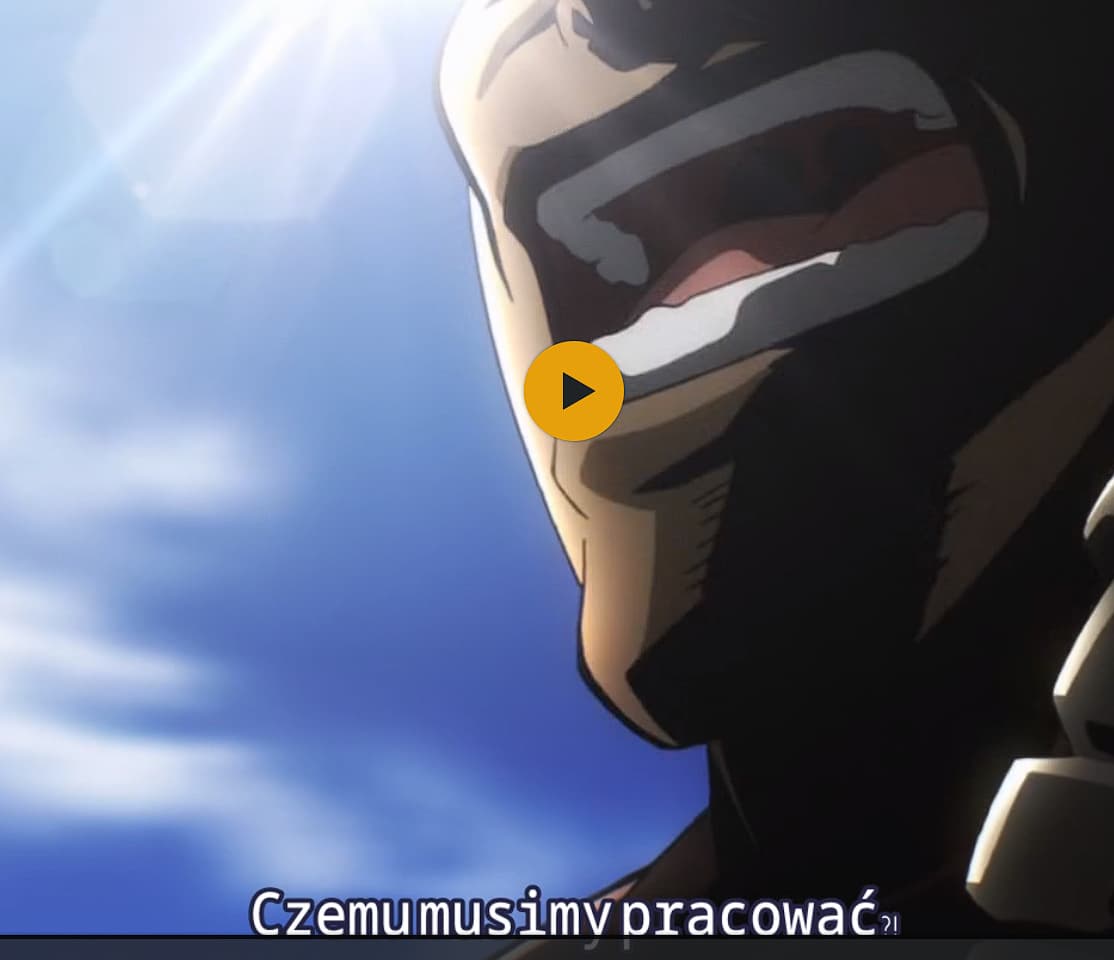
In some .mkv containers, the subtitle font is set to Trebuchet MS. Since this font is missing from the docker container and the Linux build, subtitles are not displayed correctly. (no spaces, small punctuation marks)
24
00:01:34,720 --> 00:01:38,930
<font face="Trebuchet MS" size="24"><i>A treasure that was too dangerous
to sell, and too dangerous to use.</i></font>
The copyright of this font lies with Microsoft. Therefore it is not possible for Plex to include it into its own software. It can only make use of this font if it’s already present in the operating system (which is the case on Windows).
There is no guarantee whatsoever that Plex will be able to render any random font which somebody has defined in some random subtitle file.
Use a different subtitle or remove the font definition.
It seems that in the previous version 1.31.3.6868, Plex ignored the font defined in the subtitles and used a more acceptable default font. (there are spaces, and punctuation marks have a certain size)
Is there a way to upvote this topic?
Many of my videos have the same issue as described above: the whitespaces between words are too narrow making the subtitles unreadable…
Bumping this. I just went through the investigation steps (log collection, screenshots, etc) before seeing this thread. I’m having the exact same issue after upgrading. This impacting the WEB player as well as the Samsung TV player, however subtitles are rendering fine through Roku and the Plex Windows Dekstop App.
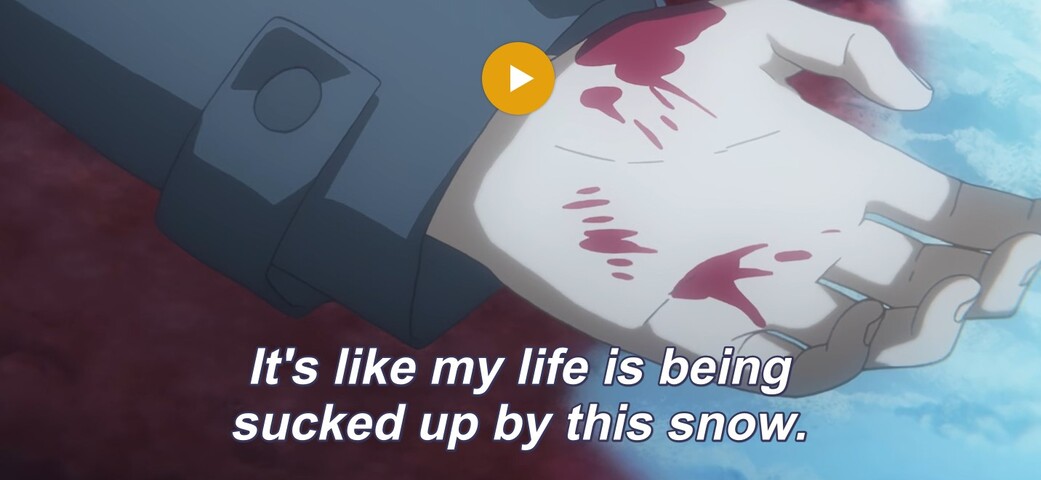
Dialogue: 10,0:00:17.70,0:00:21.62,Italics TK,Nasa,0,0,0,,It's like my life is being \Nsucked up by this snow.
There’s only one Style that uses ‘Trebuchet MS’ and it’s a sign translation; I’m not sure why it would impact the entire output of the file instead of just that section. – I’m also not an expert on subtitles.
It looks more like there is no high-quality font available in your Docker container for the Plex Transcoder to use. So it is falling back to some font with very poor kerning.
If this were based on the container or install, I’d expect more consistency with the output between different players. Eg, I’d expect the font to be messed up while transcoding to the Roku app or Windows Desktop app, but it works fine through those.
Same issue here. Happens on both my binhex/arch-plexpass docker install as well as my Ubuntu 22.04.2 LTS Install. Reverting back to 1.31.3.6868 solved the issue for me. I am also only having the issue on specific players, notably the web player.
The font file on the server is only used by the Transcoder, if it has to “burn in” subtitles. And that is only necessary if
it has been requested by the client, due to a client preference (“burn in subtitles”)
the client cannot render the type of subtitles (PGS/VOBSUB vs. SRT etc )
Subtitle format support varies between different client types. So the issue not being consistent is only logical. The clients which show subtitles correctly, are those which can render the subtitles themselves.
@OttoKerner , It looks like reverting back to 1.31.3.6868 does in fact resolve this issue. Something must have changed – this might have come with the update to deprecate support for older systems?
I’ve seen at least one report from a Synology user who days it is the same on Synology, but not on Windows.
Which suggests that all Linux based platform might be affected.
Right, I can confirm the Plex Desktop Client direct streams the subtitles while the web client burns them – makes sense. If you need any kind of testing done, just let me know.
So, my working hypothesis so far is that this is affecting text-based subtitle formats (SRT, ASS) which are getting burned-in on the server.
Which means that if you are using the web app, you can only reproduce it with ASS subs, because the web app can render SRT subs itself.
Picture-based subs are not affected, because they don’t need a font. They are simply bitmap pictures.
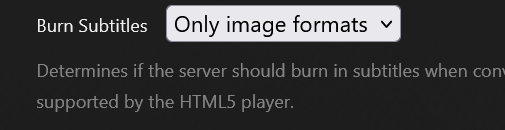
Was able to do a bit more testing today, It seems to be definitely only when the subs are burned in. As switching my plex web player settings to “Only Image Formats”:
However this seems to have the side effect of causing playback failures and rendering issues for more complex subtitles that worked fine with the “automatic” burn in setting:
The following plays for a few seconds before crashing and seems to have the wrong font applied: