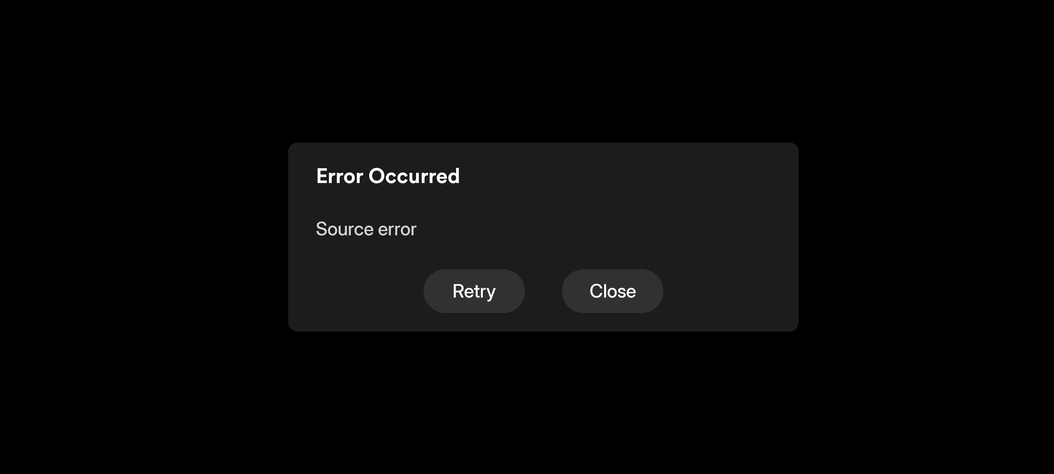
@BigWheel I was told I should tag you in this to see if this is a known bug that is being fixed as I would rather not download an APK and rollback my plex version. I have made no changes to my settings or account and when I went to use the app on my samsung galaxy 22 ultra at the gym suddenly I was greeted with the screens showing the new user interface. Looks nice honestly. My only issue is that since this change I can’t use my server with my VPN on at all for the PC running the server or I can’t access the media outside my network now at all. Even with the VPN off now I keep getting source error when I try to watch anything while not on my home network though with the VPN off on the server, it does work occasionally but gives me the source error more often than not. Is this a glitch with the new version? Again I made no settings changes anywhere. I will link the server logs below. Any help would be appreciated lol. This has been very frustrating as it was working fine before this update and now is basically useless when I’m not in my house. Here is the version number as well. UPDATE After doing some tinkering I have found it works as just fine on anything other than my phone. My PC plex app, Samsung TV app, and apple app for plex work fine in and out of my local network. Only my android phone seems to be only able to stream when connected to my home network and can’t stream when off my home network. Outside my home network I can see the shows and browse my libraries as well as see how far into episodes I am, the issue only occurs when I try to stream a video and watch it outside my home i get the source error consistently.

I have port forwarding setup. It seems to be an issue only with android mobile devices since the new plex update. Everything other than my android phone works outside my network but my phone will only stream when connected to the home network with or without the VPN. I can look at my libraries and see how far into episodes I am but once I try to actually stream an episode I get a source error when not on my home network. I am seeing alot of posts since this recent UI update having the same problem all on android mobile devices.
Yup it’s ever since the user interface update. Every other app seems to work fine with or without my server running it’s VPN. Only android mobile app seems to have this issue when outside your home network since this update. You can always delete the app and download the APK for a previous working version of the app but it is a hassle to do. Hoping it gets fixed soon. I also want to see if I download a show or movie to the android phone does that make it play or if even downloaded content has the same issue.
Ah I missed the part where you said everything else works.
See: Source Error
A playback developer is looking into this.
I wonder if it has something to do with the new watch pass that plex rolled out. I have the lifetime pass also, but it’s not working on my android when I’m not at home.
Used my daughter’s iPhone and it worked. Guessing there will be an update.
This was posted on another thread and helped me, its the next update set to roll out in 2 weeks
it fixed my issue
I dont know how to use it to be honest but does that mean theres already a fixed version that isnt being rolled out? Or is that rolling you back to a working version?
Where did you get the apk from? It worked but i would like to make sure its from a legit source. Can you post a link to the web page?
I am having the exact same issue and I took an on android. I did just learn that while my phone doesn’t work when on an external network, it will in fact still Chromecast. Any update to get the phone to work?
The link from taylor_592 they say is a yet to be released version of plex which fixed my issue after install on my android phone. Try downloading and install that.
It was posted by plex support in another thread.

Thank you. I really appreciate the fix and the confirmation lol. Ive become pretty paranoid since i got a nasty ransomware a while back that took me a long time to remove from my PC. Thank you very much again!
This seems to be app related. Im using a S22 ultra and have the same issue - has been working just fine before the recent update. Outside of network VIA app i get that source error. But i think its app related because the webUI works fine - throwing that out there.
Download the link taylor posted above. Its a beta version of the upcoming patch that will fix it for you for now
Same issue here..
Very pissed off.
What exact version of the mobile app do you have installed?
This is supposed to be fixed with 2025.16.0.
