The Description section only has Title that show up in PLEX. Comment doesnot. How did you do it?

Ah, thanks. I’ll study that link and try.
Use a proper metadata editor. Mp3tag - the universal Tag Editor (ID3v2, MP4, OGG, FLAC, ...) is what I use.

right click extended tags => add tag
I just checked my setup. My PMS program is on the C:\Program Files\Plex\Plex Media Server. I do have a registry entry to point at the data folder on the D: drive. So this is probably not the issue.
Hi @dbirch,
Any further suggestions on what I can do to fix this ERROR - No module in VideoFiles? Since my install of PMS is pretty much what @OttoKerner had instructed. I doubt if the install is a problem. Or should I just do a clean reinstall anyways?
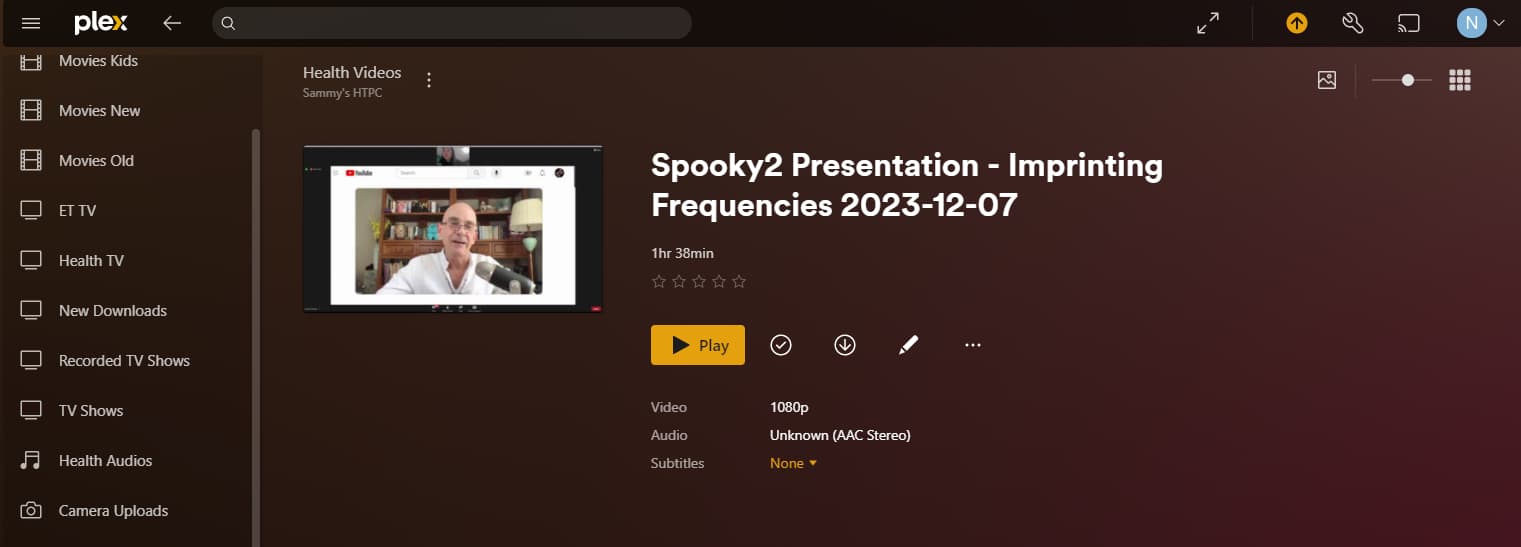
I tried Add Tag using DESCRIPTION as field name. is this what you mean? But I am not able to enter more than 1 line for value. Looks like I can create a multi-line description in another program and copy/paste it here. But I tried on this video and did Scan Library Files and also Refresh All Metadata, this description text did not show up in PLEX’s summary field of this episode.

I also tried
Try naming the field LONGPODCASTDESC.
(Yes, I know)

At some point I used my metadata editor to add “all available tags” to a test file to check, which of them are recognized by Plex and where it’s mapping them.
This isn’t a particularly helpful for your immediate issue. Back when I was experimenting with that, I felt it helped me improve my other-video files to get an overall better experience (e.g. adding a list of family members as cast to my home videos).

Did you enable “Prefer local meta tags” in the properties of that library?

OttoKernerPlex Ninja (Moderator)
Did you enable “Prefer local meta tags” in the properties of that library?
Where is this setting?
I cannot access PLEX WEB as I get 404 Not Found Error when accessing [127.](http://127.0.0.1:32400/web/index.html) I have to use the PLEX desktop app. But right now, when I go to Edit Library for any channel using the PLEX app, the selections for Add Folders and Advanced are greyed out as below…

P.S. I just upgraded my PMS to Version 1.41.3.9314, and now Add Folders and Advanced are no longer greyed out. But looking through in Advanced, I cannot see where I can enable Prefer local meta tags.
@tom80H Were you able to find out which meta tag gets recognized by PLEX as the summary field in the episode’s description?
I did. But it’s been years ago and using an editor that’s only available on macOS (Subler) for which I don’t have a mapping of their human-readable tag labels to the technical tags.
Try stopping and restarting the server. See if the advanced tab becomes available again.
If not, you better copy all your custom edited metadata into your files’ tags as soon as possible.
Because it might be caused by either a damaged database, or the use of a deprecated metadata agent.
Problem Gone
I just upgraded my PMS to Version 1.41.3.9314, and all the problems went away:
- When I right click on PLEX in the task tray and select Open Plex, it no longer get the 404 Not found error going to 127.0.0.:32400.. It opens PLEX Web properly now.
- I no longer have
Add LibraryandAdvancedgreyed out inEdit Library. - Library scan for my Health TV channel now finds all the videos in the folder that it was not able to find before.
So the whole problem was caused by bugs in the last 2 revisions. Thanks for everyone’s help.
I can still use help on how to use metadata of the video file to load the Summary field of a video in PLEX. I have tried using MP3TAG to create a tag called DESCRIPTION per @dbirch as well as LONGPODCASTDESC per @Ottokerner Neither worked. Right clicking on the column titles in Windows Explorer and then selecting More, there is a long list of tag names. I found Description and Summary, but not LONGPODCASTDESC.
One more thing is the Legacy Agents. Now I can go to Edit Library and select Advanced. Under Agent, there are only 2 choices: Plex Series and Plex Personal Media. It is on Plex Series. Should I be using Plex Personal Media?
As mentioned above, the Windows file explorer is inadequate for serious tagging work.
I’ve made an experiment with some older course videos I had on hand.
The file names and the folder organization follow what is required for every tv show in Plex.
The library is set up with type “TV Shows”.
But during its creation, the agent has been set to “Plex Personal Media”.
The embedded meta tag TITLE is filled with the episode title
The embedded meta tag DESCRIPTION is filled with the episode’s description.
There is unfortunately no way to embed the title or description of the overall show, nor the season.
(although I attempted to do this, but as you can see when you compare the content of my TVSHOW tag and what appears in Plex it is not used in Plex)
The show’s title as it appears in these screenshots is derived from the overall folder name.

The above shows the meta tags how they appear in mp3tag, as well as the result in a newly created library in plex.
Keep in mind that the above only works with mp4/m4v files. Not with any other file formats.
(the .nfo files are currently irrelevant. They may be used in a future version of Plex.)
The above is strictly for use with a library of the type “TV Shows”.
The differentiation between “episodic” and normal content is very important in Plex. You cannot combine the two types in the same library. (Honestly, don’t even try. It’ll only end up in frustration.)
Store the files of these two types in totally separate locations. When you create a library for one type, point it only to storage locations which hold videos of that type.
I have another library with various unmatched videos.
This library is of the type “Other Videos”.
I’ve found, non-episodic videos require different meta tags.
Here is one example:

(The description text is actually quite long, too.)
The date is actually imported into Plex, though for some reason doesn’t appear on the video preplay page. But it appears in the library poster view and you can use it for sorting and filtering.
Again, meta tags are only read from mp4/m4v video files in Plex.
