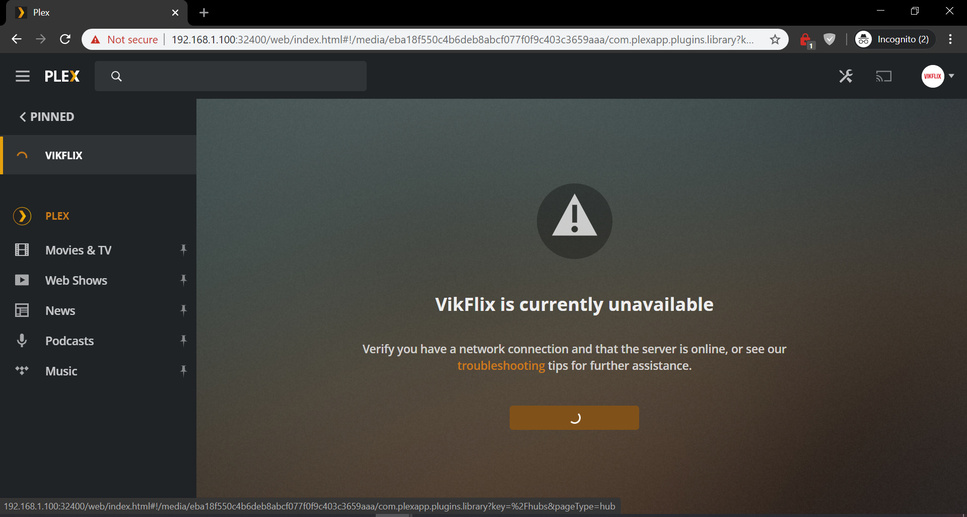
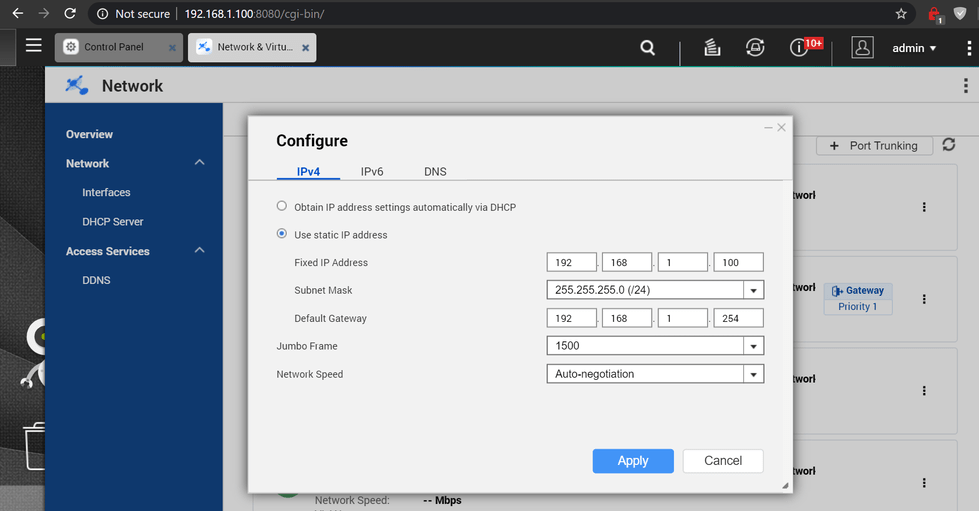
Server Version#: 1.19.1.2589-2de7f3266 (TS-453A)
Player Version#:
Was asked to create a separate thread so here goes.
Re-posting my issue here:
Unfortunately I must re-open my case, and ask for help.
Everything worked until qnap released the latest firmware and since then I started having problems again.
Basically, direct palying via PKC on kodi works without any issues. But I cannot access the server via the web. Locally or remotely, neither works.
I have been hoping a new update might fix my issue since that was what solvLogs.zip (6.6 MB) ed it the last time, but nothing so far, and I am on the latest plex pass build (30/3).
Another thing to note is that each time I open upp the web app my QNAP CPU spikes, until I close the tab again, then it goes down to normal.
Thankfully I can play content, but there are a lot of functions that I can’t use due to the fact that I cannot access the web interface.
I am attaching my logs, hopefully someone can help share some light on this.
After you followed No access to web app and removed some settings from the preferences.xml, could you then try this one, and when asked for an IP, enter 127.0.0.1
IP Address of PMS server: 127.0.0.1
Comparing entered passwords
Comparing entered passwords ok
Validating IP address
Getting PMS Server Identifier
Getting PMS Server Identifier ok
Getting User Token from plex.tv
Getting User Token from plex.tv ok
Getting PMS Claim Token
Getting PMS Claim Token ok
Claiming server
Fatal error happened
HTTP returned Status 401
[/share/CACHEDEV1_DATA/Download] #