Server Version#:
Player Version#:
<If providing server logs please do NOT turn on verbose logging, only debug logging should be enabled>
Hi
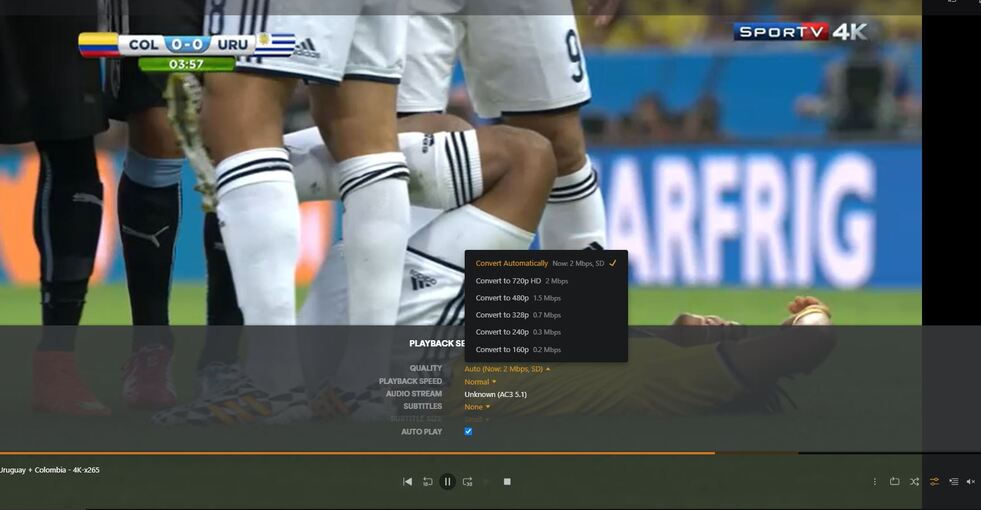
both me and a friend are using the latest plex version with plex pass and both of us has a great computer with 700 / 400 ISP connection, but we can’t watch movies in full quality, we already did a lot of tunning using some tutorials to understand a way to fix the bitrate and make thinkgs work better but we weren’t able to play with full quality.
We are trying to play some mkv movies with 1080p and dolby/dts 5.1
any tips?
There’s also a guide with some more details on how to troubleshoot remote access issues. To dig deeper into this we‘ll need the actual findings from that troubleshooting.
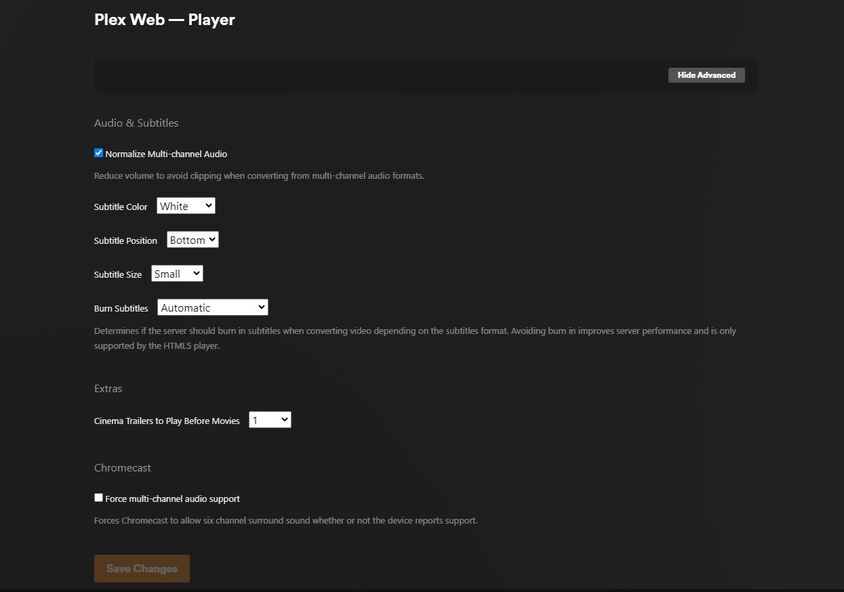
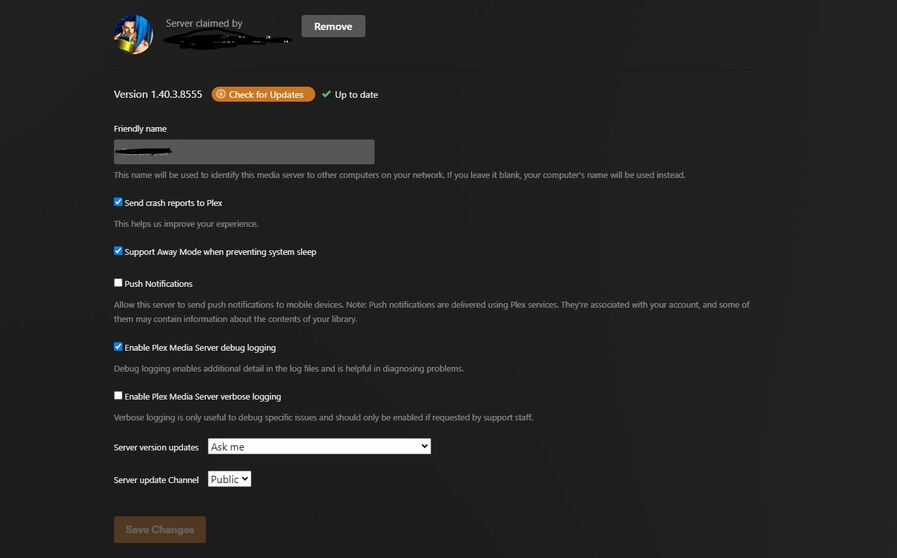
Here are some details and screenshots
I am using a DELL G15 with 3050gtx and a WD My Book 8tb attached in USB 3.0 with movies and shows, ASUS AC86U - 700 / 500 ISP speed.
I did a deep configuration using the tutorials that u sent and looks like is everything okay but my friend and I aren’t able to play with full quality, I will ask him to test it again and send me the screenshot showing the results like you did.