Fixes the color issue I had.
The subtitles for this file always displayed weirdly on the current build of Plex on all platforms, this build fixes it but only when the file is direct playing.
Incorrect (Original File):

Correct (File I put through handbrake so it would direct play):
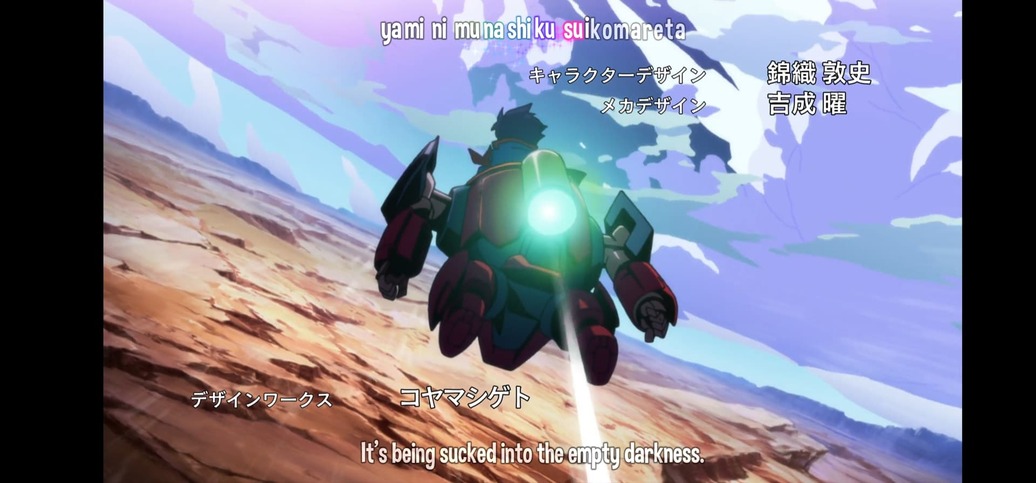
This issue also happens with the file that shows them correctly when you switch subtitles to always burn in.
Here are links to clips of each file:
Direct Playable file - Google Drive
File that Transcodes - Google Drive
Hello,
I’ve noticed the following. It’s easy to reproduce and fix. When playing a video with .ass subtitles, when closing the video (by moving away from the plex app on my tablet) and then coming back, it will not display the subtitles anymore. After closing the video and reopening it, it will start playing again. This happens 100% of the times I’ve tested it, on multiple videos containing the .ass subtitles.
What I’ve also noticed is that when the advanced subtitles setting is set to “image only” it will not display the subtitles. I need to set the setting to automatic for it to work.
Sweet, this is exactly what I was looking for! I updated my Plex on my phone and Chromecast with Google TV. 

The colouring issue is now fixed but in the above mentioned file the subtitles still dont seem to be playing from the start and I have to turn the subtitles off and on again to them to work.
I am experiencing the subtitles not playing at the start aswell. Have to turn them off, then reselect them. Though this doesn’t occur on all files. I had been attempting to post a proper sample, but using ffmpeg to split the file, doesn’t play well with flac audio. And I didn’t want to just upload and post the entire file, because that could be problematic.
I’m sure it’s a good reason for Plex choosing to have the server limit what libraries are used on the clients, but it does seem very strange from the outside!
(Is it a similar reason that is preventing Plex from adding AV-1 support to clients with hardware support?)
I’m going to try out these builds today though. Very excited to check how it performs on my tablet!
Only native libraries, as Android shares the same FFmpeg version as the server so our libraries become interconnected. It’s never usually a problem, but in this case the server has had no need to update libass.
Unsure on AV-1 support, but I can find out - codecs are usually stuck behind licensing but since AV-1 is open source we should be able to add it.
I’ve not been able to reproduce this yet on any file, when you see the issue is it using embedded ASS subtitles or external?
They were embedded subs, forced as well. Here’s a screencap that I took yesterday of the issue. All try to get a proper sample made, and upload that with the logs.
Screencap of issue occuring:
https://drive.google.com/file/d/19-SD22gtjp6RR2EIEoJqnDQhU02gSMkn
EDIT:
Logs:
plex-log-Zach.zip (1.2 MB)
Sample:
https://drive.google.com/file/d/1HBqsA4jlwlzPZfqYvfU8cFX0vBT_Dswo (159 MB)
I’m having the same issue as well
Updated my post with logs and a sample. Apologies for the large file size, handbrake seems to have inflated it, but I assure you it’s only the intro. I double checked that the issue occurs with the sample as well, just incase it randomly got fixed by going through handbrake.
Thanks for clarifying! Plex seems to have some weird bottlenecks sometimes, and from an end user perspective it can be pretty frustrating when things seemingly is just stuck in limbo for no obvious reason. As was the case with .ass until recently, for example. 
(There’s a pretty big and somewhat angry request thread about lack of AV-1 support on the forums)
I’ve played around with the build a bit. I’ll PM you some new logs and sample files.
Have you waited at least 10 seconds before trying to select them again? I ask as this is a current issue on the Plex for Kodi plugin, ASS subs don’t display for the first 10 seconds of playback. But once they appear you can rewind back and play the part you missed before the 10 second mark and get subs.
I have, waiting the whole length of the intro, they don’t show at all unless I deselect and reselect. I’m also not using Plex for Kodi, I’m using the latest build posted in this thread. It also doesn’t happen on every file. My death note files have no issues, and shows them immediately.
Wow this is awesome! To think that I would be able to finally play .ass without transcoding! It works good with the few mins I tested it on my Chromecast w/GTV. The only problem is the ff and rewind takes much longer even if the buffer progress is there. I’m sure it will get fixed up and be ready for public release soon.
Edit: I got “direct play was attempted but failed” messages on some of the anime files.
I am so unbelievably happy about this! I downloaded and used the Arm7a one on my Nvidia Shield TV, and all styling and coloring seems to be working. The only thing I ran into is it wouldn’t play anything that had external subs. I tried reading through the thread to see if this was already addressed and didn’t see anything, so sorry if this was already brought up. But on all my anime with external subs it just hangs at the beginning and doesn’t start to play. I got out mkvtoolnix and muxed the same episode and subs, and then it worked fine.
Thank you again!
If you’ve the Shield Pro, use the Arm64v8a build.
I tried that one first actually, but I kept getting a message that said “The app was not downloaded”
Can you re-upload the Amazon version again? The files seems to be deleted.
Here we go;
