Plex Media Server - Synology DSM 7 Preview - Issues ( Archive )

Yes I noticed that, but I’m not sure if that also deletes the active server, since they have the same name!
So I wanted a verification before doing anything :wink:

Regarding your issue, if your old share (Plex) has a few GBs of data while the new share PlexMediaServer only has a couple of MBs, then the migration didn’t work. That happened to me too and I did what Chuck mentioned a few comments before… uninstalled with erase option and install again the latest version.

DO NOT USE “REPAIR”

Instructions here

Hello Everybody.
This is my first post, so I apologize in advance if I am wrong somewhere.
I am able to run PLEX server on Synology DS918+ with DSM 7.0, but ONLY with library in folder inside the shared folder PLEX. I am not able to run with library installed on folder in different SHARED, even if I give the same CUSTOM authorization to the shared folder master. I upgraded to the last version PlexMediaServer-1.24.2.4973-2b1b51db9-x86_64_DSM7. Could you please help me ?
Thank you in advance

I don’t use it, what i did, i download the new Plex from my Plex web dashboard, go to my DSM7 Stop Plex Server and lunch the Manual Install of the new version, as i always do, but i have this error that i never had before.

I don’t believe that to be my issue as the old Plex folder is empty, I migrated when DSM 7 came out and everything was fine until this latest update. I just hope I don’t have to erase everything to be able to update to the latest version.

@XDM

Your screenshot shows you have used “Repair”.

To recover from this:

  1. Check where your metadata is.

  2. If it is still in the Plex shared folder –

  3. Uninstall the DSM 7 package + ERASE option

  4. Control Panel - Shared Folders - DELETE the PlexMediaServer shared folder.

  5. Now begin installation of 1.24.2.4973

@KoGi77GR

Please confirm the old “Plex” shared folder is empty ?

@dusanzk

If you were previously using DSM 7 -

This update takes your existing server (which was hidden)

and moves it to the new location so you can make backups.

When Plex Web shows you a new server - but the old one is available, this means the ID information in Preferences.xml was lost / modified.

Do you really have your server (and all library sections) under this new ID number ?

I have nothing in Plex shared Folder, juste de Logs folder that i use for Tautuli

And the PlexMediaServer Sharde Folder i can’t see from my DSM 7 interface
But i can see it when i access my server via ssh

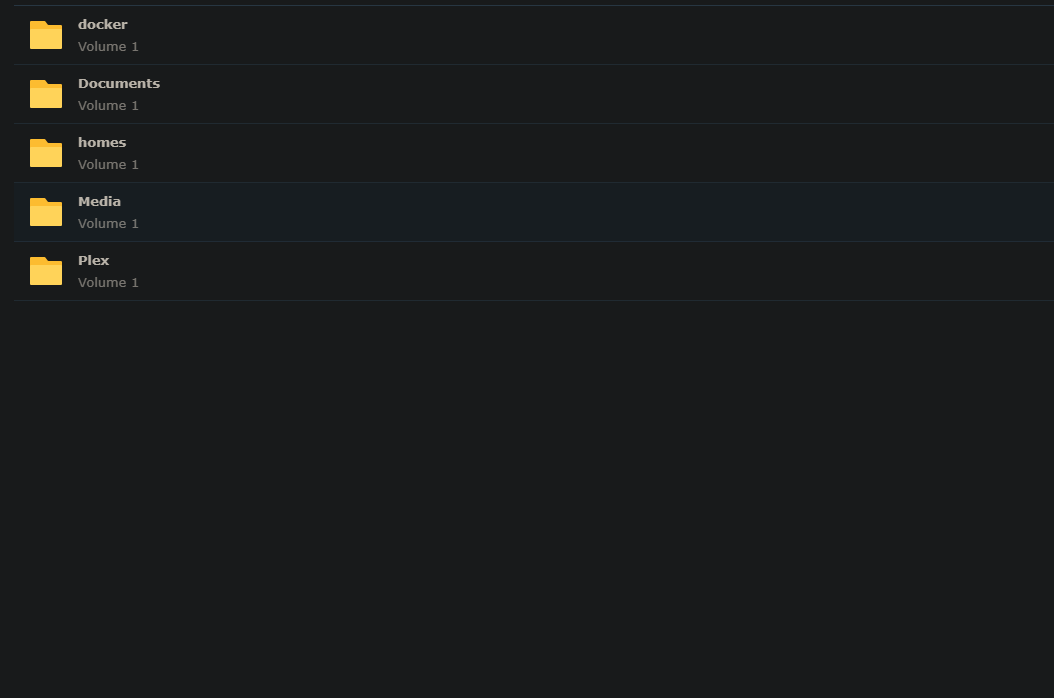
You already have a shared folder, which you created, named PlexMediaServer ?

From your Plex shared folder, show me the contents of Migration.log ?

No, i don’t have the PlexMediaServer shared folder
I had only Plex

Show me the Migration.log please ?

Good. Thank you.

When you install PMS 1.24.2.4973, what it does:

  1. DSM sees the request to create a shared folder named PlexMediaServer
  2. It will create the shared folder and give user PlexMediaServer (the new package) permission to R/W in it.
  3. At that point, I move your existing DSM 7 data, which was hidden in the DSM internal area, back out to the now-visible PlexMediaServer shared folder.

The screenshot you showed “Failed to Repair”.
I have only seen this when users click the “Repair” button.

Do you have a shared folder named PlexMediaServer ?
If so, what do you see in it?

@nikkormat

Have you seen these instructions?

If i’am on the DSM7 intrface i can’t see it

But I can see it from ssh

And it contains

@XDM

Only an Administrative user can see it.

My account is the admin one

I don’t know how to check if my server is under the new ID number, I just know that it’s active and working on the current version 1.24.1.4931-7000 and gone when I upgrade to the latest version 1.24.2.4973-7000. I’m willing to troubleshoot it, just let me know what to do.

@ChuckPa

i juste take a look at my plexmediaserver folder vs old plex one and i only have 2.60 mb vs 6 go when i had the old plex folder. the migration process tell me sucess but it seems that i have some go missing in the new plexmediaserver folder.

My old plex folder only have migration log inside nothing else.
my server is running 1.24.1.4931 and all my libraries are accessible.
when i want to update to the new version 1.24.2.4973 my libraries are not accesible and plex wants i claim a fresh new server.

i have the same issue as @dusanzk