Plex Scanner Problems Since Upgrade

Hi, so I have been using Plex now for a few years and recently I upgraded from the Synology DS218J to the Synology DS923+. I am very familiar with using both Plex & Synology NAS.

So since the upgrade in September this year, I have had mixed results, first off I did a clean install for the new NAS and then transferred all my data to the new hard drives too. Made the media directories, fixed the settings to suit what I had prior, and then did the scan of the new content.

Here’s where the problems start. The scan does do what it starts to do, but during the time it misses stuff or skips stuff, or I’ve no idea what or why it’s doing so but leaves stuff empty, and quite a lot of it too. I have to randomly go behind it and fix stuff myself.

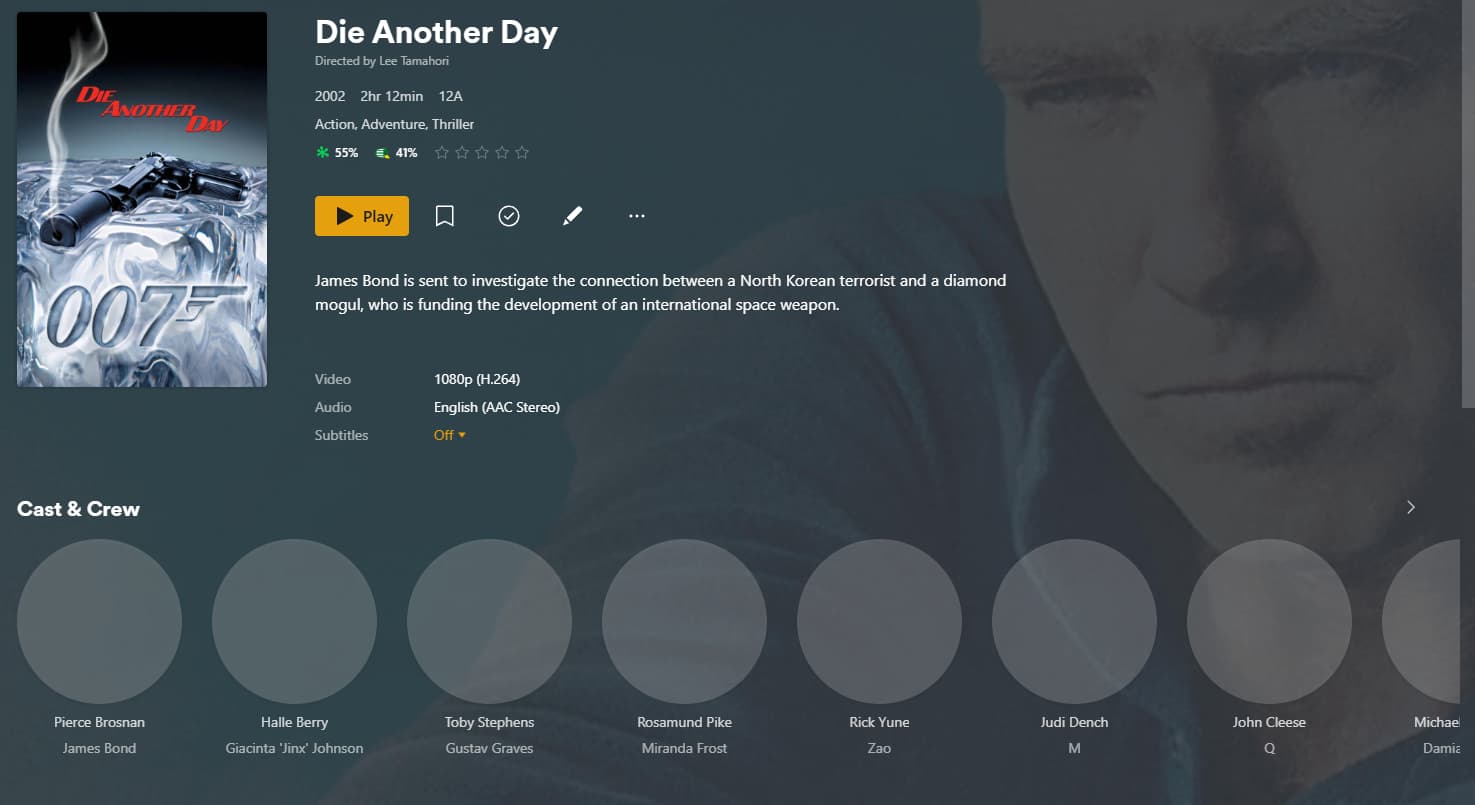

Images above are showing what it does sometimes, the actors do not show, information doesn’t show, and or nothing shows at all like the (Dirty Harry) one.

The thing with the (Dirty Harry) one also, is if I manually search it won’t do nothing, even (refresh metadata) just does it for a quick second then done, like its blocked?!

Here is the funny thing, from time to time even with the (Dirty Harry) one, I will be able to do it as normal, it will scan it normally and find all the information just like it should, same goes for the whole plex, it works perfectly, other times though it will randomly stop showing information and images etc whilst scrolling, as again if something is blocking it.

I have checked the firewall and ports, I have unblocked them, and I have also done a clean/fresh install a couple of times and still the same result.

Logs.zip (159.5 KB)

Logs are included above, Any help please?

I’ve seen cases where the metadata embedded in the MP4 is incorrect and causes bizarre results because PMS will read the Name & Title info form MP4 files.

I use MKV files for that reason.

I would first check (edit) the MP4 info to make sure it’s clean/perfect or empty then fully Plex Dance the file.

In your logs, I found a few other things.

  1. You have multiple ethernet adapters on the same subnet.
    This is not best practice and will confuse players
1 Like

Hey Chuck, seems that this multiple ethernet adapter is the issue as I said before it has strange instances where it works fine and then suddenly goes to crap again, seems to be a blocking/internet issue. The other reason why I think this is because it worked fine before, mp4/mkv no matter what it was, and when I bought the new DS923+ I also got an (E10G22-T1-Mini) ethernet adapter which of course I had plugged in ASWELL as the usual ethernet line, so it all makes sense.

Okay so I have gone into the network settings and this is what I have, the BOND part is a little different to yours.

I have no idea what I am doing here, to be honest, I have found no walkthrough online either.

Would I make ALL three of the LAN connections combined with the (Balance XOR) ?

I’m surprised Synology has no info on this.

If you have a 10 GbE NIC (the E10G22), then I would not use the 1 GbE NIC ports at all. ( My QNAP has 2x 10 GbE NIC cards and the 1 GbE NICs are always unplugged. Mixed speeds creates problems )

IF: (or similar numbering .. is LAN 3 the 10GbE?)

  • LAN 1 is the 10GbE
  • LAN 2 and LAN 3 are the 1 GbE
    –AND–
  • You have a 10GbE switch

Then

  1. Keep only the 10GbE NIC connected
  2. EDIT the IP address if you need to - or - set static (I use static)
  3. Disconnect the 1 GbE.
  4. Ignore what I said about creating a bond.

On the network configuration page, You only use those other bonding options when you have a switch which is capable of LACP (802.3ad)

For comparison, this is how my QNAP is configured.
All traffic runs through the 10GbE NIC
Plex is happiest when there is only one NIC in the box.

side note: This is that single 10GbE as it runs backups (the QNAP is the backup destination)

1 Like

Thanks so much for the help and all this information, I have done everything now that you suggested: I went with the 1 connection (10GbE NIC), makes sense lol and disconnected the rest. Now would you suggest clearing the cache etc of Plex and starting over or just let it go on from here?

Thanks again :slight_smile:

I would give the Syno a quick restart.

That will clear all the OS memory caches.
PMS will restart and see only one adapter.

Life will be good :sunglasses: LOL

1 Like

Thanks for everything mate, and Merry Christmas, have a good one :slight_smile:

This topic was automatically closed 90 days after the last reply. New replies are no longer allowed.
