Ok so I could not get the Home 5x and Back 5x to work while in the plex channel. I tried 15 times. It would just take me home every time. I tried as fast as I could hit the buttons, I tried listening and letting the roku sound tell me when it had detected a button (seemed too slow) either way I could however get it to work while on the home screen, but im not sure if this is what you want since it was not inside the plex channel.
The trick of signing me out and signing in another user did uncover it to probably be account specific. The new user could reorder, unpin, etc and after a restart would still load the new settings. I was hopeful.
Unfortunately as soon as I signed myself back in, “Customize Navigation" popped up. And as I expected still everything I set defaulted. I even went into settings and noticed the remember selected tab was unchecked. I checked it, and changed some other plex pass options I wanted to try, but just like everything else after a restart, the box was unselected again, and the plex pass options I had changed were again default.
So I ran back into the server to make sure that the option was selected in the UI. It was in fact set to remember selected tabs.
What else can I do to help get this issue resolved.
Also, while youre here please please please get them to add a “exit guide” button to the xbox app, just like you have on the roku player. AFAIK on xbox none of the REMOTE buttons let you cancel the guide. That means you can’t get back to what you WERE watching if you decided to surf the channels but dont find anything you like without having to go back wherever in the guide the channel is on and selecting it just to get the guide to close. With your wonderful selection of channels that can take a lot of time as long as you dont accidentally look over it looking for it like I do. That button would be so so so much better. PLEASE PLEASE PLEASE add it to xbox! It would be so very much appreciated by me in no one else uses xbox and xbox remote to watch plex live tv. Please
Just found this post. I seem to have the same issue on my ROKU 4802x ultra, also on my samsung tv has the same issue. no settings\customizations like library or recommended are saved. My android phone remembers changes. this started happening about a week ago. 11/15 i would say.
hey DeewNikoms420, How are things working for you now? Mine started working about 8pm tonight. not sure if I got an update. but its remembering stuff now. how it stays working.
Well i got all excited, it worked great, until i exited the app and restarted it. Right back to the customize screen once again. Nothing has changed for me
I guess this bug is too hard for them to figure out. No change, no support. Meanwhile as a Plex pass holder, I am stuck with a problem nobody cares to help me resolve. So disappointing.
Can you give me the instructions one more time for exactly how to get those settings? As mentioned above i tried and tried and tried to follow your instructions in app but combination did nothing but take me home.
Im very eager to get you whatever you need to take my issue seriously, ive already posted the problem for you to see in a video. I would be grateful if the app would stop defaulting itself, I need your help for that
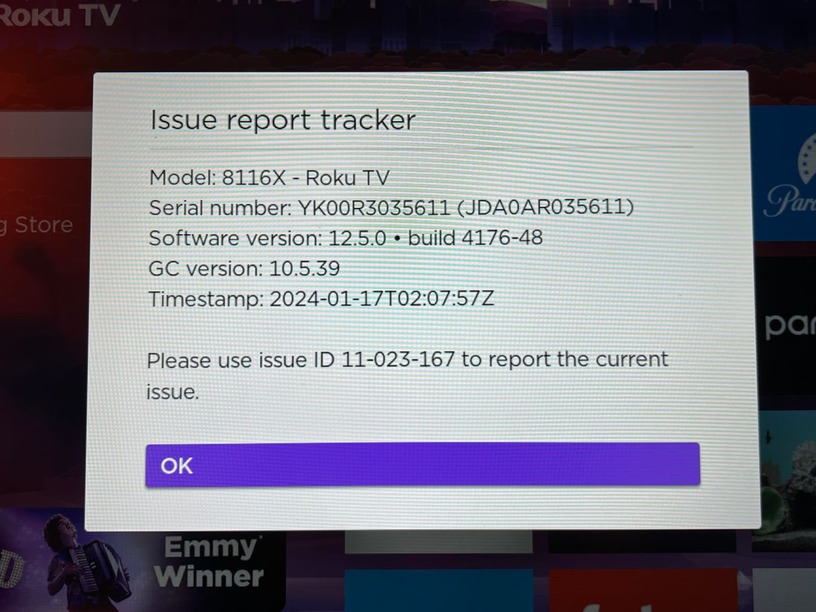
that tracker was immediately created after launching the Roku app when I got home and I was once again greeted with the firstrun customize home screen prompt (even though I used the app earlier today). Hope its useful, but if not I can replicate the issue over and over by just changing a few defaults.
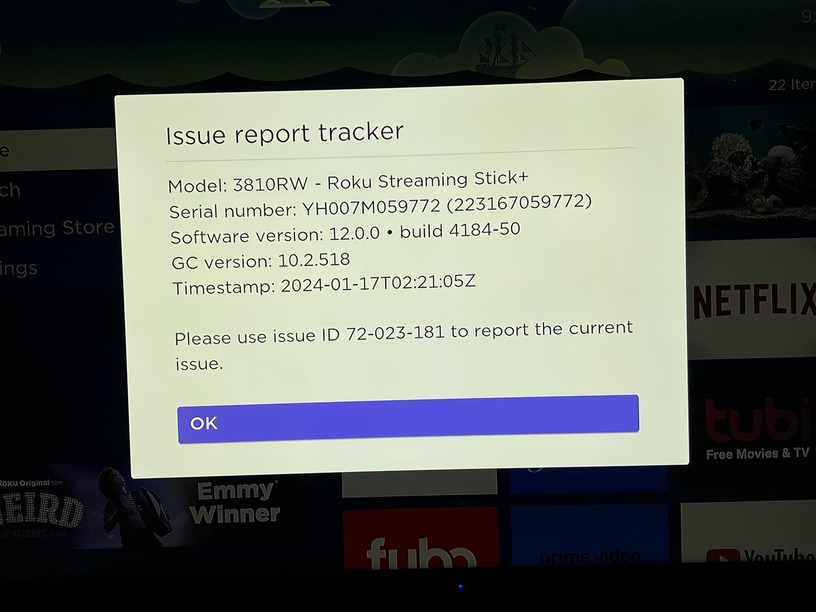
To be extra helpful I went and verified that my roku stick on another TV would suffer from the same issue. I launched plex, went to settings, turned on remember selected tabs, went to Movies, set the view to Library, sorted by recorded date. I then did the same for TV Shows. Then I unpinned Watchlist. This is how I typically like it setup on my working devices. Again once I closed and restarted the app I was welcomed back at the Customize home screen prompt. I immediately took you this tracker as well.
5 months and nothing is fixed, despite my best attempts to fully assist the plex team they have abandoned me and left me high and dry. Spent 350$ on a tcl roku tv, 120$ on a plex pass, and now spent 5 months begging plex to help me fix a easily recreatable bug on multiple roku devices, nobody cares. I am so disappointed in this support. I can see now that I’m just wasting my own time, Thanks for nothing guys!
Still suffering with this issue and still no support from plex. I wish someone would take the time to try and help me. Its so frustrating to have dealt with this issue for so long but even more disappointing that im totally ignored here in a support forum.
Hey! I had the same issue with my chromecast with google tv and also a firestick max after an update (like a month ago) maybe you can try the same I did: going in to the settings and active the remember last tab option, in my case was deactivated after the update.
I don’t own a Roku, so I don’t know what kind of settings you have but this is how I fix it in both my sticks.
Hope this can help you!