Server Version#: 1.32.1.6999-7000
Player Version#: 4.106.1
I have recently upgraded my Synology NAS to DSM 7. I upgraded the Plex Media Server app too (one version at a time).
In the process, Plex remote access was not working anymore: I hadn’t followed this.
Now, I have uninstalled Plex completely, and restarted from the guide above.
My router has a manual port forwarding from 32400 to my-synology-internal-ip:32400.
canyouseeme.org validates my ISP does not block 32400 port.

I have configured manually remote access to 32400 and the page gives this:
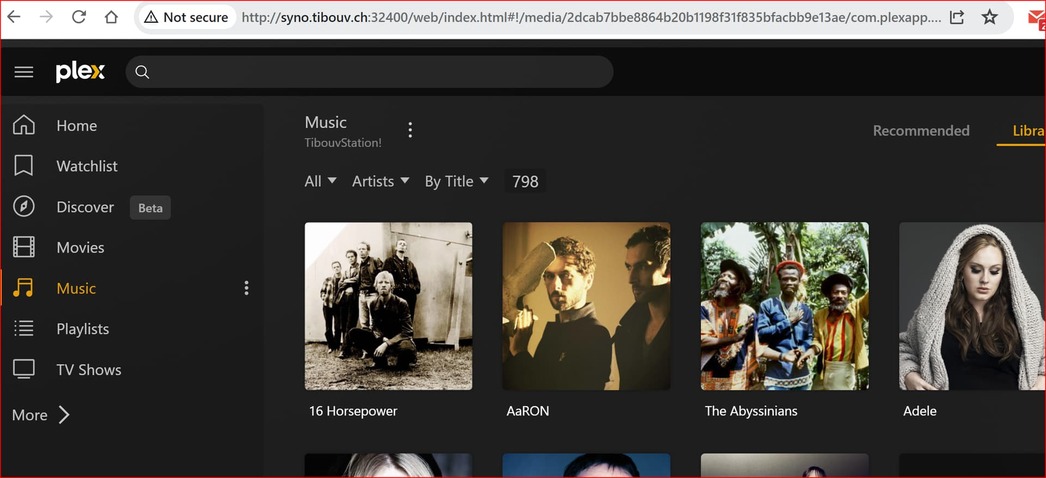
When I use plex app locally, e.g. my-synology-internal-ip:32400 or my-synology-extURL:32400, I can access my Plex Server media:

But, my server is not accessible from app.plex.tv:

It says: "app.plex.tv is unable to connect to “TibouvStation!” securely
Its “Secure connections” setting may be set to disabled, or you may need to adjust some settings on your network. "
Network Secure connections is set to Preferred.
What am I missing?
debug logs attached
Plex Media Server (1).log (12.8 KB)
Thank you!

