Server Version#: 1.25.5.5492
Player Version#: N/A
I have a Plex installation on my Ubuntu system - Plex loads fine on boot, It’s reading files and doing everything well apart from the remote connection doesn’t seem to be stable at all. One moment Plex is saying the server is accessible, the next it isnt… I’ve enabled a manual specific port and port forwarded through my Asus router but that didn’t do much. I’ve tried manually assigning a static ip of which Plex then said that it was accessible but I noticed I lost my public and private IP address fields and also I couldn’t then connect to Overseerr. My question is, how do I setup a static IP address on ubuntu with the intention of Plex working? Soon as I put it back to automatic it’s back to how it was but then remote access goes weird again.
This is what my current wired settings look like I get the impression this is partly the issue…


Tried doing the obvious things, turning my firewall off, reinstalling Plex, checked port forwarding etc. The remote access seems to change once I play about with static ip’s. Any help would be hugely appreciated, I can’t seem to find my info online! 
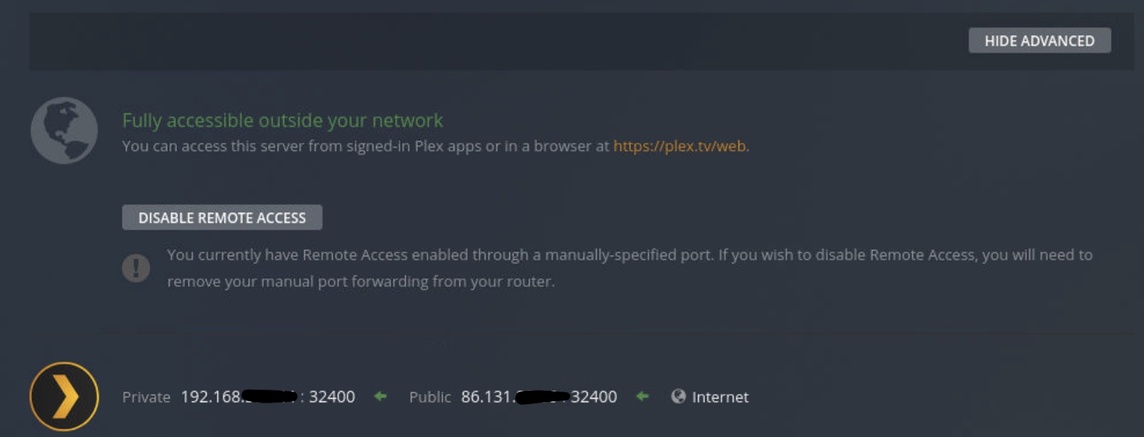
One moment this displays saying it’s fully accessible outside your network then the next thing
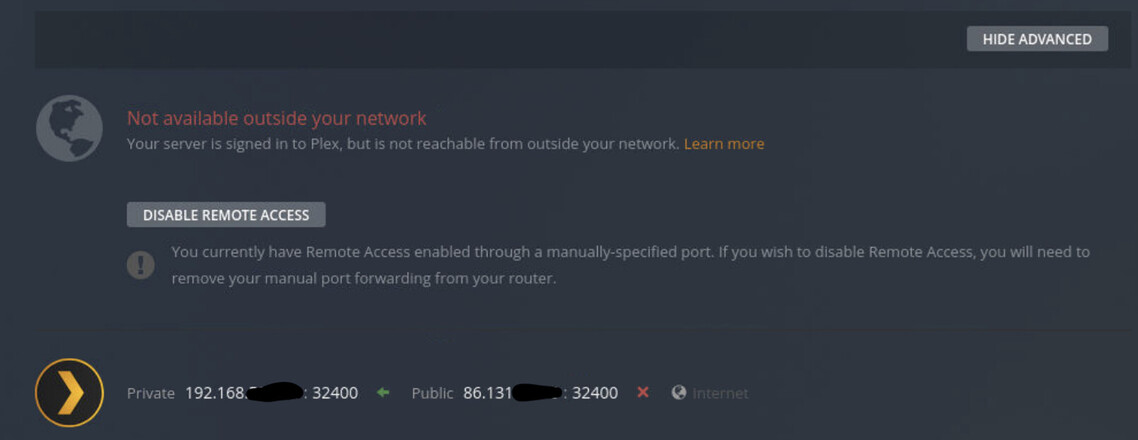
About 1-2 minutes later this displays.. now saying it isn’t accessible
Things I’ve noticed:
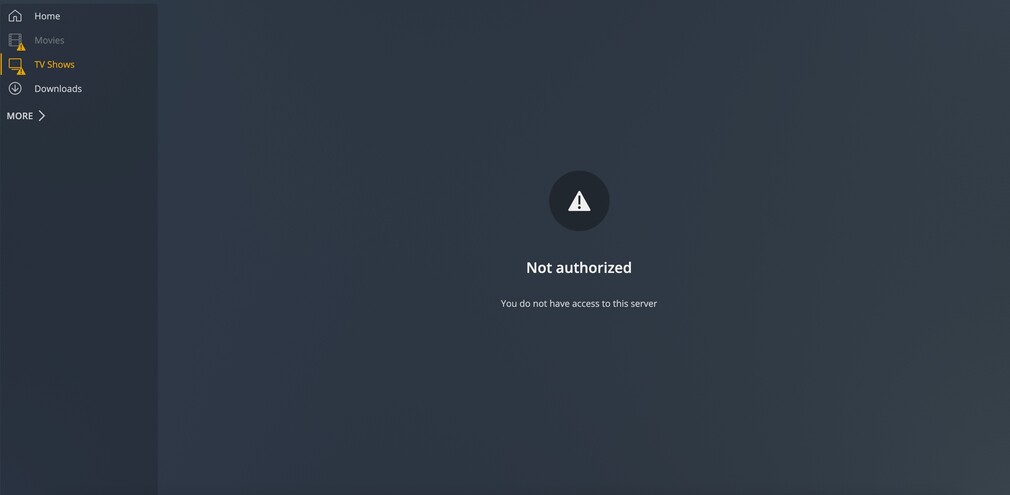
- All connections are indirect with a yellow exclamation mark over the user
- Users are NOT always able to play things on the server especially on TV’s (I’ve told them to enable insecure connections) but users are able to play on devices like Xbox again all insecure connections still.
- Cannot connect to server when I’ve just tried from work
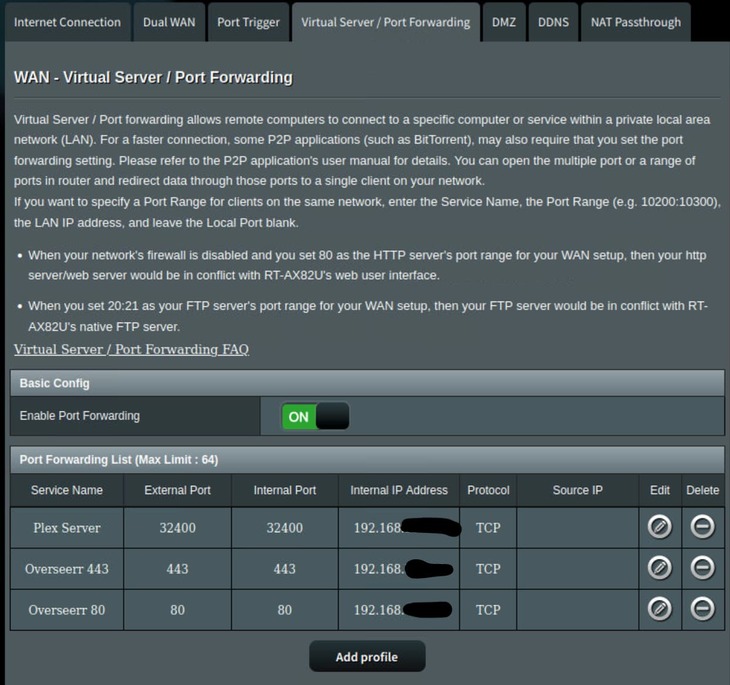
Port forwarding router setting…
Enabled server support for IPv6 and selected Preferred for secure connections…

Setup:
- Plex media on Ubuntu - no VPN’s active. Ubuntu Firewall disabled
- Windows Virtual Machine running Surfshark VPN, Overseer, qbittorrent etc.. Firewall disabled
- Asus router - port forwarded, upnp disabled (that’s what I spotted online)
Everything’s all up to date as well.. it’s only since upgrading my server to a different pc that I’m having this issue. Used to be on an Nvidia Shield which worked fine but now on a mini PC I’m having some issues.

