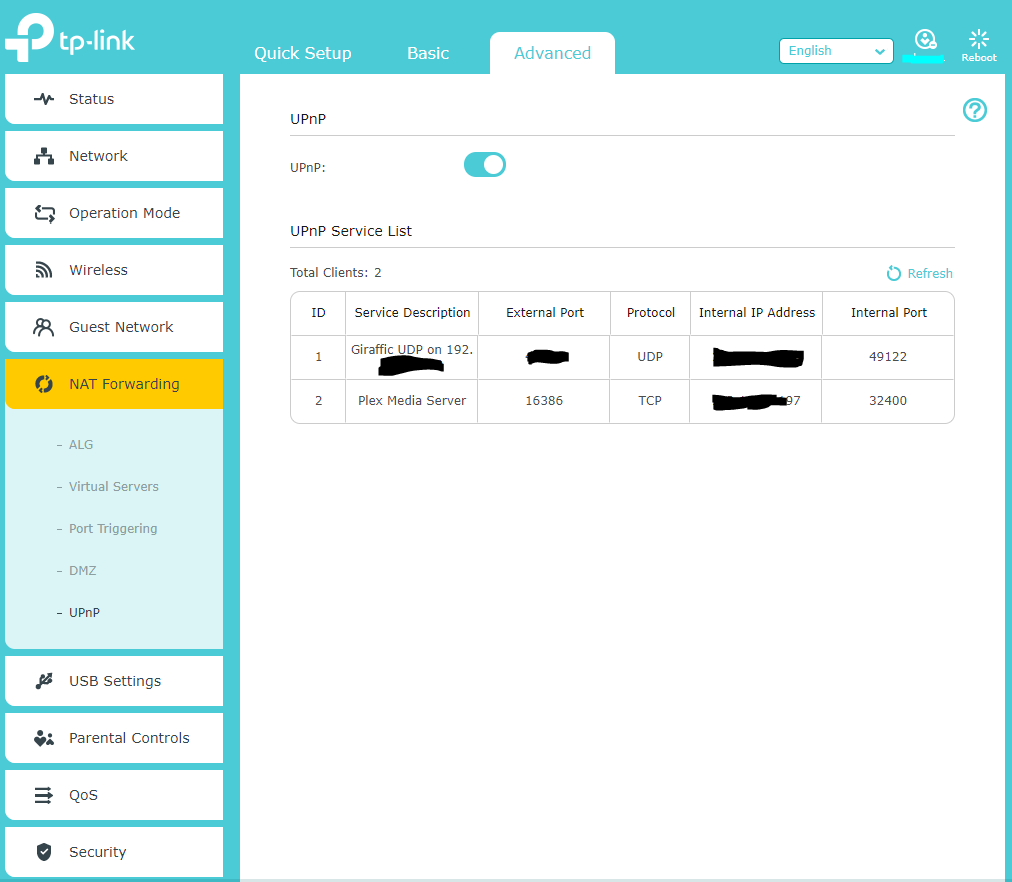
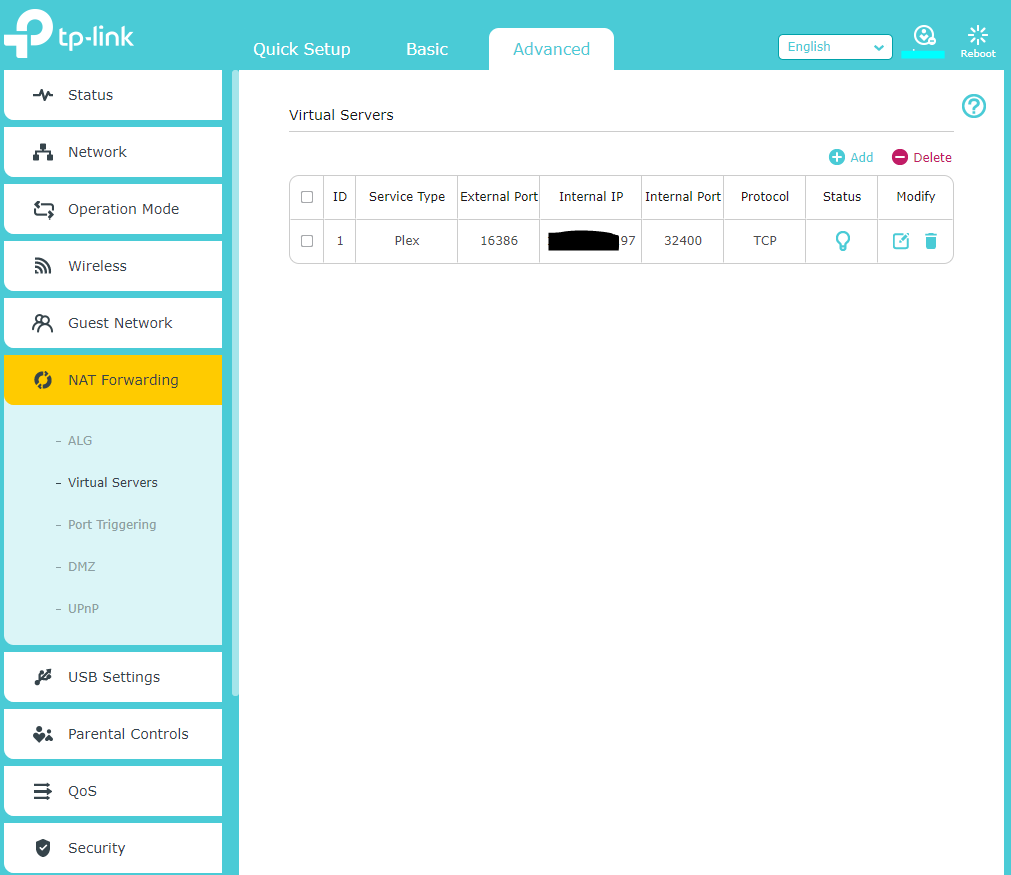
So as i’ve seen multiple post’s on people’s server’s remote getting disabled, mine doesn’t get connected at all
It does change it’s indicator to connected for about 10 seconds, but if i refresh the tab or switch between 2 different tabs in the menu, it sets it to not accessible.
I’ve tried all i could see, the port forwarding, the upnp (which did detect the server on default ports, but not the manually assigned one)
Yeah - agreed - I think that’s a good suggested range.
My experience with ISPs blocking is that it’s most likely to be “ports below 1000” (often), “ports below 10000” (sometimes), and “stuff they’re aware of, like :80, :443, :32400” (randomly).
Not only that but a lot of lower number ports are assigned…
The range of port numbers from 1024 to 49151 (210 to 214 + 215 − 1) are the registered ports. They are assigned by IANA for specific service upon application by a requesting entity.[1] On most systems, registered ports can be used without superuser privileges.
The registered ports don’t matter, not really. It’s just about being “polite” when you’re developing a service so people know the defaults, and so there isn’t overlap between applications. But there’s nothing that requires or enforces ports to be registered, or that :80 can only be used for HTTP or :32400 must be used for Plex.
When ISPs block ports it’s either to prevent specific known abuse, or to prevent people from running servers.
I’ve tried that, front back and center, with manually assigning the port number both above and below the reccomended settings (20k - 50K for ext), used the automated port assignment (which was in the 16k series)
Assigned a port forward (Virtual server TP-Link calls it)
The UPNP feature is on, i’ve toggled it on and off as suggested but to no avail (though it did pick it up at some point, but it still did not function)
I do have a network switch in the middle, but its unmanaged so shouldn’t be an issue, the router still is in charge.
It’ so frustrating, because it used to work pretty well before, without me changing a thing, with a way weirder network layout
Right now there’s nothing really messing with the network
And before i had a PiHole for my phone and TV, networked cameras, 2 raspi servers, different server, lighting controller, so on and so forth
I’ve included the pictures of my settings in plex and router (i’ve also changed / used the manual config and auto assign)
I have both internal and external ports set to 32400 in my router port forwarding. Even though my Plex config, like yours, shows a different external port.
From the Plex support article:
WAN/External Port : Port 32400 (TCP) is default, but you can generally use any available port in the 20,000 to 50,000 range.
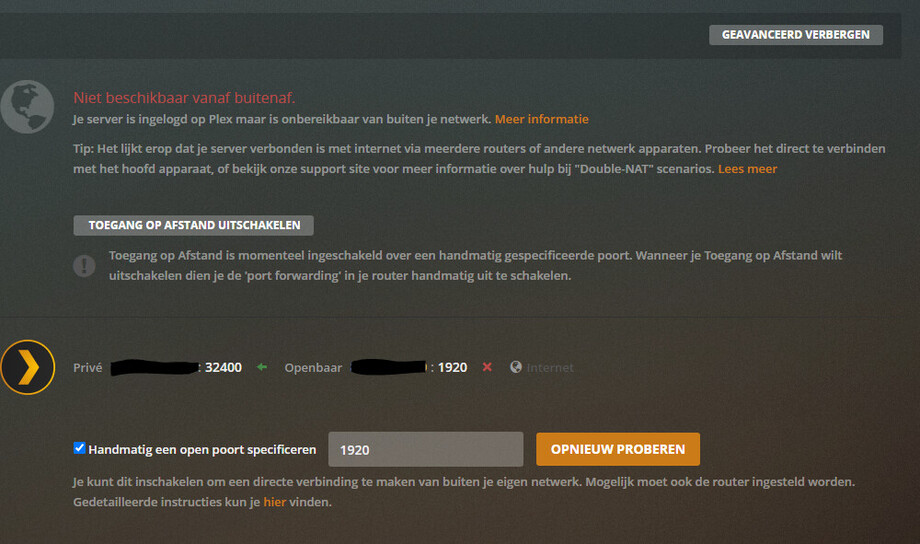

 sorry
sorry