Hello, I wanted to use Plex with my Amazon Echo. It said “Your server seems to be online but remote access seems not to be enabled”.
Port forwarding is enabled, ufw is turned off:

I retried serveral times:

Can someone help me?
When you check the connectivity to your external port on this website, what’s the result? https://canyouseeme.org/
I should check my settings

is your external port also 32400?
Share a screenshot of your port forwarding configuration
Try enabling the option “Manually specify public port” and setting the value to the same port as you used as the external port for the port forwarding rule on your router. It would also be helpful to see the complete port forwarding rule from your router.
I enabled exposed host. This means my whole Server is exposed to the Internet.
if it is equivalent to DMZ, yes. You should create the port forwarding only to a specific port.
Try this, enable UPnP in your router, than disable / enable remote access on Plex. Plex will setup port forwarding automatically
Uncheck the manual port, apply. Disable/ Enable
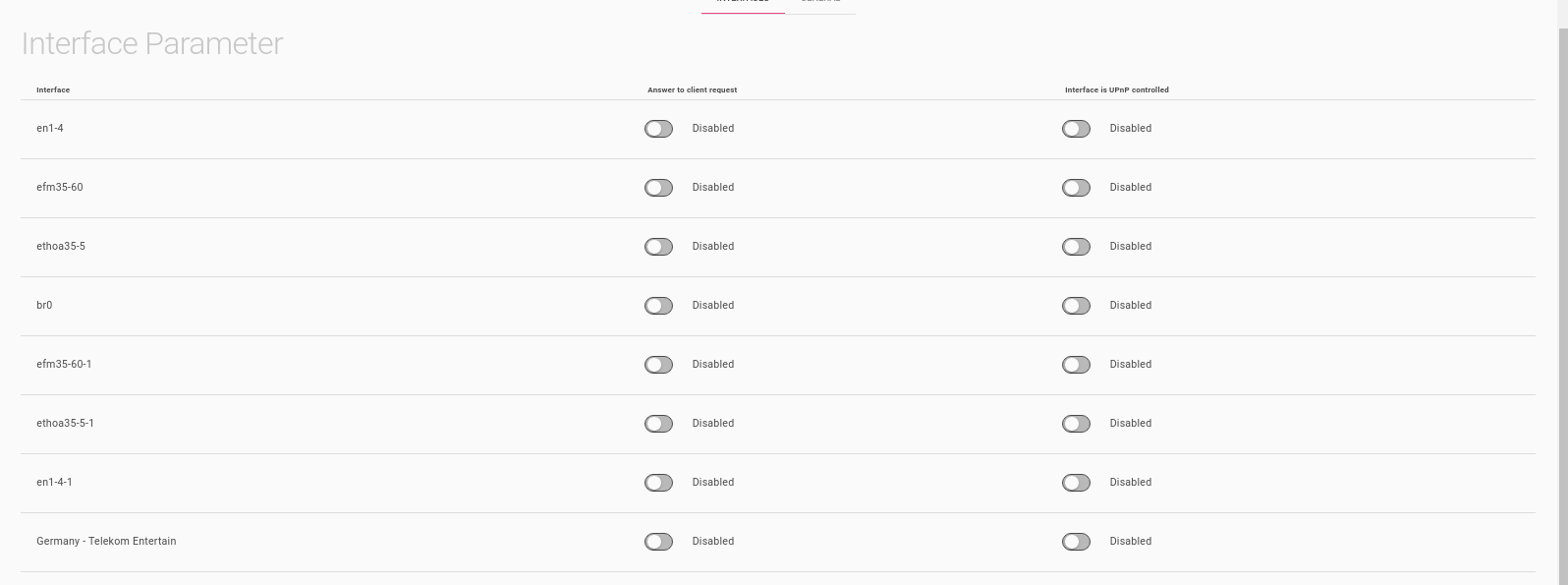
You should enable UPnP on the interface that is your router gateway
How do I know which gateway that is?
Probably that en1-4 which will be your 4 LAN interfaces.
Should I enable “Answer to client request”, “Interface is UPnP controlled” or both?
Enable Both
Same problem 
Ok, let’s start over. Manual configuration. Shall we?
Do you see a menu Port Forwarding or Virtual Server in your router configuration?
Edit that configuration, let me see if there’s any other detail there