
Go to the page where you created that wz_32400 entry. I want you to edit it
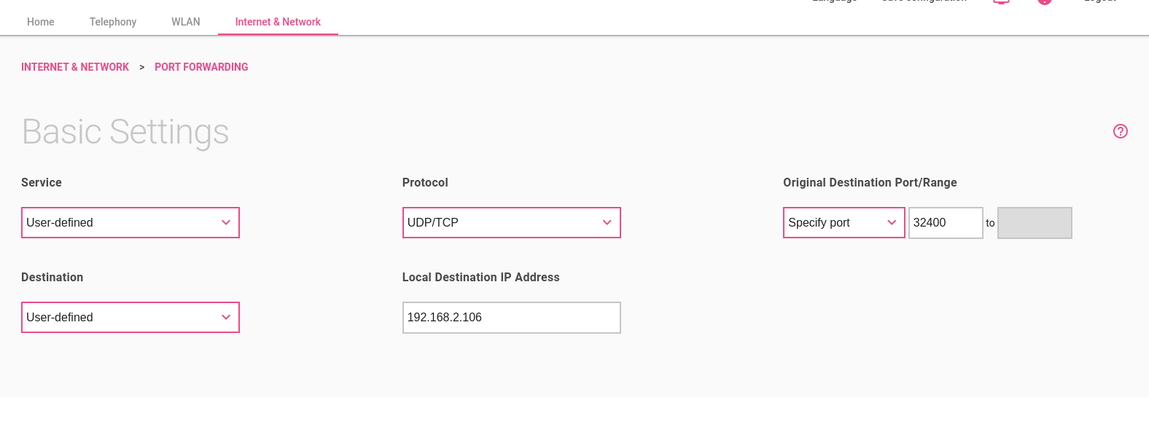
Good, set that port to something different (for you safety), like 32839 or whatever you like
Ok, I did that.
Now go to Plex and check manual port and apply. After that Disable and enable remote access


And what happens when you try this?

The IP you see here
is the same you see here?
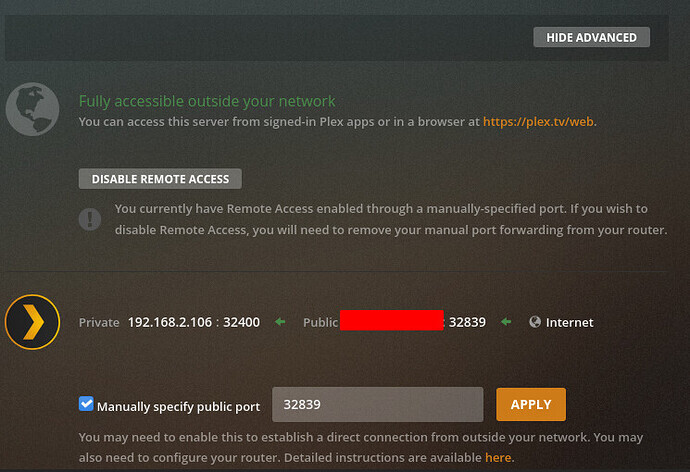
Yes, it’s the same
sudo ufw status

(inactive)
ip route | grep default is your default route pointing to your router’s IP?
Yes, it is
Ok, so let’s try a different approach.
- Disable remote access
- Delete that port forwading
- Enabled both UPnP options on all the interfaces
- Uncheck Plex manual configuration and save
- Enable remote access
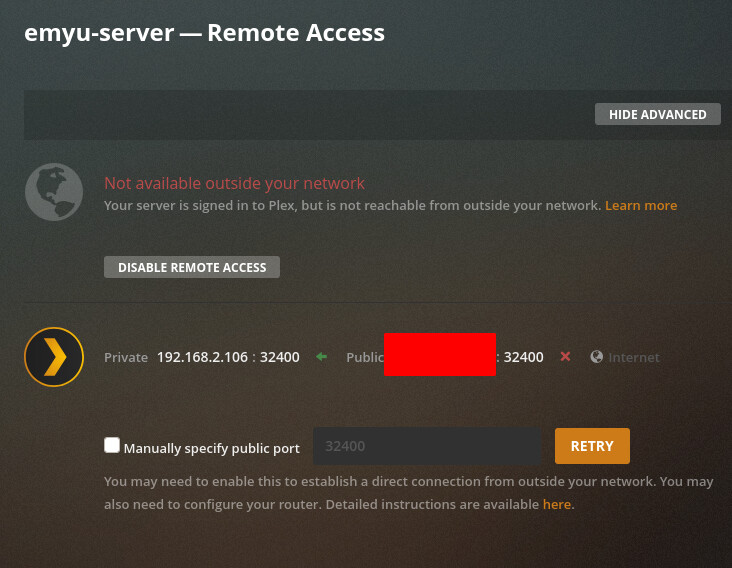
I don’t know what else to try because I don’t know the model of your router
Ok, I will contact my ISP tomorrow.
Alguien sabe si no se trata de un problema de la actualización. He hablado con varios amigos que también usan plex y desde que se atualizó no nos funciona ni el acceso remoto ni la app para android.
ENG - Does anyone know if it is not a problem with the update. I have spoken with several friends who also use plex and since it was updated, neither remote access nor the android app works for us.
