Came here to see if this had already been reported, glad to see it’s at least been acknowledged.
I upgraded a couple of days ago after the security patch and came across this very annoying issue myself.
Hope to see this sorted out soon.
Came here to see if this had already been reported, glad to see it’s at least been acknowledged.
I upgraded a couple of days ago after the security patch and came across this very annoying issue myself.
Hope to see this sorted out soon.
Yeah - once you notice it, it kinda gets more and more obvious; luckily just a cosmetic annoyance rather than a functionality issue.
I’m sure it’ll get fixed; I’m hoping the slower releases lately for the server are for better stability and QA checking. I’m more than happy to have quality over speed.
Latest Media Server beta - 1.42.2.10102 - does not have a fix for this bug. BigWheel said it’s reported so it’ll get fixed eventually so just wanted to reference for others that this update doesn’t do it.
It still isn’t fixed in the new beta?
I don’t get it. It’s kind of a very “in your face” bug. As soon as the refresh metadata process runs on a TV library, the visual of most seasons suddenly changes.
I would love to be able to update past 1.41.6.9685 (the version I’m stuck with, because if I don’t want this bug messing with my whole TV library or risk the recent security vulnerability, that’s the most recent build I can use.)
Just a heads up that this impacts folks using local assets too: Regression: Local Asset fanart no longer working at season level for TV Shows
Feel like at this point 2 months and 4 public release server updates is quite a long time to wait for a regression like this one (didn’t count the release that was already in active beta when this was reported). Kinda atypical of Plex where server side things were usually addressed quickly. Maybe it’s going to be typical for New Experience Plex. 
So we’re past 3 months for a regression error … but Plex Server updates also seem to be going slower.
It’d be really nice to get this fixed because some shows have some really not great art as backgrounds and it’s really annoying each time I keep seeing art I didn’t pick showing up on my media server.
Edit: and a new beta server release today that doesn’t have the fix - though it does have a bunch of new features which means it’s a true beta; new transcoder and new functionality to actually test - good features for art control for new functions (clear logos and square artwork) but not a fix for the existing broken art function.
Agreed, this is honestly kinda crazy. This problem’s been happening for me since your first post, and I really can’t believe how little we’ve heard/seen from Plex since. It seems like such a simple bug, too.
Here’s another good example of why this bug is annoying.
Season 3 of Star Wars Visions is using the poorly chosen Season 2 referenced background because the default SHOW background is that background.
I can change the show background but it won’t impact the season background which Roku will prominently display for these episodes in Continue Watching.
It really is starting to feel like Plex is forcing me to use their art. It’s a known regression for over 3 months now … fix it please. It’s damn annoying and you’ve spoiled any good will or confidence that reps saying a bug has been reported and will be fixed means anything anymore.
Gratified to see I’m not the only person experiencing background bugs and that’s it’s a known issue. Frustrated that it’s been known for this long but not fixed, nor have we been given any updates about why it’s taking so long.
If I wanted to be generous I’d say it’s because they are working on the new transcoder release for the server and don’t want to fiddle with server code at the same time even to correct a regression.
I could even accept changes to the background art picker in the recent beta as maybe part of that - but that’d be me guessing and researching my self to connect the dots, not a rep actually providing info by taking some responsibility (certainly not the accountability… that doesn’t happen).
How it feels though is that bugs that impact users means very little now. I don’t doubt they will fix it… eventually… after stakeholder value bullet points and middle management shiny things are done first. 
You can tell this particular bug is frustrating me, right? 
Particularly bugs that affect personal server users, since we’re not eyeballs on ads. That’s VC en[bleep]ification for you. ¯\_(ツ)_/¯
@BigWheel , can you maybe check for an update on this bug, please? After 4 months, it’s feelin’ pretty neglected. 
Looking at report it shows the devs make some attempted fix and is waiting on QA to check things. I do not know when it will be in a public or beta release though.
Thank you! It helps knowing it’s at least getting worked on even if it’s slow going.
I think this is likely the fix for this bug (and hopefully addresses the poster art loading wrong too - I assume so since it says “art” and not “background”):
It’s in the new Plex Beta 1.43.0.10346 released today with a bunch of updates\fixes in it: Plex Media Server - #694 by PlexReleaser
I’ve been holding off jumping into the beta with the new transcoder but if anybody else is on the beta and can report back that’d be appreciated!
Yes! You beat me to this thread to highlight that release note.
Totally random timing… and an RSS reader loading the product update topics… 
Seems to be working for the most part after refreshing metadata so thanks a ton! However it seems not to apply to “Specials” season within TV series. And for a few shows I had to completely remove it from my TV section and add it back for the changes to take effect.
As someone with custom posters and fanart this was driving me nuts! Thanks again for the fix
Went ahead and updated and found similar situation as MrFancyPants1999 where most were fixed but a few were still buggy and still showed the wrong background.
Before testing I did run the metadata refresh and then did clean bundles as well.
Here’s an example of the bug still existing.
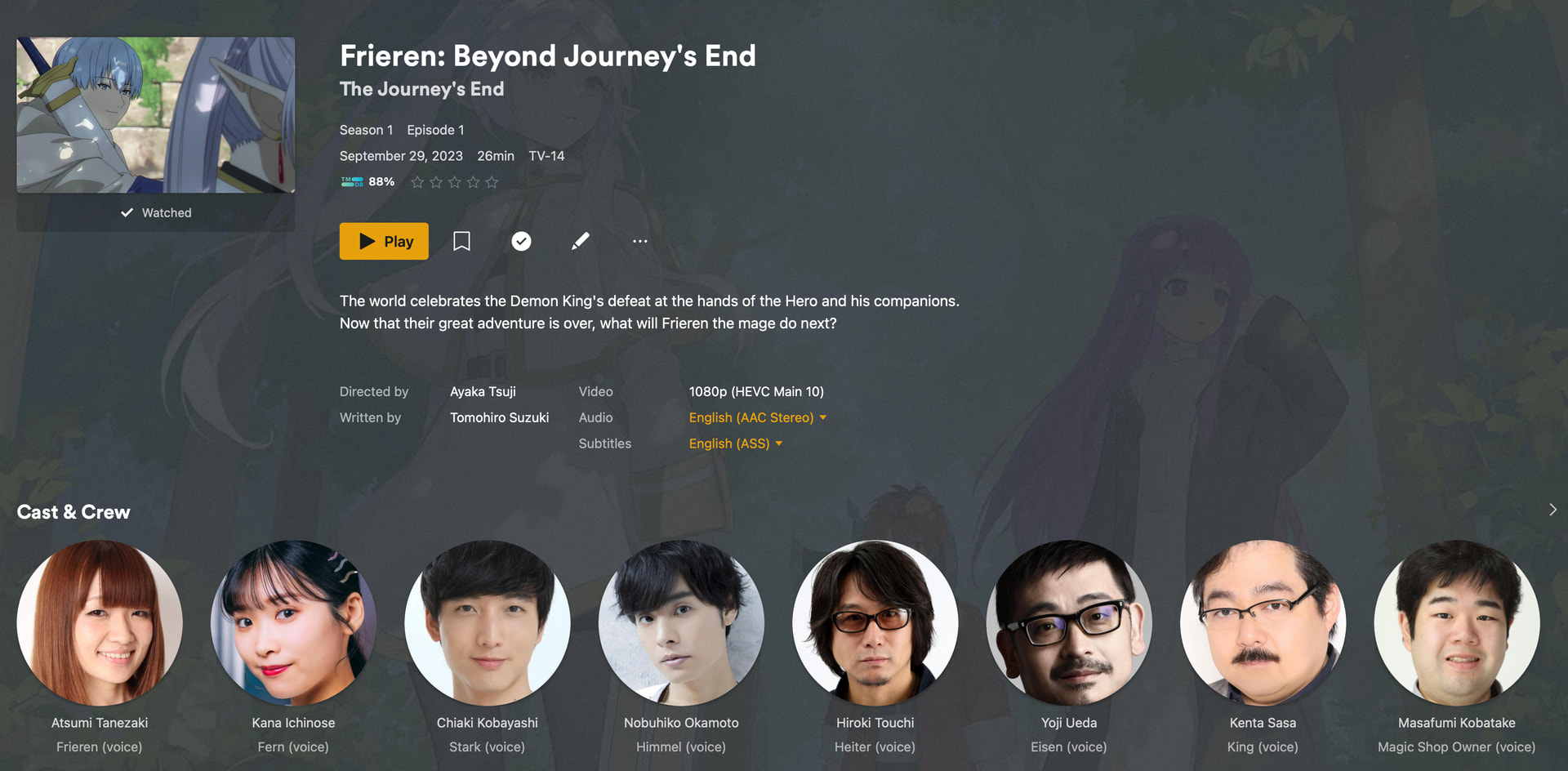
Here’s Frieren at show level with custom selected background:
Here’s Frieren at episode level (showing the expected background):
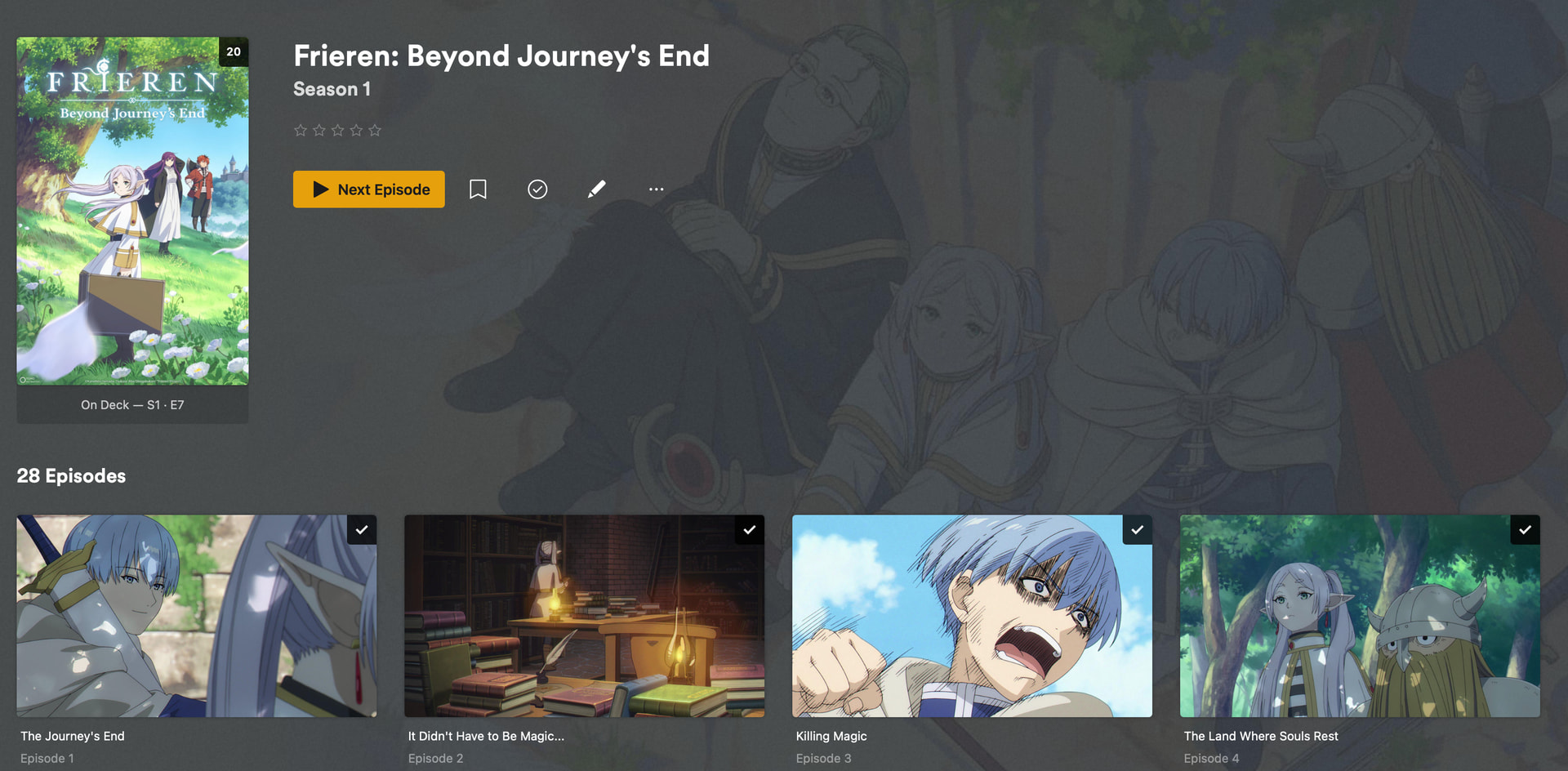
Here’s Frieren at Season level showing Plex’s default background instead:
Frieren Season background doesn’t exist so shouldn’t be showing this background:
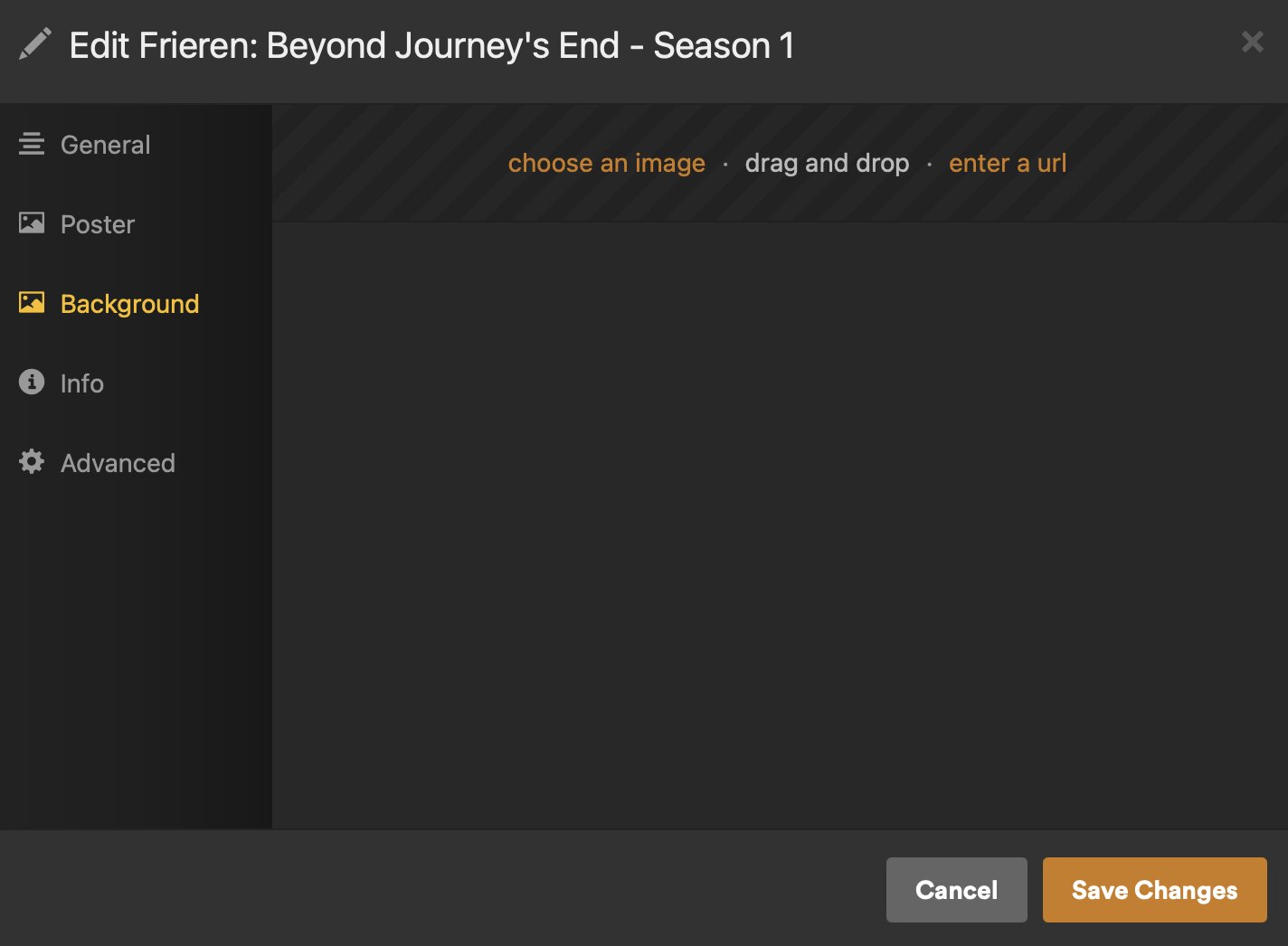
I tried changing the background at show level and refreshing metadata again but it’s “stuck” with the default at Season level still.
Which means my Roku Continue Watching still shows this:
Which is not the artwork I selected. Which means the bug still exists, it’s just inconsistent now.
I’m not sure why some shows pick up the fix and others didn’t but I’m not thrilled with the idea I have to dig through all my shows to check them and then remove and re-add shows to fix this bug as MrFancyPants1999 found was necessary in some cases.
Personally I don’t consider this fully fixed so hopefully someone will still look into it further. Would additional logs or show titles that stayed broken help at all?
Edit: Found there were only a couple that didn’t get fixed and I don’t see anything that makes them similar or unique compared to other shows that did fix. Thought maybe a special characters thing might be part of it (one has unicode season title) but that doesn’t seem to be it.
The two shows I have so far are Frieren and YuruYuri and I’ll update this with new ones as I go through them.
Edit3: I’ve gone through most shows and it looks like it’s just these two for now. So outta several only 2 isn’t that bad… still not ideal but less an issue and more an annoyance and lowering of confidence in reliability.
I also found that my Baseball by Ken Burns, which I was doing testing with on this bug, because I selected an available season background there, I can’t now unselect it. The other season works correctly so that’s an issue where if you do select a season background you can’t reverse that choice to use the show background (not really a “bug” but a feature issue I think). I did do a remove and re-add and the background does work correctly now - but of course it treats it like a new show (except for watch status) and I lost my custom artwork. So that’s a big reason I don’t want to have to re-move and re-add shows to fully fix this bug.
I had a couple other shows with the same hiccup - troubleshooting the bug meant I had selected a season background - and those others I fixed by manually adding a season background that matched the show, which I’ll have to do anytime I feel I want to change the show background now. It might be nice to have an “unselect image” option like the Logo feature now provides.
Edit2: Looks like in some cases the refresh set my show background or poster to the default artwork even though I had selected a custom artwork. Again, inconsistently. This might be related to previous updates or something else with this new build so hard to say if it’s strictly related as I don’t check my artwork all the time and other hiccups have been known to impact it.
Edit4: I was asked if I checked caching as a possible impact and that’s a good question. I saw the issue with Frieren via WebUI and then double checked on my Roku to verify it wasn’t client based issue (the first screenshots are from WebUI and then the Roku one is photo of my TV). If there’s other troubleshooting\testing let me know and I’ll be happy to check.
Edit5: I did try DBRepair just to see if it’d do anything (and it’d been a few months since I last ran it - which was when this bug started almost half a year ago now).
I have spent enough time and resources (functionally and mentally) with this already so I’ll just go with “fix it myself” either by loading artwork for the season level manually or resetting the show (removing and re-adding). I doubt Plex will spend much more time on this when there’s a workaround for the exceptions to the fix. At least their regression is mostly fixed so I’ll take it.