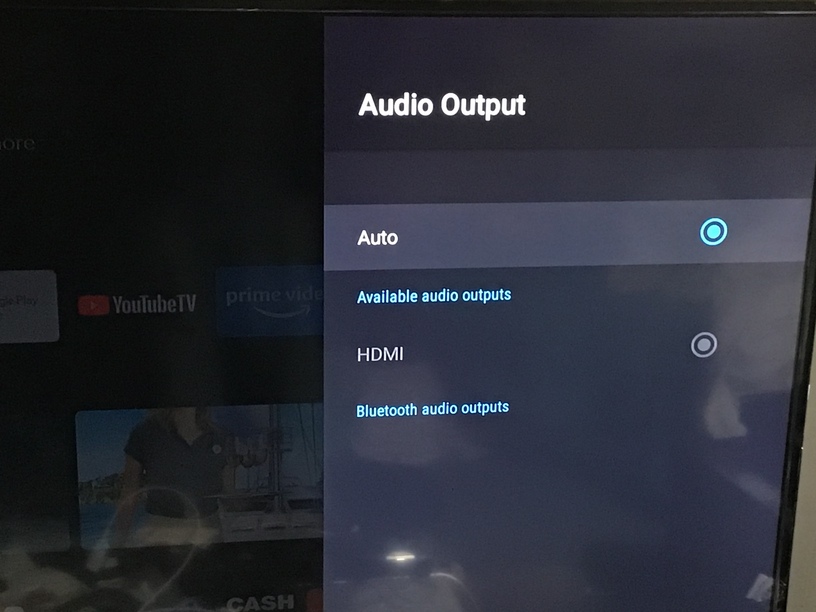
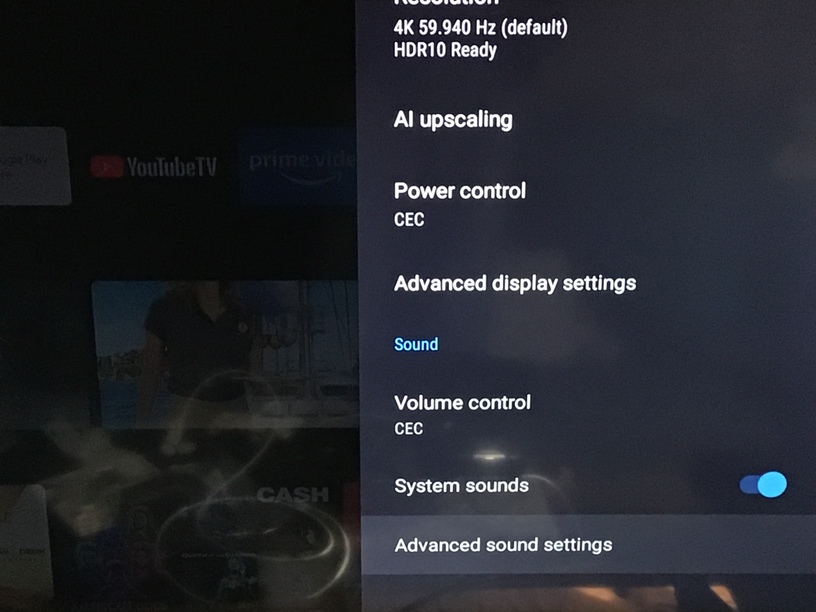
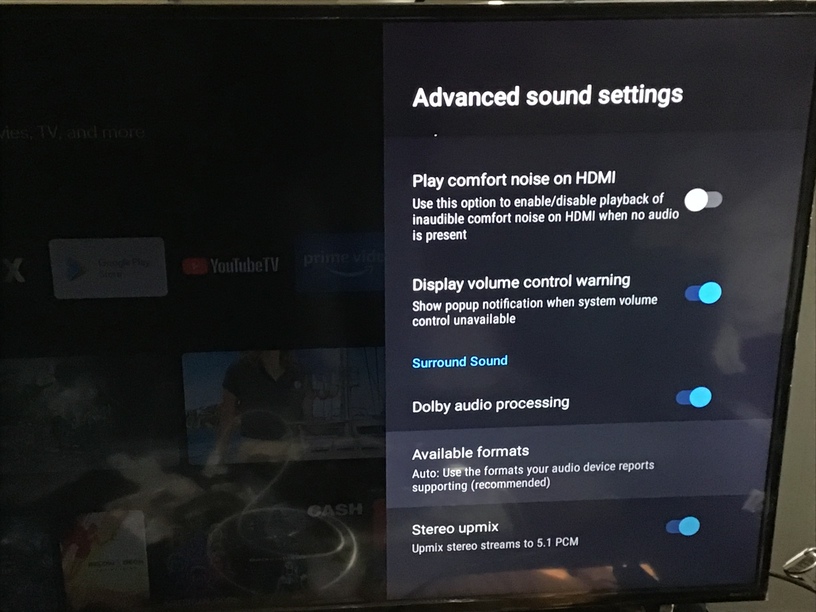
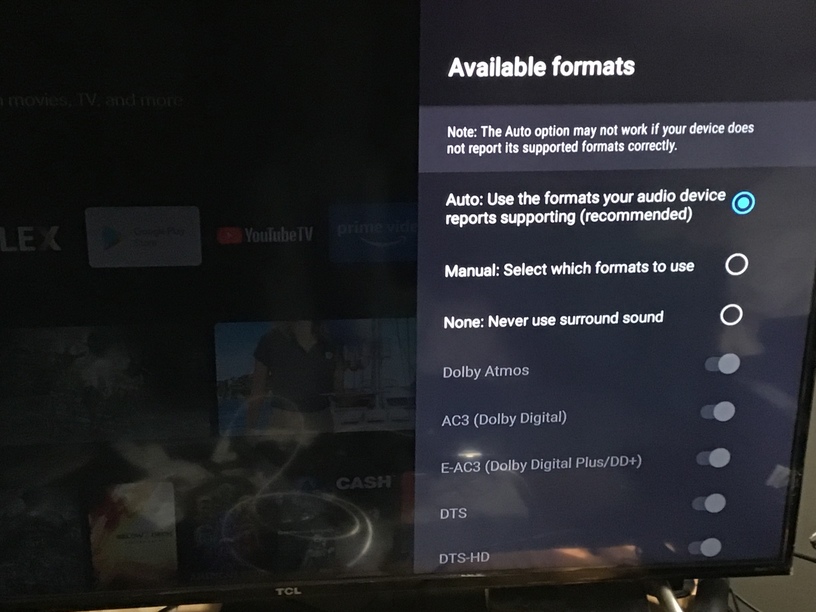
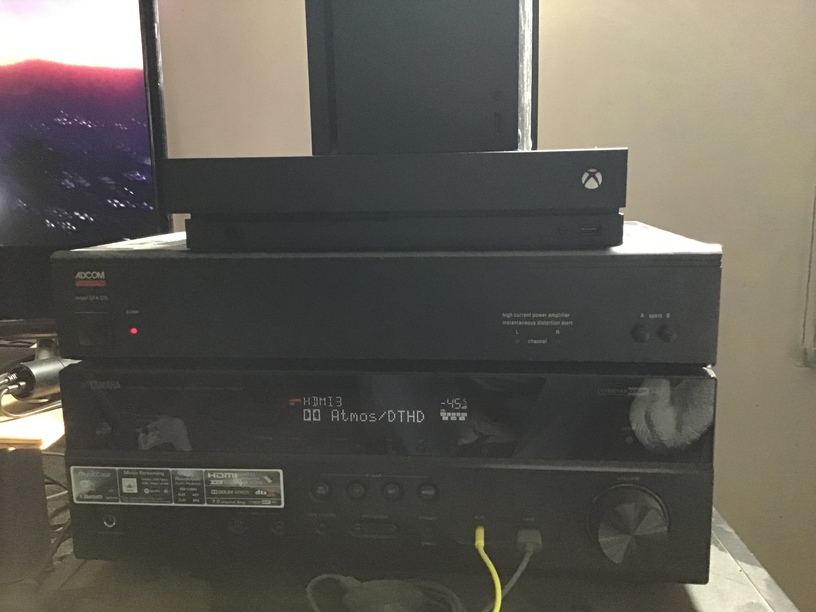
I’m running a 2019 Shield TV Pro into a Yamaha RXA-1050 and everything works great apart from being able to get atmos to work.
I understand atmos is more a type metadata that is embedded in either a combo of 7.1HD or 2.0 HD and 5.1 DD+ (or something to this effect) but surely i should be able to get this to at least show on my amp? I’m using files downloaded from Dolby Trailers - The Digital Theater so I’m pretty sure they’re legit as they’re basically the same as the files on the blu-ray test disk i have.
Anyone have any knowledge on how to get this to work?
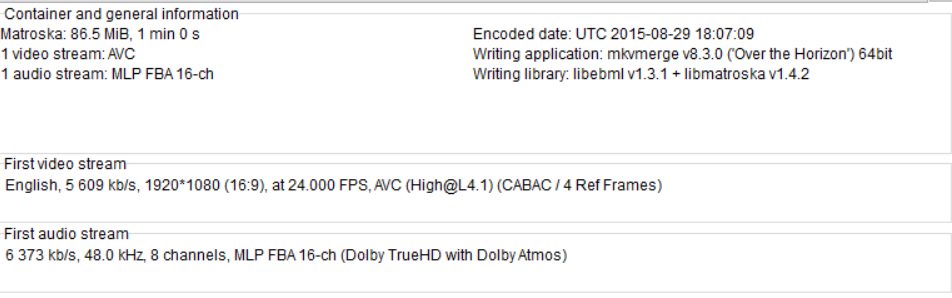
Appreciate the input but it works fine on other devices fine. My issue is even verifying plex is passing through the atmos metadata. Mediainfo shows this on the file:
but the point is, if plex is direct playing, and is configured for pass through, then it does not modify the data, the shield then either decodes that audio to PCM, or it passes it through to the receiver, again unmodified.
so, you have established that plex is direct playing, so plex server is not modifying the stream.
it goes to the plex app, which you state is pass through
it goes to the shield system, which you state is pass through
through hdmi, to the receiver, which is seeing the truehd but not atmos
How is plex not the problem if plex does not show atmos? I’m asking what plex does with this metadata which is on the file but does not seem to show on plex or be passed through by plex.
While Dolby Atmos and Dolby TrueHD are two separate soundtrack formats, Atmos data on Ultra HD Blu-ray is actually an extension to TrueHD that is folded into the bitstream to maintain backwards compatibility. Here’s how that works: If you play a disc with an Atmos soundtrack, the Atmos extension data is decoded by an Atmos-compatible receiver. If your receiver isn’t Atmos compatible, the extension data is ignored and the soundtrack is decoded as regular Dolby TrueHD.
So from what I can tell, this ‘atmos extension data’ is being stripped somewhere so the amp isn’t registering it as an atmos track.
Manually selecting audio codecs may cause issues with Plex playback (based on personal experience w/ my Shield).
Also, try swapping the Shield & Blu-ray player inputs to the receiver. See if the receiver still displays Atmos when using the Blu-ray player on the Shield input.
I’m well aware of this, which is why i’m asking this question? I know my file is good, i know plex doesn’t SHOW atmos as the codec, but should be capable of passing it through, so why isn’t it? It to me would say whatever data triggers the stream to be decoded as atmos at the receiver isn’t being passed through correctly.
if plex is direct play, and the plex app/shield is pass through, then plex is passing it through, the problem is either with your settings, hdmi cable, or avr settings/receiver.
Also, what version of the Plex client are you using?
If this is a new setup, make sure you’re on the current release of Nvidia OS and the Plex client. The versions on the Shield when unboxed will be out of date.