Server Version#: 1.31.0.6654 (Windows 11 Pro x64 22621.1265, 12700k, RTX 2060 Super 8GB, 16GB DDR4 3200Mhz CL14)
Player Version#: 9.16.0.38553 (OS 9.1.1 - 33.2.0.157 – BUILD RQ1A.210105.003.7825230_3167.5736) [HW: Tegra X1+ mDarcy LPDDR4 3GB/B00-B01/AOTAG/WIFI4356]
Hello, getting an issue on my Shield TV Pro where the frames start dropping and buffering (sometimes) occurs. It happens most commonly after autoplaying another TV show episode. Looking at the logs, this is due to running out of memory. I have attached my full log, with the relevant bits of information starting at line 5,200.
The media type doesn’t matter, it happens to all media.
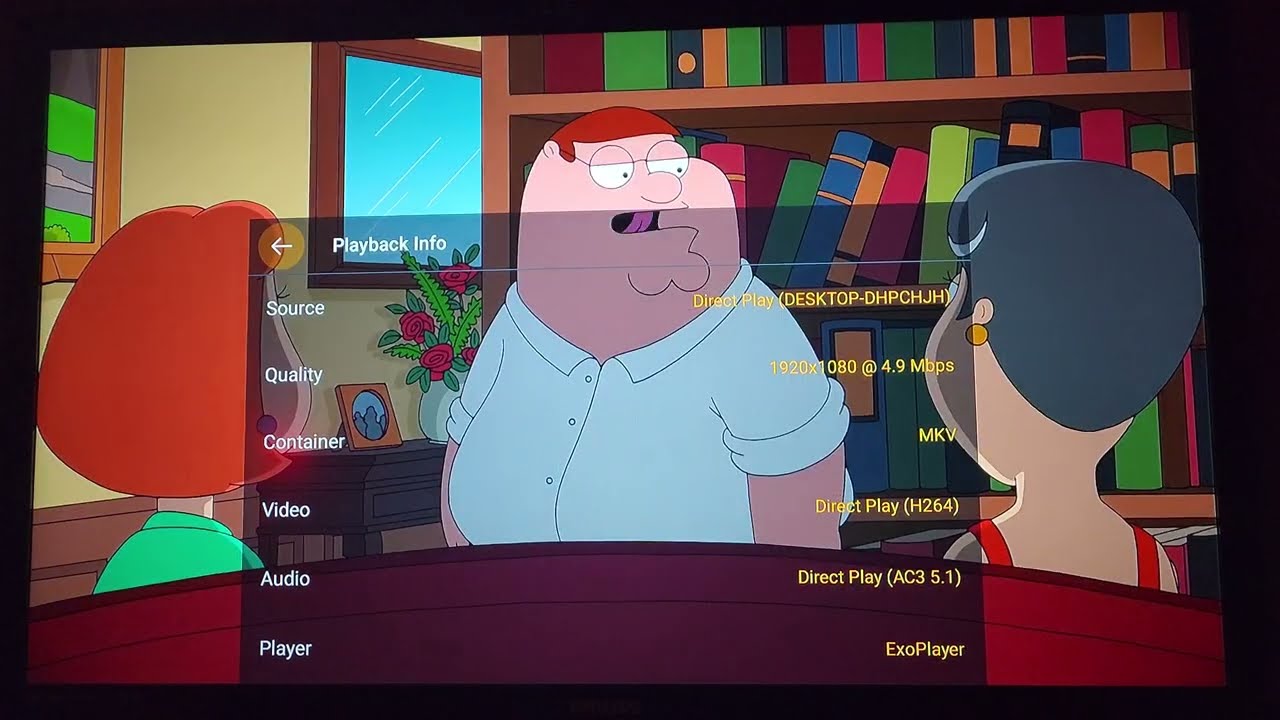
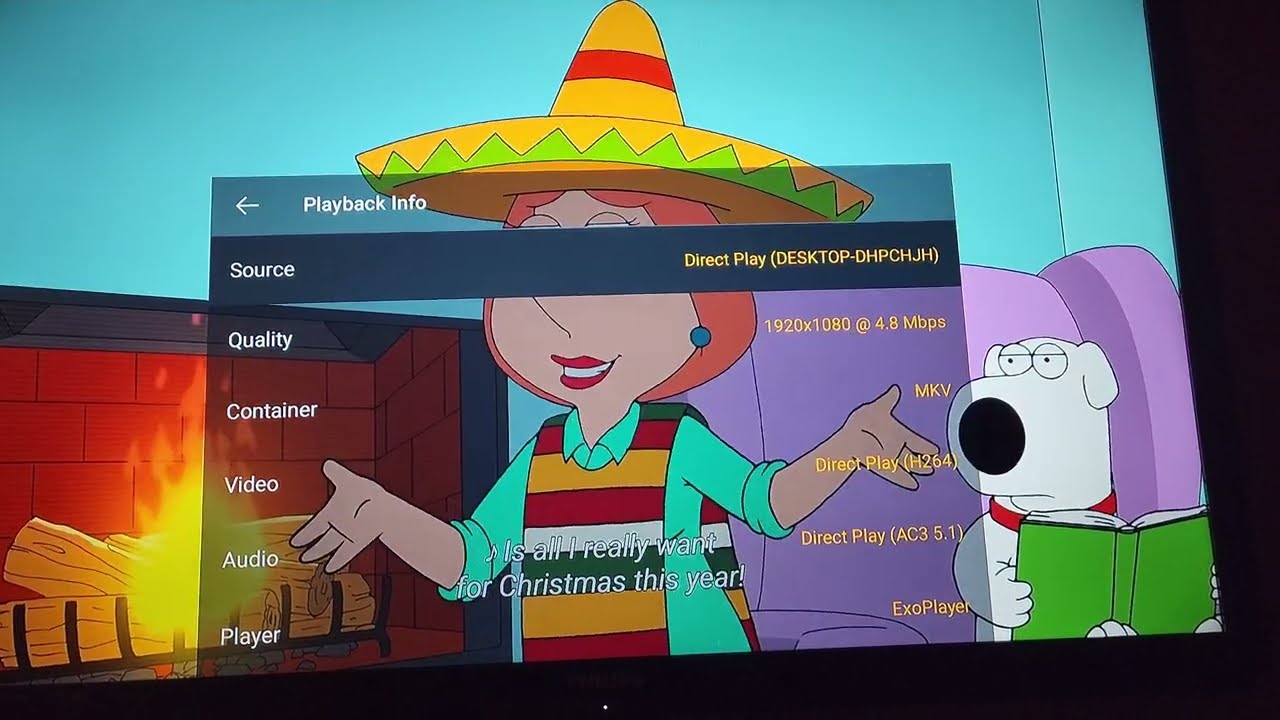
Here are 4 examples of this issue occurring.
Screenshot of adb shell top while issues are occuring
I have the same issue with the latest plex app from Feb 14 update, and my server version is 1.29.1. This only happened from around 9.15.x onwards. Happens when automatically going into the next episode as well.
This appears to be fixed in release 9.16.1.38616 on Android (at least for my device.) I have been watching TV episodes for several hours and haven’t experienced issues.
• Player: prevent memory leak when playing the next video.
You can manually download the APK and install it if you aren’t seeing the update. The way I did this was by using the “Send Files to TV” app after downloading the APK on my phone. I then used FX File Explorer to install the APK.