Settings - Server - Remote Access - Show Advanced.

I can’t get into the server at all now

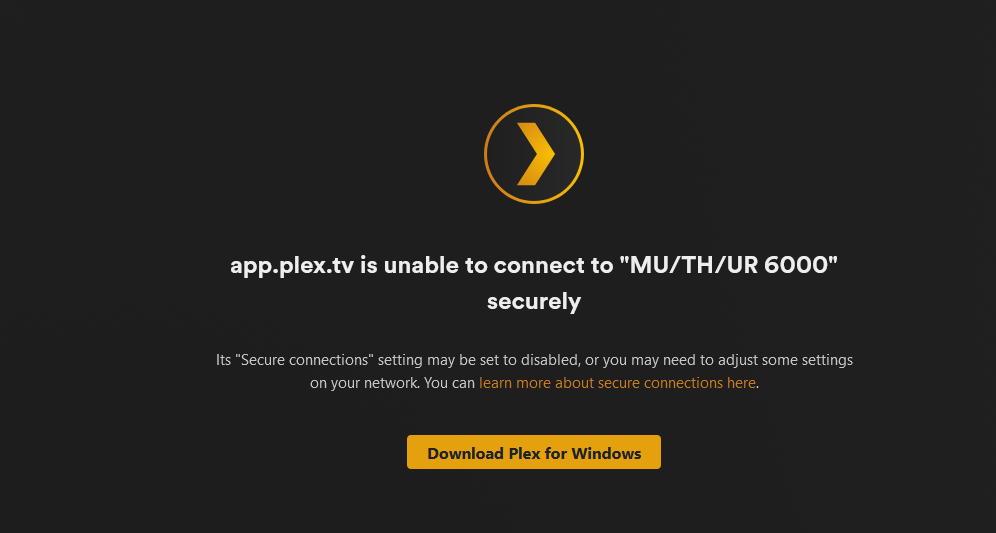
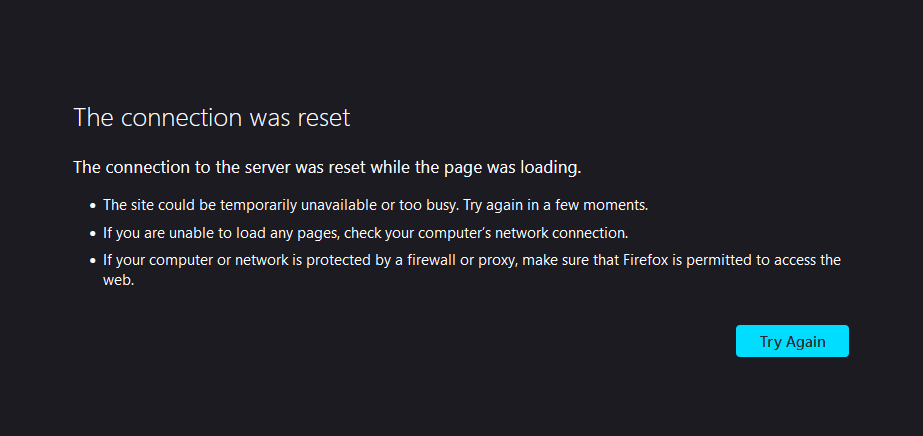
(screenshots from the windows app and web.plex.tv respectively.) If I try http://127.0.0.1:32400/web
I get this
You had another server of the same name which you deleted.
Let me clean things up.
After I clean it up, fully restart your browser
**RESTART ** 
Just totally cleared my cache and other data, still no luck. I need to go to bed now but if there’s anything else to try I’ll give it a shot as soon as I’m up
Is there a “defender” program in windows which allows / blocks applications from getting to / from the internet ?
Is plex allowed ?
Yeah I have it allowed in windows defender and firewall and I’ve tried with both turned off. Would this have anything to do with the DNS issues from the other day?
It might. DNS issues are funny things.
I use 1.1.1.1, 9.9.9.9 in addition to google dns
I just updated my server and remote access is not working. Ive gone thru the troubleshooting guide and everything seems fine. @ChuckPa Can you please help?
My Logs: Plex Media Server Logs_2023-09-01_09-53-00.zip (2.4 MB)
Hi,
I believe I’m having a similar issue. All of a sudden I can’t access my Plex server remotely. Does my cert need to be reset? Thank you!
Your certificate was generated some 2 weeks ago.
It looks fine.
May I see the DEBUG logs captured after restarting PMS?
I’ve been fighting this same problem for about a week now with no resolve. Please help! @ChuckPa
Plex Media Server Logs_2023-09-04_08-06-23.zip (1.4 MB)
Hey @ChuckPa,
I’m also having the same issues all of a sudden, It’s driving me nuts lol.
Server Logs are attached.
Thanks
Plex Media Server Logs_2023-09-04_23-48-29.zip (649.9 KB)
We’re finding ISPs are doing two things:
- Blocking
plex.tvin the DNS - Blocking port 32400
Is it possible for you to manually select any random port ( 4097 → 65534 )
and manually port forward that external port to 32400 through your firewall ?
Now wanting to sound like a noob but I’m not sure what you mean. My firewall is perfectly fine with Plex. Would it be prudent to change the DNS on the router to the google DNS? or just change the port to something such as 85000 (example)?
I’ve tried your suggestions. Talk Talk have confirmed that they are not blocking Plex.tv In fact the two engineers run it on the Talk Talk Network. This has only started since the latest update, for me anyway.
Which is “latest” update? There are always a few ‘latest’ floating around.
Also, can you confirm that by reinstalling the previous version, Remote Access returns to normal ?
If so, May I please have the DEBUG logs which capture this?
The latest update was a beta reverted to the stable version and everything appears to back to normal. I didn’t even realise it was a beta version. It might be worth other members checking this.
Can you give me the version numbers ?
I need more than “latest beta”.
To fix something, I need be able recreate it.
Hi, I posted the server logs again but in the windows topic. It stopped working after 20.hours or so. I’ve setup.another server on another computer and that didn’t work either and I also used another 2 ISPs via mobile and they didn’t work. It’s really starting to look like the problem is at Plex’s end.
