I haven’t seen the software requirements/design spec if that’s what you’re asking.
I don’t know anything about specific functionality (added) which may be in there.
I haven’t seen the software requirements/design spec if that’s what you’re asking.
I don’t know anything about specific functionality (added) which may be in there.
Sorry, I was not clear. I was not asking about the design.
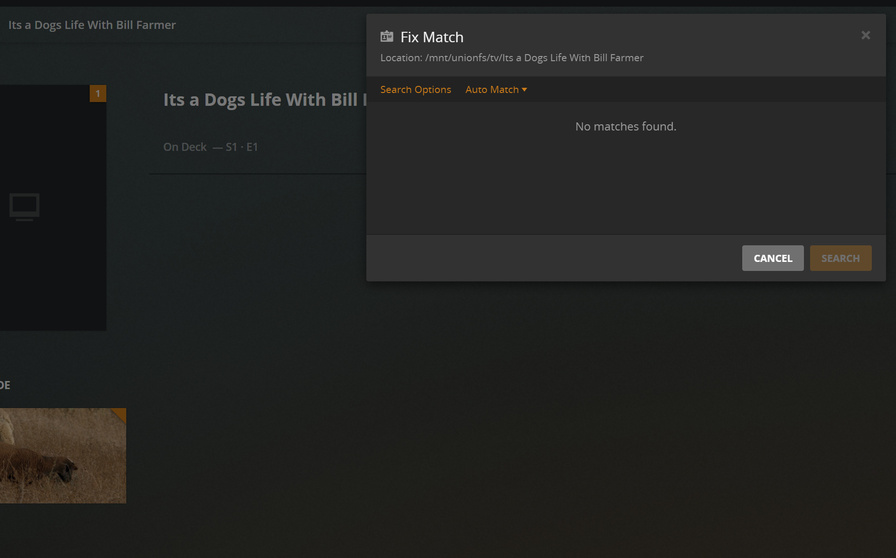
Just pointing out that in this thread, similar to the issue with years, there’s an issue with TV shows that have symbols in their titles, like Penny Dreadful: City of Angels. The biggest culprit seems to be shows with a : in them. There’s odd behavior around them not only failing to match, but also the manual match struggling which was not the case earlier.
It might end up being fixed with the changes you mentioned anyways, but if not, it might be good to have the team look into that case as well.
No problem. Things like : are silently removed.
In this case, the token string is “Penny”, “Dreadful”, “City”, “of”, and “Angels”/
It uses these tokens (keywords).
Chuck, the problem is, without the : the match does not have any results.
Right, so it creates the below two issues
If my folder is named Penny Dreadful - City of Angels where the - is a replacement for : (since : are illegal on Windows), then Plex will not match the title naturally.
On a manual match, both Penny Dreadful City of Angels and Penny Dreadful - City of Angels will return no matches. You have to use Penny Dreadful: City of Angels or the TVDB ID to match these cases.
Both of the above seem like regressions compared to earlier behavior. It seems clear now that the issue is at TVDB end, but still worth mentioning.
I’ve found other things with TVDB matches.
I pinned one down today which I gave to Engineering.
Glastonbury (1994) vs Glastonbury (2019) always matches 1994.
Correct. Even if your folder is named (as per TVDB) ie. Penny Dreadful: City of Angels, Plex also fails to auto match.
However “Match” will immediately find a result with the same folder name.
Auto Match seems to fail if a symbol or 2020 is included in the folder name- whereas “Match” doesn’t.
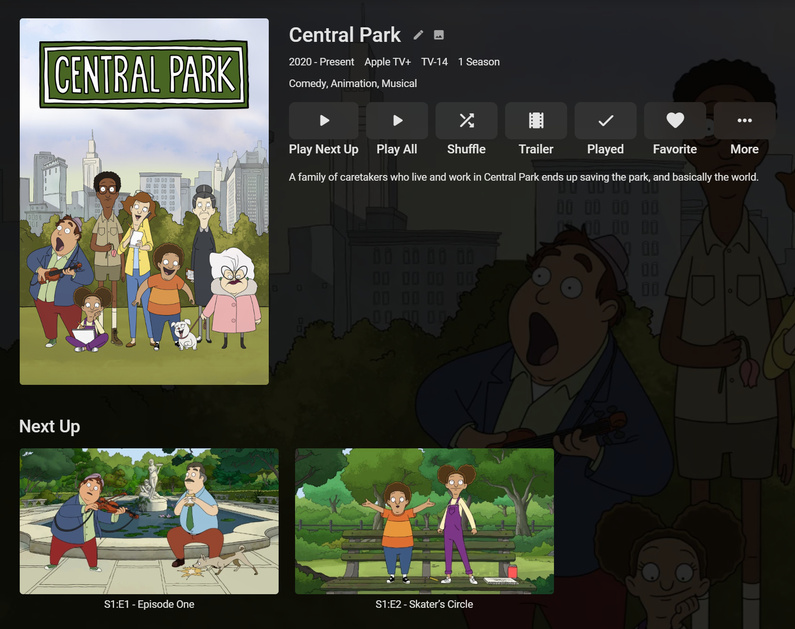
Central Park on Apple TV+ won’t match either.
It’s probably been mentioned before in this thread but pasting in the TVDB ID into the TITLE field and SEARCHING in the MATCH SERIES window fixes this sometimes.
It does work and is a help when matching manually. Still shouldn’t have to know a shows TVDB to match it though. Particularly in this case.
It’s the only TV Show on TVDB called “Central Park” and Plex can’t auto match it.
What’s worse - it’s matching Central Park West, bypassing the perfect name to match a completely different show from the late 90s.
I’d definitely call that one a ‘Match Failure’.
Someone can add it - I’m busy with something else, ATM.
Interestingly, Emby didn’t have a problem auto matching it- using the same file structure and same metadata source
Something needs to be done about this auto matching functionality in Plex. It’s worse than it’s ever been.
If a match can’t be made using THE EXACT NAME that’s a problem.
If the EXACT SHOW - USING THE EXACT NAME is bypassed to match a COMPLETELY DIFFERENT SHOW with a COMPLETELY DIFFERENT NAME - that’s a problem.
Does this show have a listing at TMDB?
I didn’t try when I tested, I should have, 'cause that’s what I’d do first, and didn’t do it.
I think you will impressed with this development
Excellent news! Great to see this is being fixed and improved.
Give it a whirl with a test library, it does not mess with your other existing Libraries
It’s only for movies, though. Not for TV shows atm.
Still a solid move forward Otto, or do you think different?
Of course. I just don’t want to raise wrong expectations, considering this thread’s topic.