What good is this app if you need to be a network engineer to get it to work.
It is a hassle to just figure out if you are signed into the app, the server or the website. Never mind trying to make sure you have the right versions of the media server and the viewer.
All of that before you can even get to the point that realize you can’t access your movies.
Point being setting this app up and sharing access is not for the everyday person. Port forwarding, static IP address, routers that don’t allow UPaP, firewall pass throughs, etc… how can they expect a non IT person like myself to figure all of this out.
At this point I can’t get the “secure” connection to stay connected.
It connects for a brief moment and then disconnects saying secure connection not allowed see network settings.
Then I find myself in this endless cycle of reading step after step. At one point I had 8 different windows open reading steps on plex setup, router configuration, windows 10 and local network settings.
Funny thing is one of the Plex articles was on how easy the secure set is because it does it automatically does it for you. Yea. - not so much…
Where are you stuck at right now? We can all help you get it sorted 
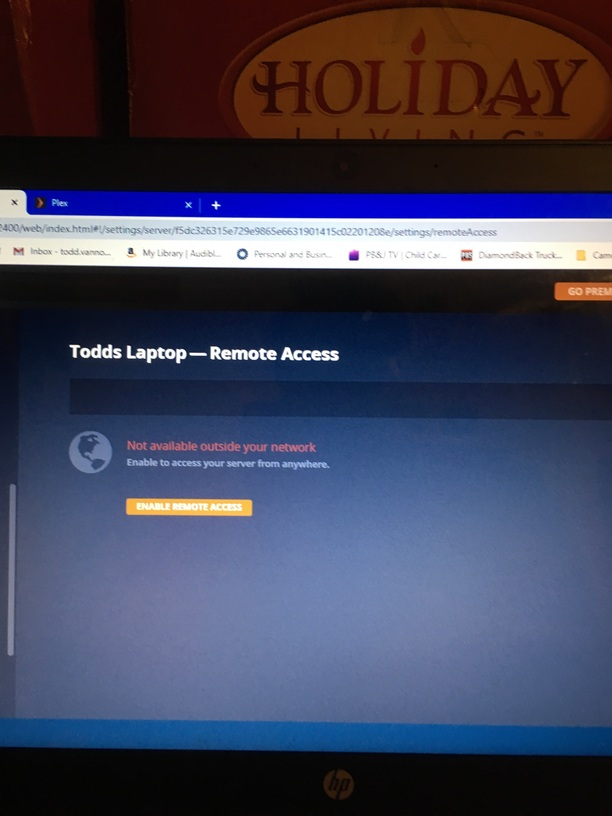
Are you determined to require encrypted access? Just turn it off, and let yourself access it unencrypted or insecure
I’m assuming that you’ve already clicked on “Enable Remote Access” and it fails, yes?
If so, can you tell me the make/model of router you’re using? There is no need to do a static IP by the way, 90% of the routers on the market in use today have something called IP Reservation (different words sometimes used) that will act as a “static IP”
Not 100% certain… I would think unsecured would mean that my server is then unsecured.
Not sure I want that?
Secure Connection and Unsecured connection are different than whether or not your server itself is secure. Secure vs Unsecured when talking about the connection is about whether the packets for the username/password, and content are encrypted or not. ie, there’s a small potential for someone to be able to grab your packets/copy them in transit and view their contents. It’s highly unlikely this will happen in practice, especially when connecting to your home machine.
Sometimes called Static LAN IP
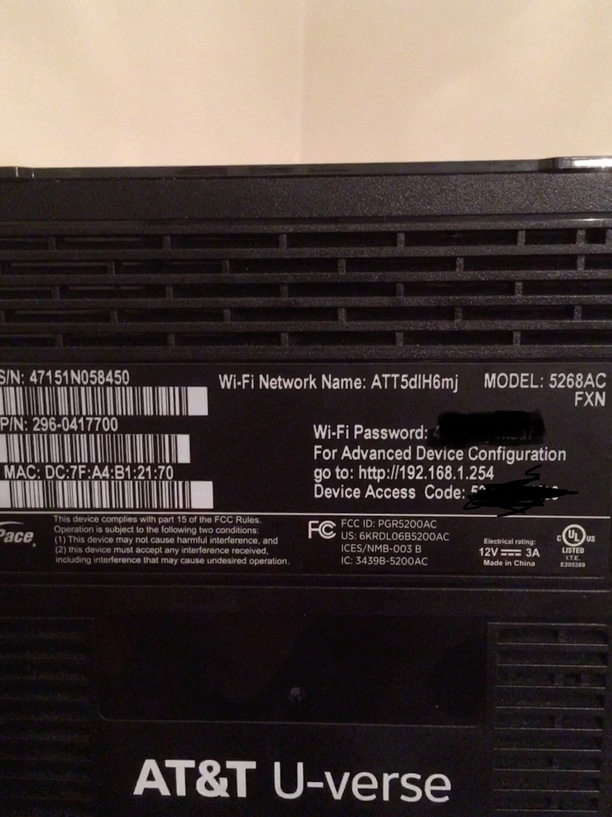
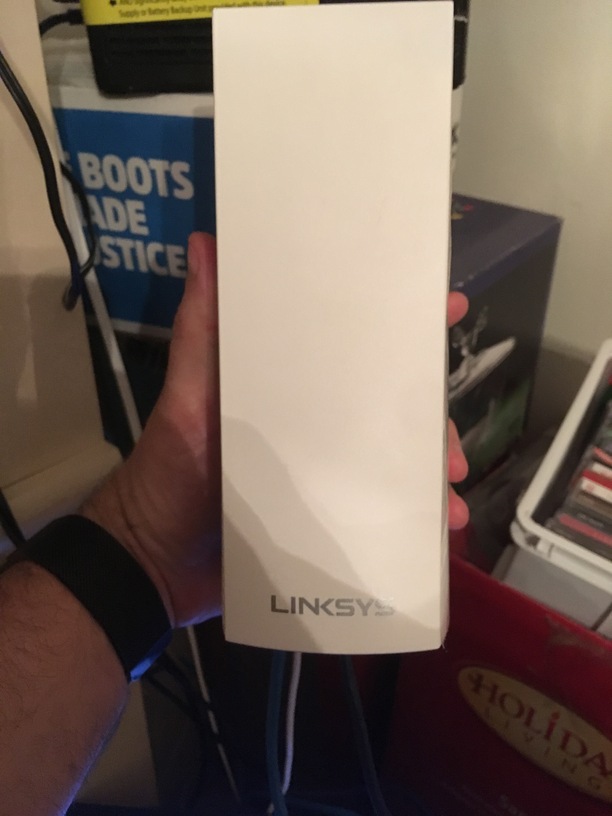
Is the Linsys “Mesh” setup AS a Mesh? (As opposed to a router) if not you’re Double NAT which is difficult, but not impossible, to use. It will just be more leg work.
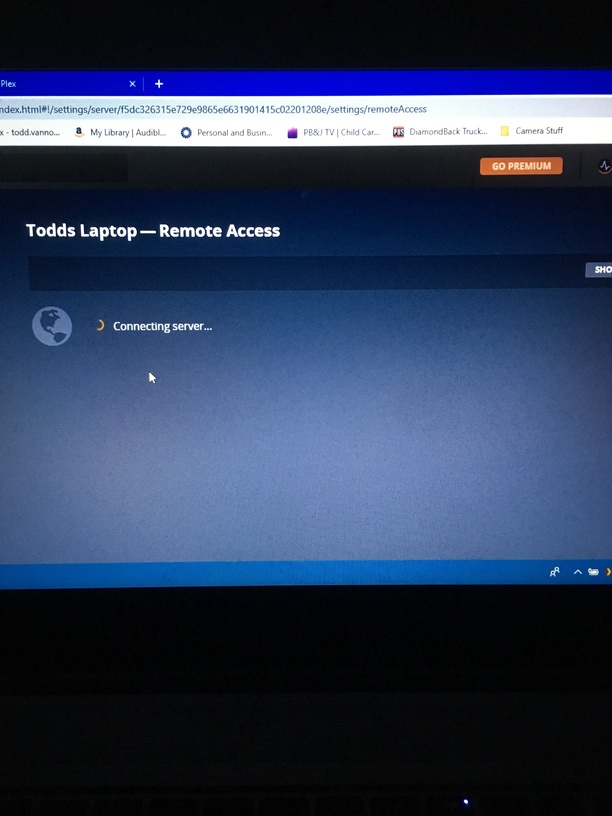
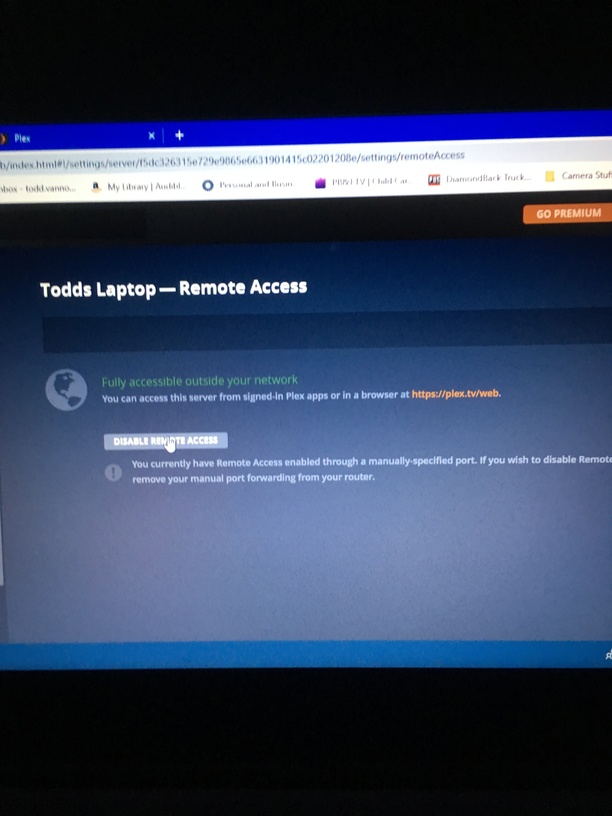
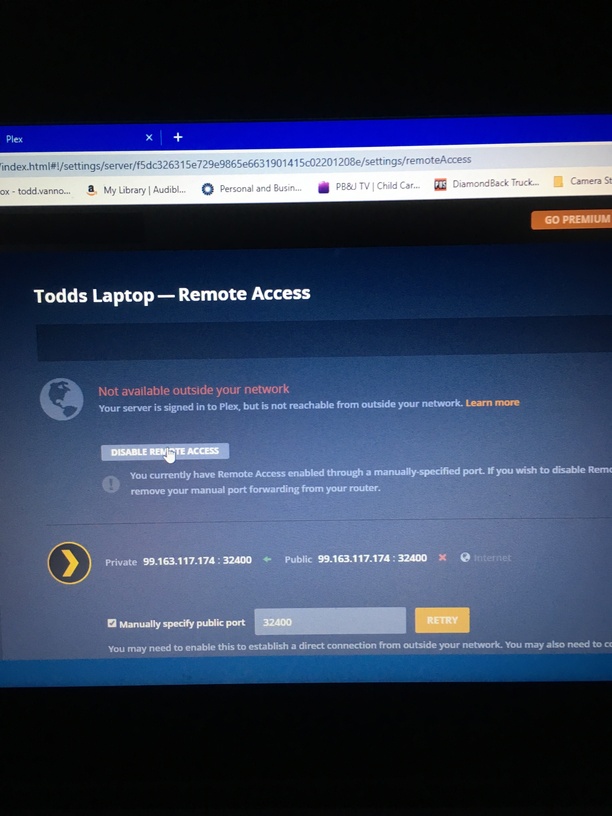
Regarding the Lynksys mesh - Not sure?
I don’t think so but I didn’t set it up?
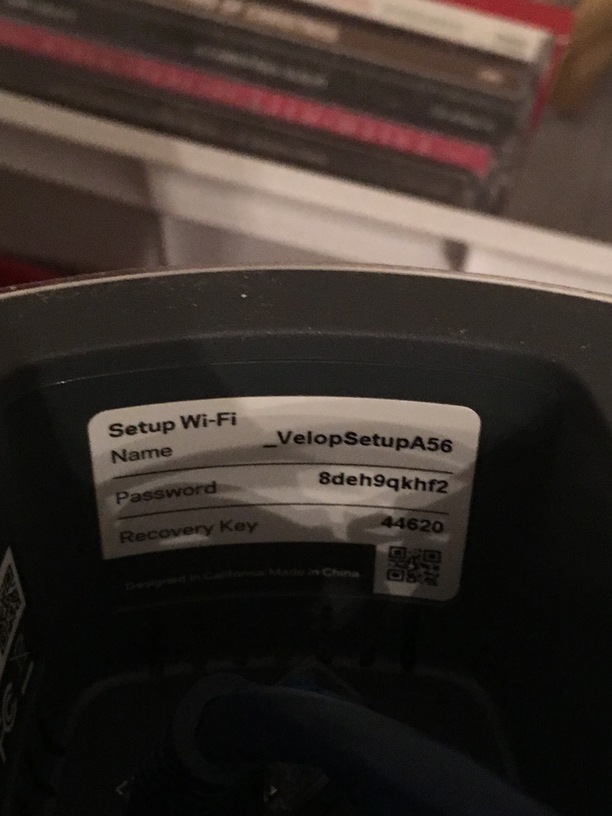
Can I have the Linksys Model Number? We’ll start from scratch, and I will walk you through the best possible setup for the equipment you have…
Also, go here, and plug in 32400 in the port section and see if it can see you (this checks the availability of your chosen port currently)
Your Public IP should be different to your LAN IP. It’s preferred that Public port be different also for remote
Yeah, good catch SE56, I didn’t even notice that… Your private IP should be something like 192.168.1.xxx
open a command prompt (hold down the windows button on your keyboard and tap the letter R on your keyboard, then type in “cmd” without the quotation marks)
then type in ipconfig
Look for your IPV4 address, this is your computers private IP, that’s what it should be in Plex
Canyouseeme.org shows “could not see service”
On my IP address
Did you set the IP for your computer in windows or in the AT&T router as that 99.163.117.174? Or?
