L: and S: are root dirs, with all movie files contained within the root. V: is also root, but each series then has its own directory. Otherwise, we’d just have anarchy…
If you want Plex server to handle library scans faster, and improve overall performance when browsing your library, go with the recommended method of
don’t place media in “root” folders. Always use a subfolder.
create one subfolder per movie, (within the general folder recommended in 1. )
This method also makes the “manual” scanning of particular subfolders unnecessary, because Plex can use the date-time stamp of the subfolders to decide whether a scan of the folder is necessary or not. This is what the server option “Run a partial scan when changes are detected” is about.
(may not work with network file shares, depending on the used SMB/CIFS server)
L: and S: were only added as proof that I had used some of the URL code correctly. The movie dirs scan quickly every week or so without issues. TV is added to and scanned daily, sometimes twice. Usually just a new show in a couple series, sometimes an entire new series.
I still think that your use of a “naked” drive letter as library destination is problematic.
I think it should be rather something like V:\TV\
Try a folder name of v:\Ghosts {tvdb-249106}\Season 01\
Make sure it is not mingled with a different series by the same ort a similar title.
(set the library to “episodes” view mode, then engage the Duplicates quickfilter)
Compare your results with the regular scanning method per the Plex GUI.
As last resort, perform the Plex Dance and use trigger a regular library scan.
The square brackets in the screenshot are just because of the use of some “Norton Commander” clone, which introduced the square brackets to indicate folders vs. files.
(gosh, I feel old)
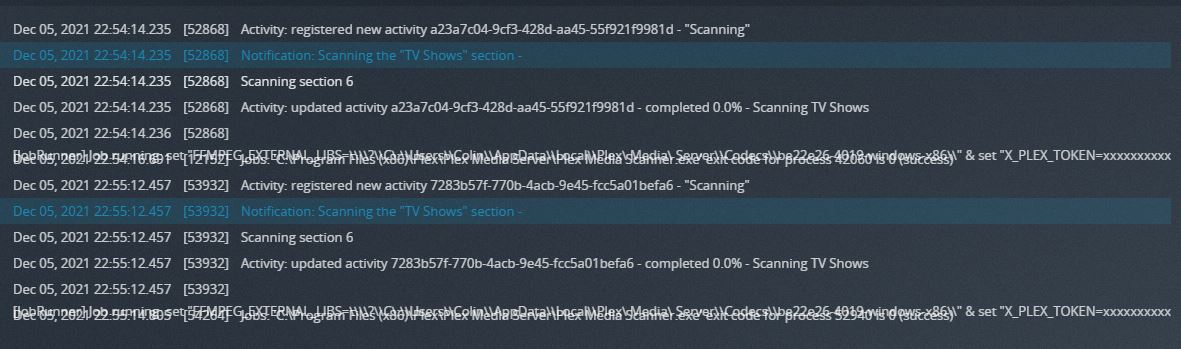
I’m primarily a Kodi user, but use Plex for serving content to my relatives. So my folder structure has been set in stone since 2011. Up to now, the Kodi structure has been fine for both Kodi and Plex. Only now trying to use URL commands has this presented an error. I’m not complaining about anything, just explaining.
Just created a new share in unRAID called Media, then created TV Shows > Ghosts > Season 01 > ghosts.s01e01.mp4 and of course it scraped instantly. Plex TV Agent chose the wrong series, but that’s normal behavior…
I’m going to transfer their shows to this new share. Movies too. Since the library will be much smaller, content will scrape faster and be easier to troubleshoot issues if I follow the Plex folder/naming conventions.
I still would like URL commands to work, but it’s not a huge deal if scanning is faster. Now I just have to find and move their content to the new share. Oh, and create the movie folders.